Voicemod
Transforms your voice in real time with AI effects for gaming and streaming.
Voicemod is a real-time voice changer and soundboard tool that enhances online audio experiences for gaming, streaming, and chats. It supports Windows 10/11 and macOS, integrating with popular apps such as Discord, OBS, Fortnite, and Valorant. The software installs a virtual microphone for seamless input switching.
Key features include the Voice Changer, which offers over 200 AI-generated voices, ranging from anime styles to radio effects. Users select voices in real time, applying them during live sessions. The Soundboard enables the playback of sound effects and memes, offering hotkeys for quick access during live streams or gaming sessions.
Voicelab provides customization tools, including mixing effects such as reverb, delay, and Robotifier, to create or modify voices. The Recorder captures audio from sources such as YouTube or in-game, featuring Instant Replay for up to 30 seconds of rewind. Community sharing via Tuna allows users to upload content without manual uploads.
The Twitch Extension enables audience control of the streamer’s voice, boosting interaction and earnings through bits. Technical processing uses AI for low-latency modulation, compatible with most headsets. The free version limits voices and sounds, while pro tiers expand access, offering a generally more affordable option than competitors like Respeecher for unlimited use.
Users appreciate the ease of setup and variety, often highlighting fun in group settings. Some report occasional glitches with audio drivers or limited free options. Compared to Voice.ai, Voicemod offers better stability in noisy environments. Surprise elements include viral clip potential from recorded moments.
For best results, update drivers before installation and test the app in a quiet environment first. Explore Tuna for trends, and use Voicelab sparingly to avoid overcomplication.
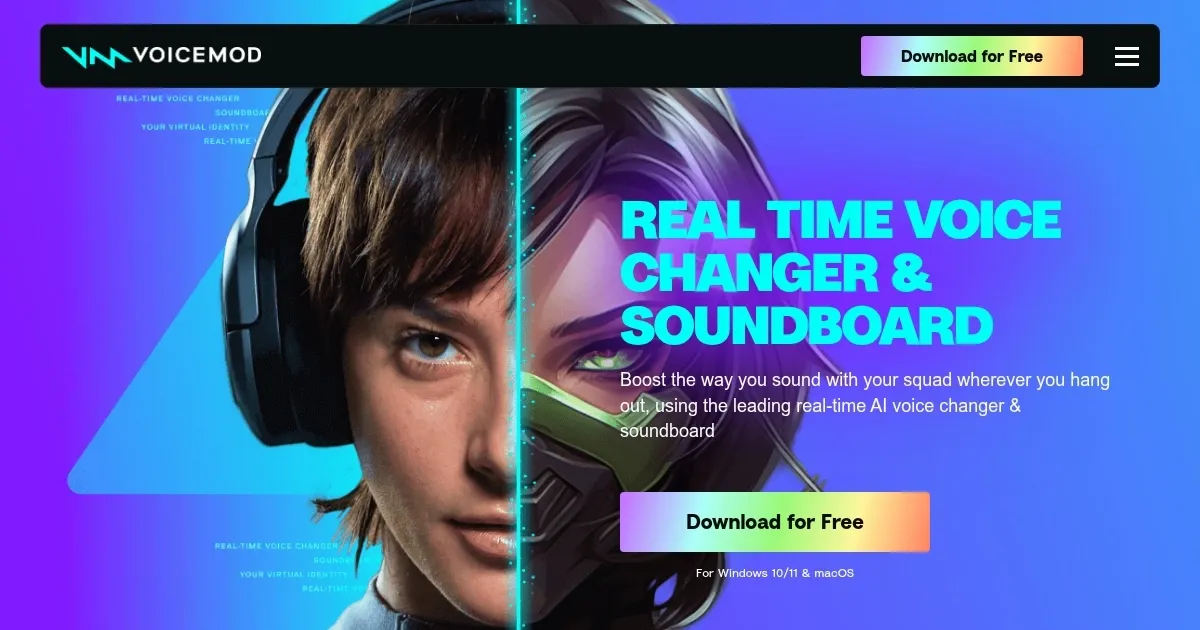
Homepage Screenshot 📸
Video Overview 🎬

What are the key features? ✨
- Voice Changer: Applies over 200 AI voices in real time for instant modulation during chats or games.
- Soundboard: Plays custom or community sound effects with hotkeys for quick deployment in streams.
- Voicelab: Customizes voices by blending effects like reverb and delay for unique audio creations.
- Recorder: Captures and saves audio clips from sources, with Instant Replay for recent moments.
- Twitch Extension: Lets viewers control the streamer's voice live to increase engagement.
Who is it for? 🤔
Examples of what you can use it for 💡
- Gamer: Enhances team chats in Fortnite by switching to character voices for immersive role-play.
- Streamer: Integrates soundboard effects in OBS to react to chat with meme clips during live sessions.
- Content Creator: Uses Voicelab to craft custom narration tones for YouTube videos or podcasts.
- VTuber: Applies anime-style voices in VRChat to match avatar aesthetics seamlessly.
- Friend Group: Drops hilarious sounds in Discord hangouts to surprise and entertain during virtual gatherings.
Pros & Cons ⚖️
- Easy real-time setup
- 200+ voice options
- Low-latency AI
- Community sound sharing
- Free version limits
- Occasional audio bugs
FAQs 💬
Ready to try Voicemod?
Transforms your voice in real time with AI effects for gaming and streaming.
Visit VoicemodVoicemod alternatives 🔗