Renderforest
An AI-powered design platform that helps you create videos, logos, websites, and more
Renderforest is an AI-powered design platform that helps you create videos, logos, websites, and more. It acts as a creative toolbox at your fingertips, offering many features businesses need today.
Say you need a video for your business without knowing where to start – Renderforest offers templates that will guide you step by step. You get to pick a style and add your content, and the platform will do the rest.
You can also use it to design logos, build websites, and create mockups — all in one place. And it is this all-in-one approach that saves time and keeps your branding consistent.
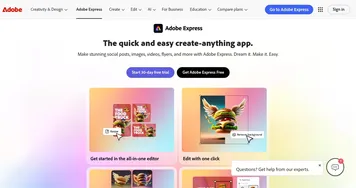
Alas, Renderforest is not the only game in town, with tools like Adobe Express, Canva and Fotor providing more advanced features. So, if you’re looking for intricate animations, you might explore those options.
Nevertheless, for many users — especially small businesses and content creators — Renderforest hits the sweet spot between ease of use and functionality. It is a platform that empowers you to bring your ideas to life without needing a design degree.
The bottom line is – Renderforest offers a comprehensive suite of tools for anyone looking to create professional digital content without the complexity of traditional design software. While it may not replace specialized tools for advanced designers, its ease of use and versatility make it useful for many.
Homepage Screenshot 📸
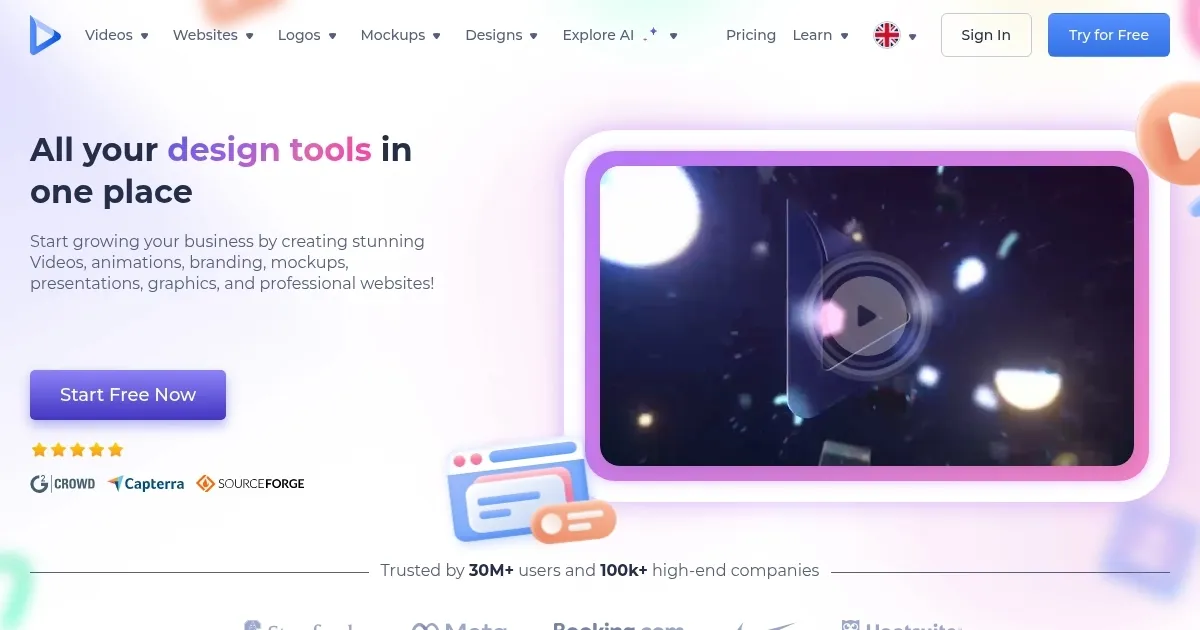
Video Overview 🎬

What are the key features? ✨
- Video creation: Renderforest offers a vast library of templates for various video types, including intros, animations, and presentations.
- Logo maker: With its AI-driven logo maker, you can generate professional logos by entering your brand name and selecting preferences.
- Website builder: The platform provides website templates tailored for different industries. You can then customize these templates to create a functional website without coding.
- Mockup generator: Renderforest's mockup tools allow you to visualize your designs on various products, like t-shirts or mugs, which could be useful for branding and marketing materials.
- AI tools: The platform includes AI features like text-to-video generation to simplify content creation.
Who is it for? 🤔
Examples of what you can use it for 💡
- Companies can create promotional videos and branded content to engage their audience
- Educators can design informative videos and presentations to enhance learning experiences
- Content creators can produce eye-catching videos and graphics for platforms like YouTube and Instagram
- Startups can establish their brand by creating logos, websites, and promotional materials in one place
- Event organizers can design invitations, promotional videos, and websites for events
Pros & Cons ⚖️
- Accessible for users with varying levels of design experience
- An all-in-one solution combining video creation, logo design, website building, and more
- Templates and AI tools speed up the content creation process
- Limited customization options
FAQs 💬
Ready to try Renderforest?
An AI-powered design platform that helps you create videos, logos, websites, and more
Visit RenderforestRenderforest alternatives 🔗