Best AI Animation Generation Tools

90 toolsRanked by traffic

AI animation generation tools create animated motion from a text prompt or a still image, producing movement that did not exist in any original footage. The focus is the act of generating motion broadly, whether that is a moving scene, a stylized sequence, or a photo brought to life. Tools in this space include Kling AI, Runway, Sora, and Deep Nostalgia.

Designers, marketers, and hobbyists use these to add movement to artwork, animate a portrait, or generate a moving backdrop. It helps to separate two ideas: animation generation is about producing motion, while a finished cartoon with characters and a story is a different, more specific output. Quality varies a lot by source, so a clean image or a precise prompt gives the model more to work with and yields smoother, less glitchy motion.

Kling AI
Kling AI - icon
Kling AI
Generates cinematic videos from text or images with realistic motion
Veo
Veo - icon
Veo
Generates high-quality videos with audio from text or image prompts
Runway
Runway - icon
Runway
Generates and edits AI-powered videos from text prompts
Sora
Sora - icon
Sora
Generates hyperrealistic videos from text prompts with synchronized audio
Deep Nostalgia
Deep Nostalgia - icon
Deep Nostalgia
An AI-driven service that animates photos, making it seem as though people are moving and expressing emotions.
PixVerse
PixVerse - icon
PixVerse
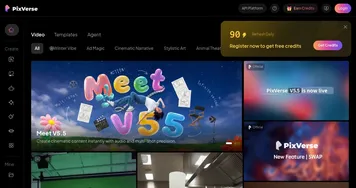
An AI-driven tool designed to help users create fancy videos with ease
InVideo
InVideo - icon
InVideo
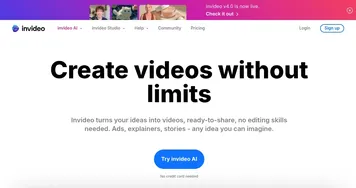
Helps you make professional videos with ready-made customizable templates
Pollo AI
Pollo AI - icon
Pollo AI
Bring your creative ideas to life through advanced AI
Hailuo AI
Hailuo AI - icon
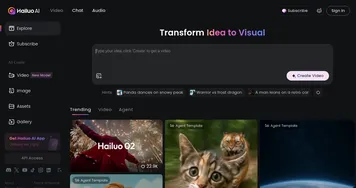
Hailuo AI
Transforms text or images into high-quality, short AI-generated videos
Wan
Wan - icon
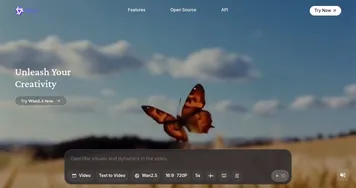
Wan
Generates videos from text prompts or images up to 1080p resolution
Renderforest
Renderforest - icon
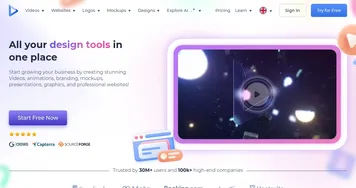
Renderforest
An AI-powered design platform that helps you create videos, logos, websites, and more
Vidu AI Video Generator
Vidu AI Video Generator - icon
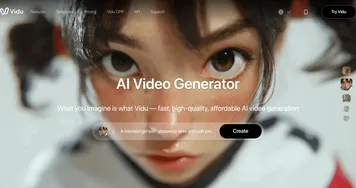
Vidu AI Video Generator
Transforms text and images into high-quality AI-generated videos in seconds
Viggle
Viggle - icon
Viggle
Using AI to animate characters from images and generate videos with ease
Synthesia
Synthesia - icon
Synthesia
AI service that lets you create professional videos in 15 minutes
Luma Dream Machine
Luma Dream Machine - icon
Luma Dream Machine
Generates stunning images and videos from simple text prompts

Frequently Asked Questions

What is AI animation generation?
AI animation generation is the process of using a trained model to create motion from a text prompt or a still image. Instead of hand-drawing frames, you describe or upload something and the tool renders the movement. It covers animated scenes, moving artwork, and bringing photos to life, all generated rather than filmed.
Can AI animate a still image?
Yes, AI can animate a still image by predicting how its elements would move and generating the in-between frames. You upload a photo or illustration, choose a motion style or camera move, and the tool produces a short animated clip. Results are best on clear, well-lit images with a single clear subject.
What is the difference between animation generation and animated video?
Animation generation focuses on creating motion itself, often a moving scene or an animated still. Animated video usually means a finished cartoon-style piece with characters, scenes, and a narrative. One is about generating movement broadly, the other is about producing a complete animated story you can publish as a final video.
Do you need animation skills to use these tools?
No, AI animation tools are built so you do not need drawing or rigging experience. You write a prompt or upload an image, pick a style, and the model handles the frames. A little practice with prompt wording helps you steer the motion, but the technical animation work is done for you.
Are AI animation tools free to use?
Many AI animation tools have a free tier with limited renders or a watermark, then charge for more. Paid plans commonly start near ten to twenty dollars a month and remove limits, raise quality, and grant commercial use. Because rendering motion is compute-heavy, free credits usually run out fast.