Runway by Runway AI, Inc.
Generates and edits AI-powered videos from text prompts
Runway is an AI platform that generates and edits videos using text prompts and reference images. It focuses on tools like Gen-4 for creating consistent characters and scenes across multiple shots. This addresses a key challenge in AI-generated video, where continuity often breaks down. Runway builds on multimodal models that integrate text, images, and video for realistic outputs. Users access features through a web app with tiered plans, starting from free exploration to enterprise-level customization.
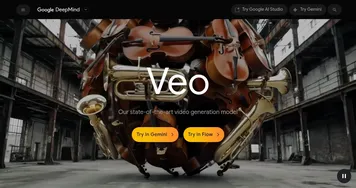
Key features include Aleph for video editing, which enables changes such as removing objects or adjusting lighting via intuitive prompts. Gen-4 supports narrative capabilities, as shown in short films produced entirely with the model. Compared to competitors, Runway offers more integrated editing than Sora, which prioritizes long-form storytelling but lacks built-in post-production tools. Similarly, Veo excels in 4K photorealism with audio, but it requires a more technical setup for workflows.
Users appreciate the speed of transformations, such as swapping outfits or adding effects, which saves time in prototyping. Recent updates, like References for world consistency, enable branching narratives from a single image. Technical details involve autoregressive-to-diffusion models for faster decoding and higher quality. Pricing includes a free tier with limited credits, standard plans for moderate use, and pro options with expanded storage and support. This structure compares favorably to Luma AIs animation-focused tiers, offering broader creative flexibility.
Potential drawbacks include render delays during peak usage and occasional prompt misinterpretations, leading to less accurate results. Some users report credit consumption even on failed generations, which can be frustrating for beginners. Runway mitigates this with tutorials and a creative partners program for guidance. Against Luma AI, Runway provides superior character consistency but may trail in dreamlike motion effects.
For practical application, start with simple text-to-video prompts to familiarize yourself with the interface. Use image references for better control over styles and subjects. Integrate with Adobe tools for seamless exports in professional pipelines. Experiment with Gen-4 for short narratives, iterating on outputs to refine details. This approach builds proficiency while uncovering the tools strengths in real projects.
Homepage Screenshot 📸
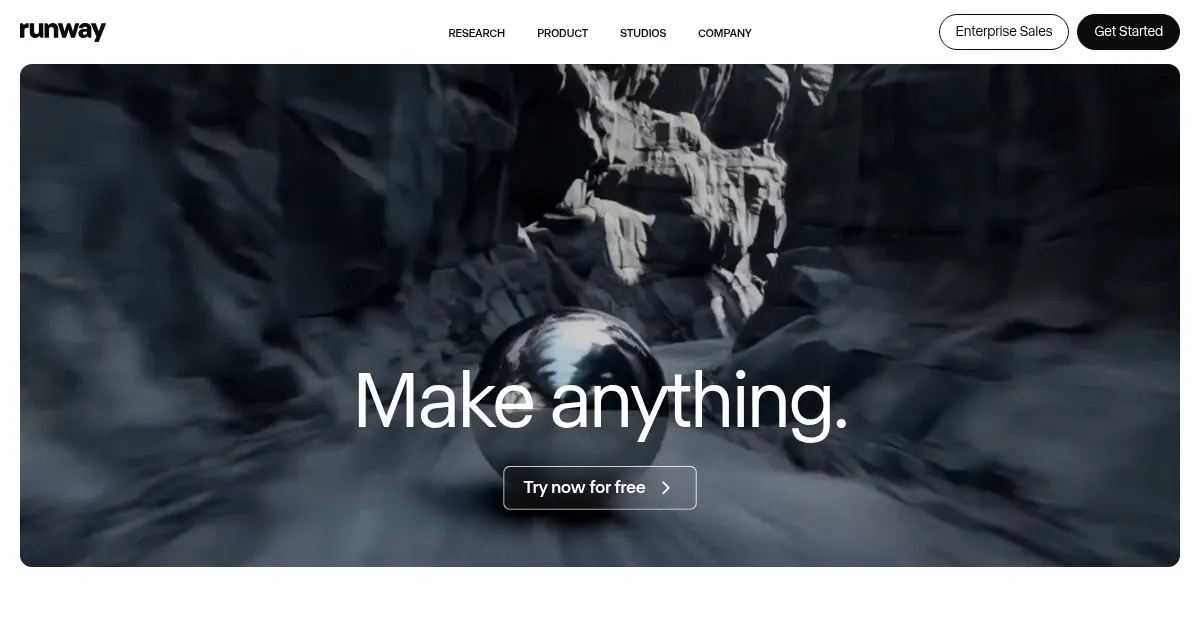
Video Overview 🎬

What are the key features? ✨
- Gen-4: Advanced model for generating videos with consistent characters, scenes, and narrative flow using text and image prompts.
- Aleph: Video editing tool that transforms clips by adding, removing, or modifying elements through natural language instructions.
- References: Feature enabling persistent world-building by maintaining visual consistency across multiple generated shots from a single reference image.
- Motion Brush: Allows precise animation of specific parts of an image or video, such as adding dynamic movements to static elements.
- Act-Two: Captures and replicates character performances for lip-sync and motion transfer in video productions.
Who is it for? 🤔
Examples of what you can use it for 💡
- Indie Filmmaker: Generates animatics from storyboards to visualize scenes before shooting, ensuring character continuity across clips.
- Marketing Team: Creates virtual try-on videos for e-commerce, swapping outfits on models via text prompts for personalized ads.
- Game Developer: Builds mood boards with transformed video elements to prototype environments and asset visuals rapidly.
- Advertiser: Edits product shots by removing backgrounds or adding effects, speeding up campaign asset creation.
- Content Creator: Produces character performance reels with lip-sync for social media, using references for consistent avatars.
Pros & Cons ⚖️
- Consistent characters
- Easy text edits
- Fast prototyping
- Adobe integration
- Slow peak renders
- Credit limits
FAQs 💬
Runway alternatives 🔗