
Best AI Image to Video Tools
61 toolsRanked by traffic
AI image to video tools turn a still image into a moving video clip, adding motion to a photo or picture you upload rather than generating a scene from text. The defining idea is bringing an existing image to life: you keep the exact look and the model animates it. Tools here include Kling AI, Runway, Veo, and Deep Nostalgia.
People use image-to-video to animate product photos, add subtle movement to artwork, or bring old family pictures to life. The big advantage over text-to-video is control: because you supply the exact frame, the result looks the way you intended instead of whatever the model invents. Results lean on the source, so a sharp, well-lit image with a clear subject animates far more cleanly than a busy or blurry one.

Kling AI
Generates cinematic videos from text or images with realistic motion

Veo
Generates high-quality videos with audio from text or image prompts


Runway
Generates and edits AI-powered videos from text prompts
Sora
Generates hyperrealistic videos from text prompts with synchronized audio
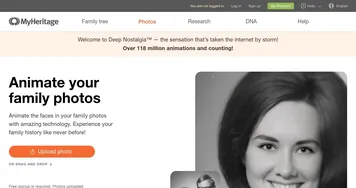
Deep Nostalgia
An AI-driven service that animates photos, making it seem as though people are moving and expressing emotions.
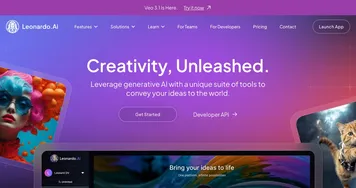

Leonardo.Ai
A tool that helps artists create stunning game assets with the help of AI
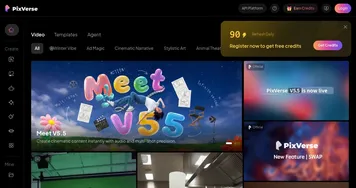
PixVerse
An AI-driven tool designed to help users create fancy videos with ease
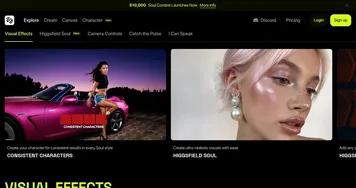
Higgsfield
An AI video tool that can turn still images into motion clips with cinematic camera moves
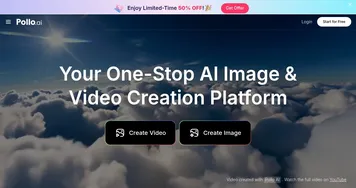
Pollo AI
Bring your creative ideas to life through advanced AI
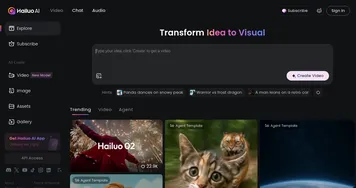
Hailuo AI
Transforms text or images into high-quality, short AI-generated videos
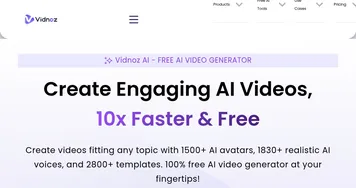

Vidnoz AI
An AI-powered text-to-video platform, made for marketers, businesses, educators, and more
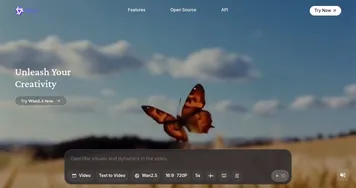

Wan
Generates videos from text prompts or images up to 1080p resolution
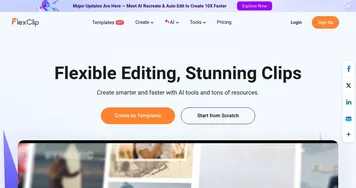

FlexClip
Easily create and edit videos for the brand, marketing, social media, and any other purpose
Vidu AI Video Generator
Transforms text and images into high-quality AI-generated videos in seconds
Imagine
Enter a prompt, choose a style, and watch an AI art generator bring your ideas to life
Frequently Asked Questions
What is image to video AI?
Image to video AI takes a still picture you upload and generates motion from it, producing a short clip that keeps your original image as the starting frame. You choose a movement style or camera move, and the model fills in the frames. It is the way to animate a specific photo without rebuilding the scene from a prompt.
How do you turn a photo into a video with AI?
To turn a photo into a video with AI, upload the image, describe or select the motion you want, such as a slow zoom or a gentle pan, and let the tool render a short clip. Clear, high-resolution photos with one obvious subject animate best. You can usually generate a few versions and pick the smoothest.
Why choose image-to-video over text-to-video?
Image-to-video gives you more control over the final look because you start from an exact picture instead of a written description. The colors, composition, and subject are already set, so the model only adds movement. Text-to-video is better when you have no source image and want the tool to create the whole scene.
Can AI bring old photos to life?
Yes, AI can animate old photos, adding lifelike movement to faces or gentle motion to a whole scene. Tools made for this restore and animate portraits so a still relative appears to look around or smile. Quality depends on the photo, so scanning at higher resolution and cleaning up damage first helps a lot.
Are image to video tools free?
Most image to video tools offer a few free renders or a limited free tier, then charge for more. Paid plans usually start around ten dollars a month and add longer clips, higher resolution, no watermark, and commercial rights. Since each render is compute-heavy, free credits tend to be limited.