logo-darklogo-darklogo-darklogo-dark
  • Tool Categories
    • 🎨Art & Creative Design505
    • 🏢Business Management644
    • 💻Coding & Development515
    • 👮Detection83
    • 🧠General Use727
    • 🏥Health & Wellness55
    • 📷Image & Photo Analysis100
    • 🖼️Image Generation & Editing618
    • 📐Interior & Architectural Design37
    • 🎓Learning & Education483
    • ⚖️Legal & Finance90
    • 🎭Lifestyle & Entertainment236
    • 📢Marketing & Advertising627
    • 🎧Music & Audio138
    • 👔Office & Workplace1,014
    • 🔬Research & Data Analysis372
    • 👥Social Media245
    • 🎥Video Generation & Editing426
    • 👧🏻Virtual Companion135
    • 🎤Voice Generation & Editing381
    • ✍️Writing & Editing808
    • All Categories
    • AI Use Cases
  • News
  • Events
    • Academic Conferences
    • Developer Conferences
    • Expos / Trade Shows
    • Industry Summits
    • Workshops / Training
    • All Events
    • Past Events
  • Saved Tools
  • Suggest a Tool
✕
Home › Video Generation & Editing › Video Generation› Pollo AI
Pollo AI

Pollo AI

Bring your creative ideas to life through advanced AI

Pollo AI is a fancy platform designed to bring your creative ideas to life through advanced AI. Whether you’re a content creator, marketer, or hobbyist – Pollo AI provides you with a suite of tools to transform text, images, and videos into dynamic visual content. With its user-friendly interface and a wide array of features, crafting engaging videos has never been more accessible.

Pollo AI can generate videos from simple text prompts. By inputting a description, users can watch their words transform into vivid videos. This function can be useful for those looking to create content quickly without extensive video editing skills. The platform supports different styles, allowing for a personalized touch to each creation.

Pollo AI also excels in animating static images. Users can upload a photo and, with a few clicks, bring it to life with motion effects. This can be handy for breathing new life into old photographs or creating dynamic content for social media. The process is straightforward, making it accessible even for those new to digital content creation.

To make things easier for users, Pollo AI offers a range of special effects and templates — from fun physics simulations like the AI Squish Effect to character transformations into superheroes or fantasy figures. These features are said to be ideal for those looking to produce videos that stand out in a crowded digital landscape.

Lastly, we’ll mention Pollo AI’s commitment to continuous improvement, providing users with access to the latest tools in AI-driven video creation. And it is this commitment to growth that makes Pollo AI a solid choice for those seeking to keep their content fresh and relevant.

Visit Pollo AI ↗
Categories
🎥 Video
📹 Video Generation 📝 Text to Video 🖼️ Image to Video 🎞️ Animation Generation 🤖 Avatar Video Generation 👄 Lip Sync Generation
🖼️ Image
🖼️ Image Generation 🪄 Text to Image

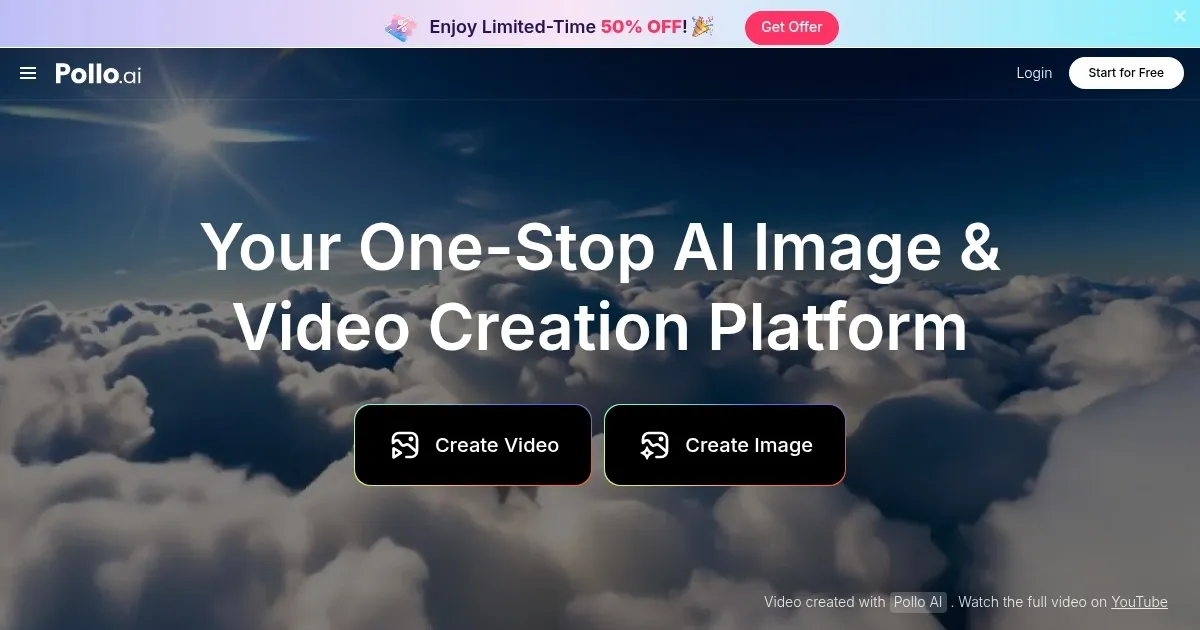
Homepage Screenshot 📸

Pollo AI screenshot

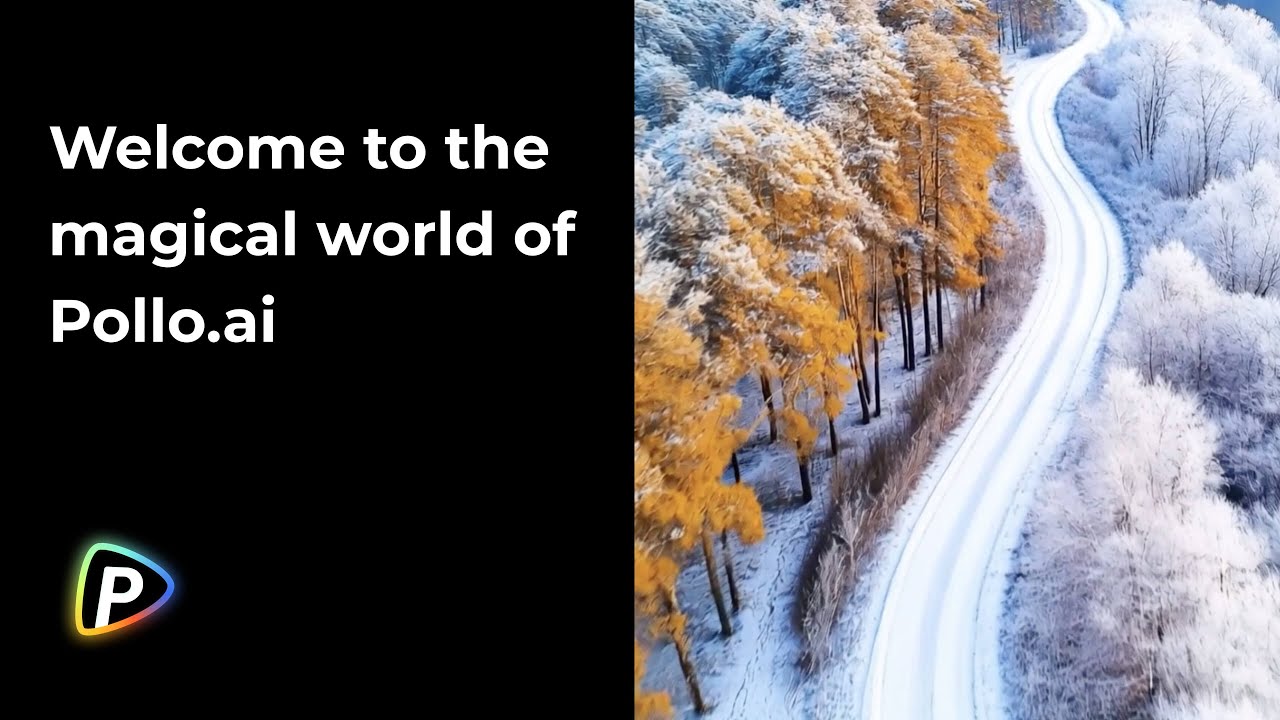
Video Overview 🎬

Pollo AI - Video Overview

What are the key features? ✨

  • Text-to-video: Transform written descriptions into engaging videos with little to no effort.
  • Image animation: Bring static images to life with dynamic motion effects.
  • Special effects library: Access different effects, including AI Squish and Inflate, to add a unique flair to your videos.
  • Character transformations: Easily morph subjects into popular characters or fantastical beings.
  • User-friendly interface: Navigate and utilize tools with ease, regardless of your experience level.

Who is it for? 🤔

Pollo AI is designed for a diverse audience, including content creators, marketers, educators, and hobbyists. Its tools are designed to simplify the video creation process, making it accessible to users with varying levels of technical expertise. So, whether you're aiming to boost your brand's online presence or explore creative projects - Pollo AI provides the resources to achieve your goals.

Examples of what you can use it for 💡

  • Quickly produce eye-catching videos to engage followers
  • Develop compelling visual content to promote products or services
  • Create dynamic presentations to enhance learning experiences
  • Animate family photos or craft unique gifts for loved ones
  • Generate creative content for blogs, vlogs, or entertainment channels

Pros & Cons ⚖️

  • Supports multiple media types and creative styles
  • Intuitive design suitable for beginners and professionals alike
  • Continuous feature enhancements
  • Free plan limitations with watermarked

FAQs 💬
What is Pollo AI?
Pollo AI is an all-in-one AI platform that generates videos and images from text prompts, photos, or existing footage, using multiple top AI models like Kling AI, Runway, and Google Veo to create professional content quickly without needing editing skills.
How does Pollo AI work for beginners?
It starts with a simple interface where you input a text description or upload an image, pick a style or model, and hit generate; the AI handles motion, audio, and effects in minutes, making it accessible even if you have no video experience.
What are the key features of Pollo AI?
Key features include text-to-video, image-to-video, AI avatars with lip-sync, video editing via prompts, over 150 effects like style transfers to anime or Pixar, and Pollo Canvas for infinite editing, all powered by 15+ integrated AI models.
Is there a free version of Pollo AI?
Yes, the free plan lets you test features and create basic videos or images, but outputs include watermarks and limited credits; it's great for trying things out before upgrading.
What are Pollo AI's pricing plans?
Pricing starts free, then goes to paid tiers like Basic at around $10/month for more credits and no watermarks, up to Pro plans for unlimited access; exact costs vary, so check the site for current deals, including occasional 50% off promotions.
Can I use Pollo AI for commercial purposes?
Absolutely, paid subscribers can use generated content for ads, promotions, or business videos, as long as you follow the terms for underlying models like Veo or Kling.
How fast does Pollo AI generate videos?
Most videos take 1-5 minutes depending on length and model, which is quicker than many competitors; Pollo 2.0 adds even faster cinematic outputs with built-in audio.
What makes Pollo AI different from tools like Runway or Kling?
Unlike single-model tools, Pollo AI combines 15+ models in one place for style variety and consistency, plus extras like avatar creation and effects, saving you from switching apps.
Are there mobile apps for Pollo AI?
Yes, it has iOS and Android apps that mirror the web version, so you can create on the go with the same tools and credits.
Does Pollo AI support character consistency in videos?
It does, especially in Pollo 2.0, where you upload a reference image to keep characters, objects, or scenes looking the same across frames or extensions.

Ready to try Pollo AI?

Bring your creative ideas to life through advanced AI

Visit Pollo AI ↗

Pollo AI alternatives 🔗

  1. Kling AI Kling AI Generates cinematic videos from text or images with realistic motion
  2. Veo Veo Generates high-quality videos with audio from text or image prompts
  3. Runway Runway Generates and edits AI-powered videos from text prompts
  4. Sora Sora Generates hyperrealistic videos from text prompts with synchronized audio
  5. Adobe Firefly Adobe Firefly Generates images, videos, audio, and vectors using AI.
  6. Google AI Studio Google AI Studio Prototypes AI solutions using Gemini models in a browser-based IDE
Share
Pollo AI screenshot enlarged
Promote Pollo AI
light badge
Copy Embed Code
dark badge
Copy Embed Code
neutral badge
Copy Embed Code
Best AI Tools

Discover the best AI tools for any use case

Explore
  • Tool Categories
  • AI Use Cases
  • AI Events
  • AI News
  • Saved Tools
Company
  • About Us
  • Contact Us
  • Media & Partnerships
  • Suggest a Tool
Legal
  • Privacy Policy
  • Terms of Service
Copyright © 2026 Best AI Tools 415 Mission Street, 37th Floor, San Francisco, CA 94105