Skip to content
logo-darklogo-darklogo-darklogo-dark
  • Tool Categories
    • 🎨Art & Creative Design505
    • 🏢Business Management644
    • 💻Coding & Development514
    • 👮Detection83
    • 🧠General Use728
    • 🏥Health & Wellness55
    • 📷Image & Photo Analysis100
    • 🖼️Image Generation & Editing618
    • 📐Interior & Architectural Design37
    • 🎓Learning & Education483
    • ⚖️Legal & Finance90
    • 🎭Lifestyle & Entertainment236
    • 📢Marketing & Advertising627
    • 🎧Music & Audio138
    • 👔Office & Workplace1,014
    • 🔬Research & Data Analysis373
    • 👥Social Media245
    • 🎥Video Generation & Editing426
    • 👧🏻Virtual Companion135
    • 🎤Voice Generation & Editing381
    • ✍️Writing & Editing808
    • All Categories
    • AI Use Cases
  • News
  • Events
    • Academic Conferences
    • Developer Conferences
    • Expos / Trade Shows
    • Industry Summits
    • Workshops / Training
    • All Events
    • Past Events
  • Saved Tools
  • Suggest a Tool
    ✕
    Home › Video Generation & Editing › Animation Generation› Animaker
    Animaker

    Animaker

    Creates animated and live-action videos using AI-powered tools

    Animaker is an online video-making platform that can help beginners and professionals alike create animated and live-action videos in a matter of minutes.

    The AI-powered platform is used by individuals, startups, and Fortune 500 companies when they need to create and produce videos quickly.

    Animaker features a powerful character builder and a vast database of stock media, icons, music tracks, and stickers — which are there to “fuel your creativity.”

    Perhaps more important is the selection (thousands) of unique video templates, using which you can create videos in under 5 minutes.

    The tool also offers more than 25 video editing tools and features, from basic ones like trimming and cropping to complex features like video effects controller and green screen editor.

    To sum it up, Animaker will find its users among different groups — including L&D teams, HR, marketing & sales, internal communication, and everyone else who wants to play with video. It’s one highly recommended tool!

    Visit Animaker ↗
    Categories
    🎥 Video
    🎞️ Animation Generation 🎠 Animated Video 📹 Video Generation 🤖 Avatar Video Generation ✏️ Video Editing
    🖼️ Image
    🧑‍🎤 Avatar Generation
    📢 Advertising
    🚀 Marketing

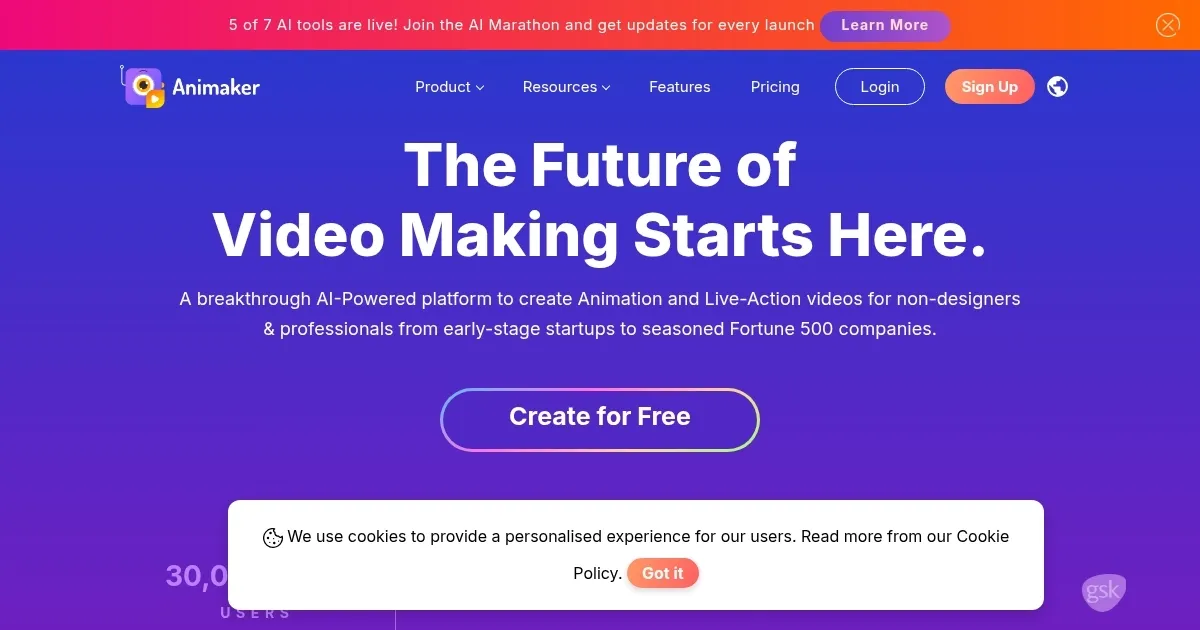
    Homepage Screenshot 📸

    Animaker screenshot

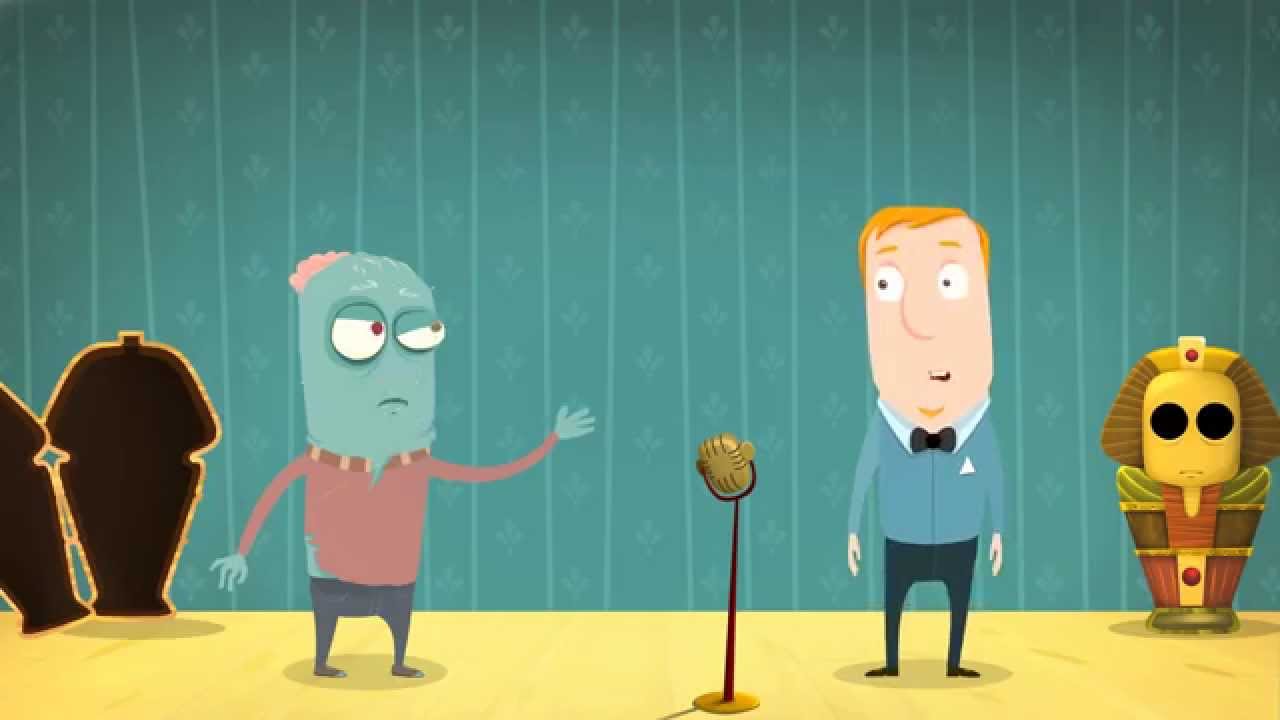
    Video Overview 🎬

    Animaker - Video Overview

    What are the key features? ✨

    • AI Animation Generator: Transforms text prompts into full animated videos through a four-step process including category choice and scene review.
    • Character Builder: Enables creation of billions of unique avatars with customizable body types, outfits, and expressions for branded storytelling.
    • AI Voice Generator: Produces lifelike voiceovers in over 100 languages using neural TTS from partners like ElevenLabs, with auto lip-sync integration.
    • Asset Library: Provides access to over 100 million stock media items, 70K icons, and 30K music tracks for rapid video enhancement.
    • Video Templates: Offers thousands of customizable templates across categories like business, education, and social media for quick starts.

    Who is it for? 🤔

    Animaker shines for marketers crafting engaging explainers to drive sales, educators building interactive lessons that captivate students, HR teams producing onboarding videos to streamline training, small business owners needing affordable branded content without design expertise, and content creators on social platforms who want polished animations to boost audience interaction, all while empowering beginners with AI tools that handle complex tasks intuitively.

    Examples of what you can use it for 💡

    • Marketer: Generates promotional videos from text prompts to highlight product features and increase conversion rates by up to 2X.
    • Educator: Creates whiteboard animations that simplify complex topics for engaging classroom or online course materials.
    • HR Professional: Builds onboarding sequences with custom avatars to efficiently train new hires on company policies.
    • Social Media Influencer: Produces short clips using templates and AI subtitles to grow follower engagement on platforms like Instagram.
    • Small Business Owner: Designs branded infographics from data inputs to showcase services in client pitches or ads.

    Pros & Cons ⚖️

    • Templates are fancy and extremely useful
    • Includes a vast library of stock media, icons, music, and more
    • You can try it for free
    • Free trial is not available

    FAQs 💬

    What is Animaker and what does it do?
    Animaker is a cloud-based AI platform for creating animated and live-action videos, using tools like text-to-video generation to produce professional content quickly.
    Is there a free version of Animaker?
    Yes, the free plan offers basic features including three video downloads per month, access to templates, and limited AI credits, ideal for testing.
    What are the pricing plans for Animaker?
    Plans include Free, Basic, Starter, Pro, and Enterprise, with upgrades unlocking higher resolutions, more downloads, and advanced AI tools like 4K exports.
    Can beginners use Animaker effectively?
    Absolutely, its drag-and-drop interface and tutorials make it beginner-friendly, allowing users without design experience to create pro-level videos.
    Does Animaker support team collaboration?
    Yes, real-time collaboration is available in paid plans, enabling multiple users to edit videos simultaneously with version history for safety.
    What file formats can I export from Animaker?
    Exports include MP4, GIF, HTML5, and SRT/VTT subtitles, with quality up to 4K in higher plans for versatile sharing.
    How does Animaker handle voiceovers?
    The AI Voice Generator creates natural voiceovers in 100+ languages with auto lip-sync, integrating seamlessly with animations.
    Is Animaker suitable for mobile editing?
    Yes, the iOS app supports character building and basic edits, complementing the web version for on-the-go creation.
    What languages does Animaker support?
    Over 100 languages for voiceovers, subtitles, and translations, making it ideal for global content distribution.
    How secure is Animaker for my data?
    It employs strong security measures including 2FA, SSO in Enterprise, and data privacy compliance to protect user projects.

    Ready to try Animaker?

    Creates animated and live-action videos using AI-powered tools

    Visit Animaker ↗
    Animaker alternatives 🔗

    1. InVideo InVideo Helps you make professional videos with ready-made customizable templates
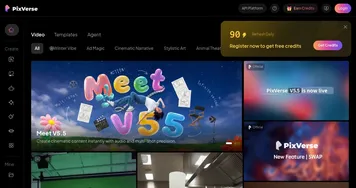
    2. PixVerse PixVerse An AI-driven tool designed to help users create fancy videos with ease
    3. FlexClip FlexClip Easily create and edit videos for the brand, marketing, social media, and any other purpose
    4. Pollo AI Pollo AI Bring your creative ideas to life through advanced AI
    5. Viggle Viggle Using AI to animate characters from images and generate videos with ease
    6. VideoGen VideoGen An AI-powered video generator that helps users create professional-quality videos quickly
    Share
    Animaker screenshot enlarged
    Best AI Tools

    Discover the best AI tools for any use case

    Explore
    • Tool Categories
    • AI Use Cases
    • AI Events
    • AI News
    • Saved Tools
    Company
    • About Us
    • Contact Us
    • Media & Partnerships
    • Suggest a Tool
    Legal
    • Privacy Policy
    • Terms of Service
    Copyright © 2026 Best AI Tools 415 Mission Street, 37th Floor, San Francisco, CA 94105