Best AI Animated Video Tools

27 toolsRanked by traffic

AI animated video tools produce finished, cartoon-style animated videos with characters, scenes, and movement, generated from prompts, images, or simple inputs instead of frame-by-frame drawing. The output here is a complete animated piece you can publish, not just a snippet of motion. Tools in this category include PixVerse, Pika, Viggle, and Animaker.

Educators, marketers, and indie creators use these to make explainer cartoons, character animations, and stylized story clips without an animation team. Some tools lean toward template-driven explainers with stock characters and scenes, while others generate freeform animated motion from a prompt or a reference. Pick based on the look you want: a polished, branded explainer and a loose, generative cartoon come from different kinds of tools, so match the tool to the style.
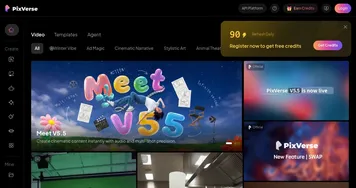
PixVerse
PixVerse - icon
PixVerse
An AI-driven tool designed to help users create fancy videos with ease
Viggle
Viggle - icon
Viggle
Using AI to animate characters from images and generate videos with ease
Pika
Pika - icon
Pika
An AI-powered design platform that can translate your ideas into engaging videos
Animaker
Animaker - icon
Animaker
Creates animated and live-action videos using AI-powered tools
Hedra
Hedra - icon
Hedra
An AI-powered platform that can transform your creative ideas into videos within minutes
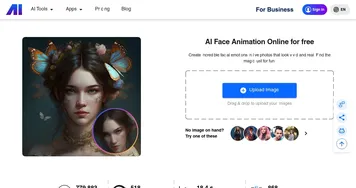
Nero AI Face Animation
Nero AI Face Animation - icon
Nero AI Face Animation
Animates faces in photos with expressions like smiles and nods
Kaiber
Kaiber - icon
Kaiber
An AI-enabled tool that allows you to transform your images and text into visually stunning videos
Steve.AI
Steve.AI - icon
Steve.AI
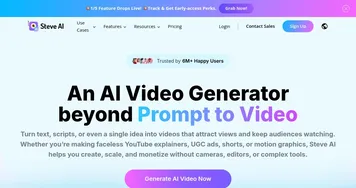
An advanced AI video generation tool that transforms text into various types of videos
Wondershare Virbo
Wondershare Virbo - icon
Wondershare Virbo
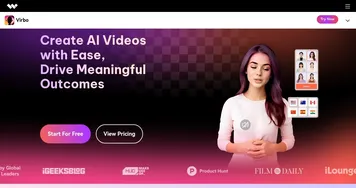
An AI-driven video creation tool designed to generate engaging videos quickly & efficiently
neural frames
neural frames - icon
neural frames
The AI-powered synthesizer for the visual world, creating videos from your text inputs
Animated Drawings
Animated Drawings - icon
Animated Drawings
Brings children's drawings to live by animating characters to move around
Genmo
Genmo - icon
Genmo
AI tool that helps create images, videos, and 3D models
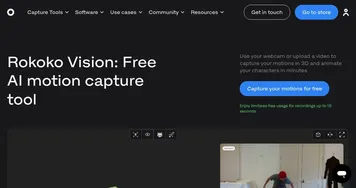
Rokoko Vision
Rokoko Vision - icon
Rokoko Vision
Use your webcam or upload a video to capture 3D motions and animate your characters in minutes
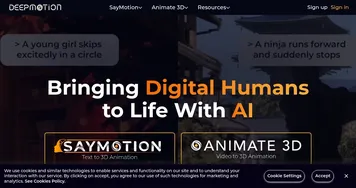
DeepMotion
DeepMotion - icon
DeepMotion
Generate 3D animations from video in seconds through any web browser
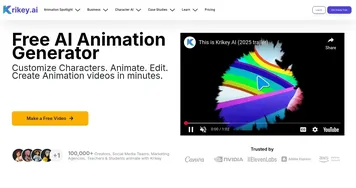
Krikey
Krikey - icon
Krikey
Krikey AI turns text prompts or videos into engaging 3D animated videos with talking avatars

Frequently Asked Questions

What is the best AI animated video maker?
The best AI animated video maker depends on your goal. Animaker is strong for template-based explainer cartoons, while PixVerse, Pika, and Viggle generate more freeform animated motion from prompts or references. If you want polished branded characters, choose a template tool; if you want generated movement, choose a model-driven one.
Can AI create cartoon videos?
Yes, AI can create cartoon videos with characters, backgrounds, and movement. Some tools assemble scenes from a script using ready-made characters, while others generate stylized animation directly from a prompt or image. The result is a finished animated clip you can use for explainers, social posts, or short stories without drawing each frame.
How do AI animated video tools work?
AI animated video tools work in two main ways. Template-driven tools turn your script into scenes using a library of characters, props, and backgrounds. Generative tools use a trained model to create animated motion from a prompt or a reference image. Either path lets you build an animated video without traditional frame-by-frame work.
Do I need experience to make an AI animated video?
No, AI animated video tools are designed for beginners. You write a script or a prompt, pick a style or character, and the tool handles the animation. Template-based editors feel like building a slideshow, while generative ones respond to plain descriptions. A little practice improves results, but no animation background is required.