logo-darklogo-darklogo-darklogo-dark
  • Tool Categories
    • 🎨Art & Creative Design505
    • 🏢Business Management644
    • 💻Coding & Development515
    • 👮Detection83
    • 🧠General Use727
    • 🏥Health & Wellness55
    • 📷Image & Photo Analysis100
    • 🖼️Image Generation & Editing618
    • 📐Interior & Architectural Design37
    • 🎓Learning & Education483
    • ⚖️Legal & Finance90
    • 🎭Lifestyle & Entertainment236
    • 📢Marketing & Advertising627
    • 🎧Music & Audio138
    • 👔Office & Workplace1,014
    • 🔬Research & Data Analysis372
    • 👥Social Media245
    • 🎥Video Generation & Editing426
    • 👧🏻Virtual Companion135
    • 🎤Voice Generation & Editing381
    • ✍️Writing & Editing808
    • All Categories
    • AI Use Cases
  • News
  • Events
    • Academic Conferences
    • Developer Conferences
    • Expos / Trade Shows
    • Industry Summits
    • Workshops / Training
    • All Events
    • Past Events
  • Saved Tools
  • Suggest a Tool
✕
Home › Video Generation & Editing › Video Generation› Steve.AI
Steve.AI

Steve.AI

An advanced AI video generation tool that transforms text into various types of videos

Steve.AI is an advanced AI video generation tool that transforms text into various types of videos, catering to both individual and business users. It leverages patented AI technology to produce videos in multiple output styles, including animations, GenAI, and live training videos.

By converting prompts, scripts, or audio files into captivating videos, Steve.AI provides a versatile solution for creating content for social media platforms, educational purposes, marketing campaigns, and much more. It’s equipped with custom image generation technology and an AI voice-to-video feature, making it possible to reach broader audiences with engaging educational or marketing content.

Beyond text-to-video conversion, Steve.AI offers animated AI talking head videos with avatars that exhibit natural lip-syncing and animations — enhancing the viewer’s experience. It also includes an AI avatar builder for creating unique characters, thus providing a novel way for teams to make learning materials more engaging and accessible.

With a library of millions of human-created and AI-generated assets and an advanced video editor, Steve.AI promises high accuracy and diverse customization options for users. Speaking of which [users], it supports a range of them — from marketing professionals to educators — all of whom can use Steve.AI to create compelling video content effortlessly.

Visit Steve.AI ↗
Categories
🎥 Video
📹 Video Generation 📝 Text to Video 🎞️ Animation Generation 🎠 Animated Video 📜 Script To Video Generation ✏️ Video Editing 🤖 Avatar Video Generation

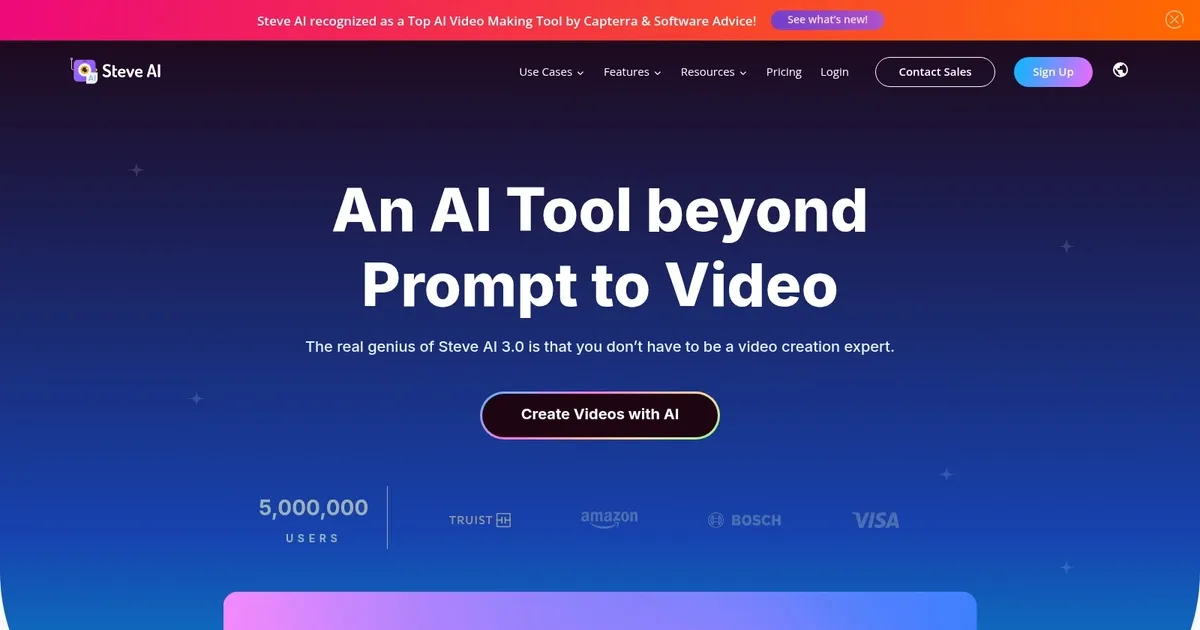
Homepage Screenshot 📸

Steve.AI screenshot

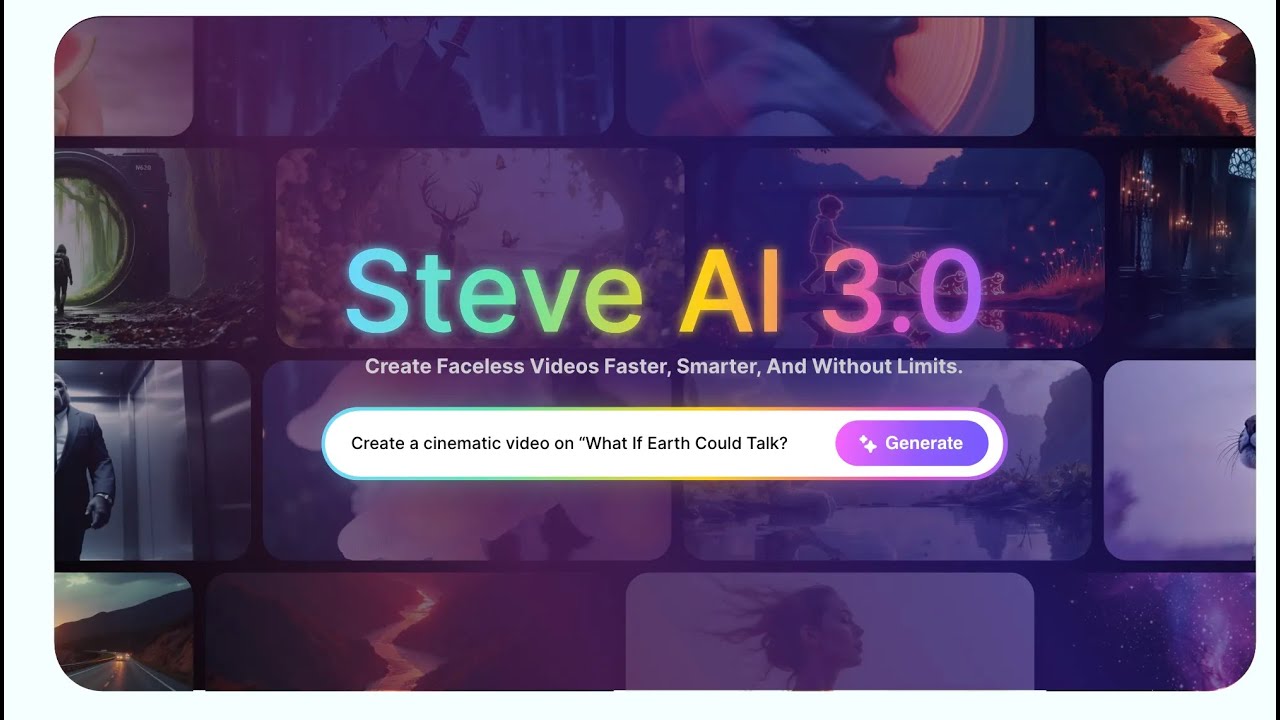
Video Overview 🎬

Steve.AI - Video Overview

What are the key features? ✨

  • Prompt to Video: Generates complete videos directly from text prompts in minutes.
  • Script to Video: Converts written scripts into polished videos with visuals, voices, and music.
  • Multi-Voice Storytelling: Assigns different lifelike AI voices to characters for natural dialogue.
  • AI Video Translator: Translates videos into 8+ languages with accurate voice and subtitle adjustments.
  • Generative AI: Creates custom images and visuals for educational, kids, or creative content.

Who is it for? 🤔

Steve.AI helps content creators who want to produce videos quickly without filming or editing expertise, especially those building faceless YouTube channels, marketers creating promo ads or explainers, educators making training or kids' story videos, and businesses needing corporate or testimonial content. It's particularly useful for people short on time or budget who still want professional-looking results.

Examples of what you can use it for 💡

  • YouTube creator: Produces faceless explainers and shorts from scripts to grow a channel without appearing on camera.
  • Digital marketer: Creates UGC-style ads or promo videos with AI avatars and multi-voice narration for campaigns.
  • Educator: Turns lesson scripts into engaging animated training videos or kids' storybooks with custom visuals.
  • Business owner: Generates corporate explainers, product demos, or internal communications videos efficiently.
  • Content repurposer: Converts blog posts, podcasts, or audio into shareable social media clips or full videos.

Pros & Cons ⚖️

  • Fast video generation
  • Easy to use interface
  • Strong voice options
  • Good mobile app
  • Occasional generic outputs
  • Some buffering issues

FAQs 💬

What does Steve.AI do?
Steve.AI generates animated and live-action videos from text prompts, scripts, or audio using AI.
Is there a free plan available?
Yes, the free plan includes limited AI video minutes and credits each month for testing.
Can I create faceless videos?
Yes, it's designed for faceless content like YouTube explainers using AI avatars and voices.
Does it support multiple languages?
Yes, the AI Video Translator works with 8+ languages for voice and subtitles.
What video styles are available?
It offers over 7 styles, including animation, generative AI, live training, and motion graphics.
Is there a mobile app?
Yes, an iOS app lets you create and edit videos on the go.
How does pricing compare to competitors?
It offers tiered plans with more video minutes and features on higher levels, often seen as good value for speed-focused creators.
Can I publish directly to YouTube?
Yes, direct publishing to YouTube is supported for easy sharing.

Ready to try Steve.AI?

An advanced AI video generation tool that transforms text into various types of videos

Visit Steve.AI ↗

Steve.AI alternatives 🔗

  1. Kling AI Kling AI Generates cinematic videos from text or images with realistic motion
  2. Veo Veo Generates high-quality videos with audio from text or image prompts
  3. Runway Runway Generates and edits AI-powered videos from text prompts
  4. Sora Sora Generates hyperrealistic videos from text prompts with synchronized audio
  5. Adobe Firefly Adobe Firefly Generates images, videos, audio, and vectors using AI.
  6. Google AI Studio Google AI Studio Prototypes AI solutions using Gemini models in a browser-based IDE
Share
Steve.AI screenshot enlarged
Promote Steve.AI
light badge
Copy Embed Code
dark badge
Copy Embed Code
neutral badge
Copy Embed Code
Best AI Tools

Discover the best AI tools for any use case

Explore
  • Tool Categories
  • AI Use Cases
  • AI Events
  • AI News
  • Saved Tools
Company
  • About Us
  • Contact Us
  • Media & Partnerships
  • Suggest a Tool
Legal
  • Privacy Policy
  • Terms of Service
Copyright © 2026 Best AI Tools 415 Mission Street, 37th Floor, San Francisco, CA 94105