Genmo
AI tool that helps create images, videos, and 3D models
Genmo is an innovative AI tool that revolutionizes how videos and images are created. It allows users to generate videos directly from text or images, employing AI to make the process seamless and user-friendly.
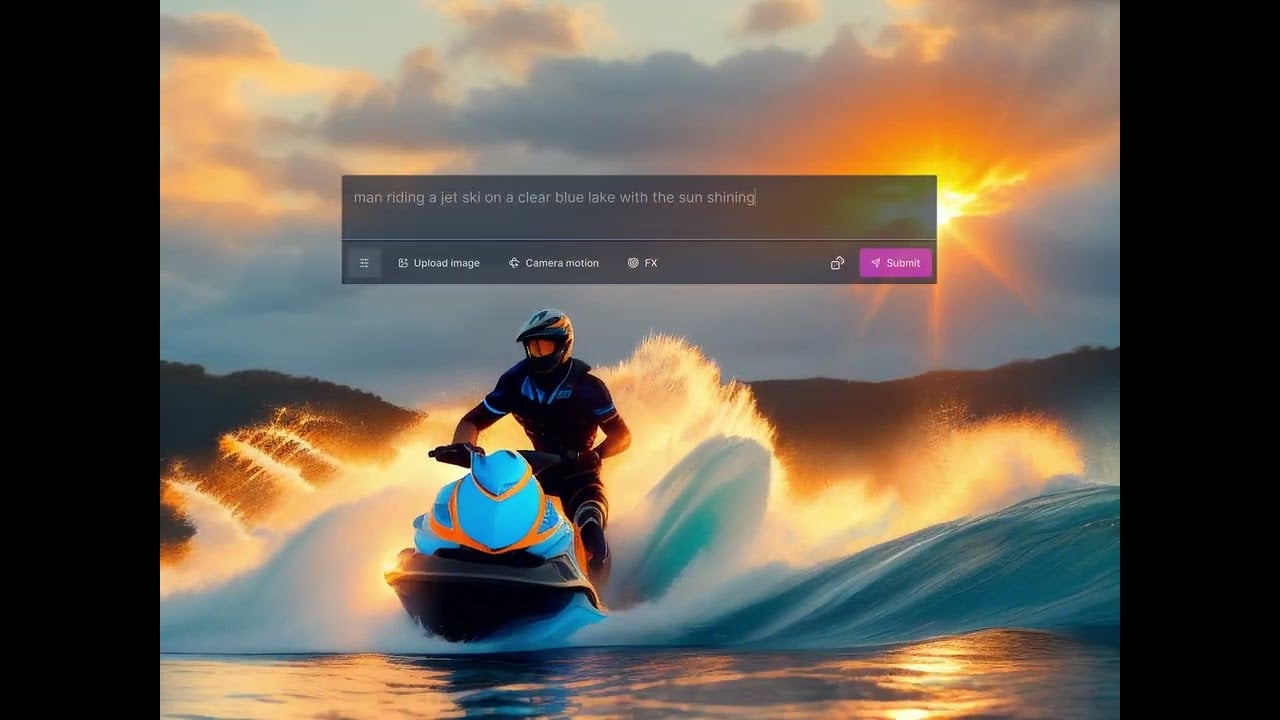
Its features include camera motion effects and the ability to upload images for video creation — enabling anyone to bring their ideas to life without the need for complex video editing software or skills.
Example videos generated by Genmo can be seen on its website, demonstrating the platform’s potential and inspiring new users unsure of where to start.
Overall, Genmo offers an exciting glimpse into the future of content creation, where AI plays a central role in making sophisticated video production tools more accessible and easier to use for everyone.
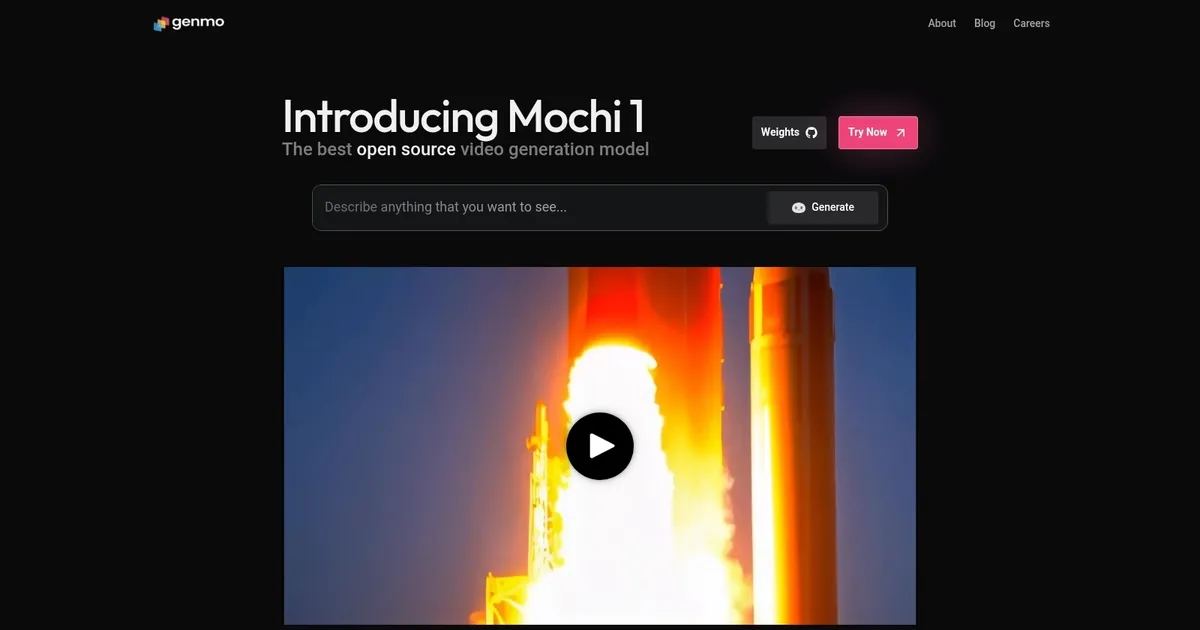
Homepage Screenshot 📸
Video Overview 🎬
What are the key features? ✨
- Video creation: Genmo allows users to create videos from text or images using advanced AI technology, making the video creation process accessible to just about anyone.
- Camera motion FX: Enhance videos with dynamic camera motion effects to create a more engaging viewing experience.
- Image upload: Users can upload images to generate customized video content, which could be used to add a personal touch to their creations.
- Text-to-video: Transform written content into videos - it's perfect for marketing, storytelling, and/or educational purposes.
- Free to use: Genmo offers its powerful video creation tools for free, making it accessible to a broad audience without financial barriers.
Who is it for? 🤔
Examples of what you can use it for 💡
- Create promotional videos from text descriptions or product images
- Teachers and educators can generate video content to enhance learning materials
- Writers and creators can bring their stories to life by turning written narratives into videos
- Influencers and social media managers can use it to produce high-quality videos quickly
- Professionals can create impactful videos to enhance presentations and effectively communicate ideas
Pros & Cons ⚖️
- Lets anyone create a video
- Generates videos from text and images
- It's free to use (to an extent)
- For precise results, you may need to use professional video editing software
FAQs 💬
Genmo alternatives 🔗