Best AI Sketch Generation Tools

19 toolsRanked by traffic

AI sketch generation tools create sketches and line art from a prompt, or turn a rough hand-drawn sketch into a finished image. The work centers on the early, gestural stage of drawing: tools like AutoDraw, Clip Studio Paint, Uizard, and Shakker either generate clean line work or transform your scribbles into polished art.

Designers, illustrators, and product teams use these to clean up loose drawings, build line-art references, or jump from a napkin sketch to a usable mockup. The key distinction is direction: some tools generate sketches from text, while others run the sketch-to-image workflow, reading your rough lines and rendering them in detail. If you already draw, the sketch-to-image tools fit naturally; if you can't draw at all, the prompt-based ones get you a clean outline without lifting a pencil.
Clip Studio Paint
Clip Studio Paint - icon
Clip Studio Paint
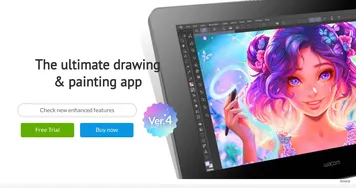
An AI-drive digital art tool with an extensive suite of features, options, and more
AutoDraw
AutoDraw - icon
AutoDraw
Is an AI drawing tool that pairs AI and machine learning with drawings from talented artists
Uizard
Uizard - icon
Uizard
Generates editable UI prototypes from text prompts and sketches in minutes.
Shakker
Shakker - icon
Shakker
Create stunning images, even masterpieces, using artificial intelligence
Visily
Visily - icon
Visily
Create software wireframes from sketches, screenshots, templates, and more
Autodraft
Autodraft - icon
Autodraft
An AI-powered platform that can transform text prompts into vivid visuals
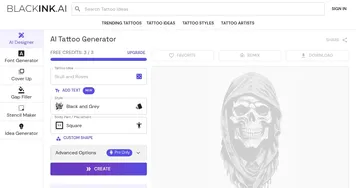
BlackInk AI
BlackInk AI - icon
BlackInk AI
Create your own unique tattoo in seconds with AI, or browse through 100,000+ designs
Boords
Boords - icon
Boords
Creates storyboards for video teams with AI tools and collaboration features
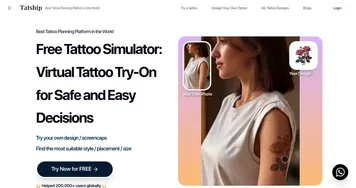
Tatship
Tatship - icon
Tatship
Simulate tattoos virtually to preview designs on your body
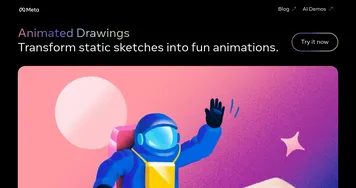
Animated Drawings
Animated Drawings - icon
Animated Drawings
Brings children's drawings to live by animating characters to move around
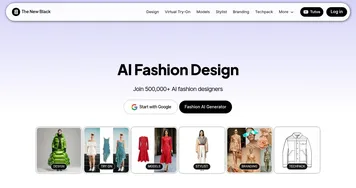
The New Black
The New Black - icon
The New Black
An AI-powered platform that wants to revolutionize the fashion design process
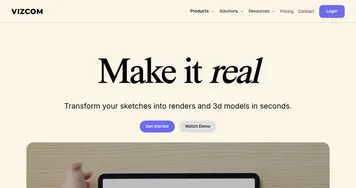
Vizcom
Vizcom - icon
Vizcom
An AI tool that turns your sketches into stunning concept drawings in seconds
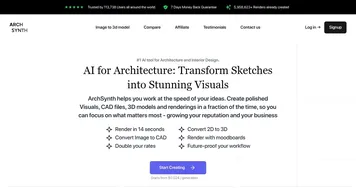
ArchSynth
ArchSynth - icon
ArchSynth
An AI-powered tool that transforms sketches into stunning visuals in seconds
Storyboarder.ai
Storyboarder.ai - icon
Storyboarder.ai
Generates cinematic storyboards from scripts in minutes
Ink Studio AI
Ink Studio AI - icon
Ink Studio AI
Creates custom tattoo designs using AI from text or images

Frequently Asked Questions

What is the best AI sketch generator?
The best AI sketch tool depends on your direction of work. AutoDraw is great for quick, recognizable line art from rough doodles, Clip Studio Paint suits artists who want full drawing control, and Uizard turns sketches into interface mockups. Choose based on whether you want clean line art, finished illustration, or a usable design.
Can AI turn my sketch into a finished image?
Yes, sketch-to-image tools take a rough drawing and render it as a detailed, finished picture, using your lines to guide composition and shape. You upload or draw a sketch, add a prompt describing the style, and the tool fills it in. This keeps your intended layout while adding color, shading, and polish.
Can AI draw from a text description?
Yes, several tools generate sketches and line art directly from a written prompt, no drawing skill needed. You describe the subject and style, and the tool produces clean outline art you can use as is or refine. This is useful for coloring pages, references, and quick concepts when you want line work rather than a full render.
Are AI sketch tools free?
Some are free, including AutoDraw, which runs in a browser at no cost. Others, like Clip Studio Paint, are paid software, while sketch-to-image generators often use credits or subscriptions. For simple line art a free tool is usually enough; for professional drawing or detailed sketch-to-image rendering, a paid option gives more control.