Best AI Drawing Tools

18 toolsRanked by traffic

AI drawing tools help you draw and paint digitally, or generate finished drawings from a prompt when you'd rather not pick up a stylus. The category covers both assisted creation and full generation: tools like Clip Studio Paint and Vizcom support hands-on drawing, while DreamUp and Craiyon produce drawings straight from text.

Digital artists, students, and hobbyists use these to speed up linework, color faster, or create art when their drawing skills can't keep up with their ideas. The split that matters is whether you want a tool that assists your own drawing or one that draws for you from a description. Painting apps reward practice and give you total control, while prompt-based generators trade that control for instant results. Many people use both, sketching in one and generating reference in the other.

DreamUp
DreamUp - icon
DreamUp
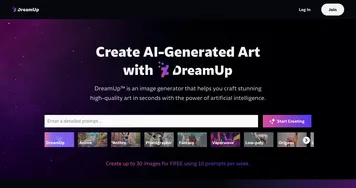
An AI-powered tool allowing users to generate unique artworks by inputting text prompts
Clip Studio Paint
Clip Studio Paint - icon
Clip Studio Paint
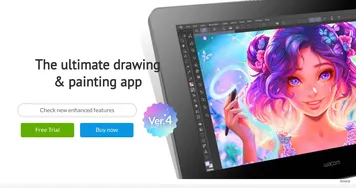
An AI-drive digital art tool with an extensive suite of features, options, and more
Craiyon
Craiyon - icon
Craiyon
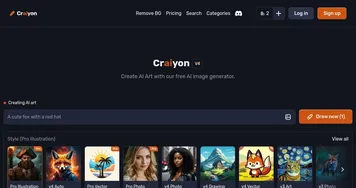
An AI model that can draw images from any text prompt
AutoDraw
AutoDraw - icon
AutoDraw
Is an AI drawing tool that pairs AI and machine learning with drawings from talented artists
Animated Drawings
Animated Drawings - icon
Animated Drawings
Brings children's drawings to live by animating characters to move around
niji journey
niji journey - icon
niji journey
A state-of-the-art AI that draws custom anime illustrations just for you
Vizcom
Vizcom - icon
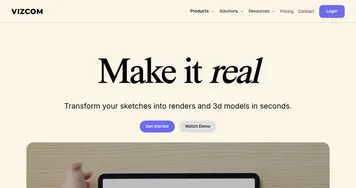
Vizcom
An AI tool that turns your sketches into stunning concept drawings in seconds
Ghibli AI
Ghibli AI - icon
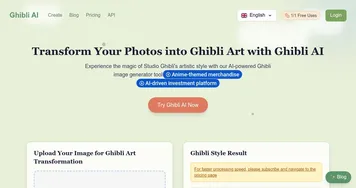
Ghibli AI
An AI tool that can turn photos or a text prompt into an image from a Studio Ghibli film
HandtextAI
HandtextAI - icon
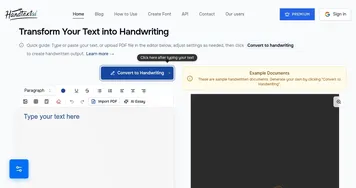
HandtextAI
Transforms typed text into realistic handwritten documents
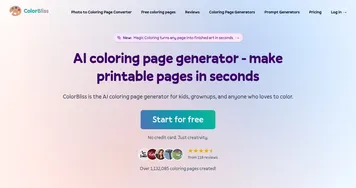
ColorBliss
ColorBliss - icon
ColorBliss
An AI-powered platform that enables users to create custom coloring pages
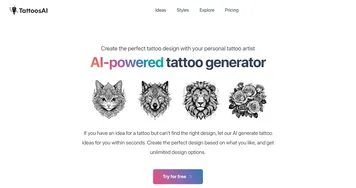
Tattoos AI
Tattoos AI - icon
Tattoos AI
Create the perfect tattoo design with your personal AI-powered tattoo artist
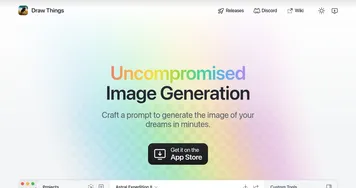
Draw Things
Draw Things - icon
Draw Things
Creates stunning AI-generated images from text prompts in minutes, offline
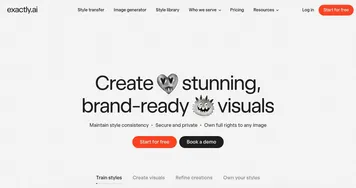
exactly.ai
exactly.ai - icon
exactly.ai
Trains AI models on personal artwork to produce consistent, brand-specific visuals
Calligrapher.ai
Calligrapher.ai - icon
Calligrapher.ai
Converts typed text into realistic, varied handwriting animations using AI
Scribble Diffusion
Scribble Diffusion - icon
Scribble Diffusion
An open-source tool that turns your sketches into refined art

Frequently Asked Questions

What is the best AI drawing tool?
The best AI drawing tool depends on how hands-on you want to be. Clip Studio Paint is the standard for digital artists who draw themselves, Vizcom turns rough drawings into rendered concepts, and DreamUp generates full drawings from text. If you want to learn to draw, pick a painting app; if you want instant art, pick a generator.
Can AI draw a picture for me?
Yes, prompt-based AI tools generate a complete drawing from a text description, no skill required. You type what you want, including the subject and style, and the tool produces a finished image. Tools like DreamUp and Craiyon make this quick and free to try, though detailed results often take a few prompt tweaks.
Can AI help me improve my own drawing?
Yes, AI-assisted drawing apps speed up the parts of the process that slow artists down, like flat coloring, line cleanup, and perspective guides. Tools such as Clip Studio Paint and Vizcom keep you in control while automating tedious steps. They support your skills rather than replace them, which is why working artists adopt them.
Are AI drawing tools free?
Several AI drawing generators are free or free to try, including Craiyon and DreamUp, though free tiers add watermarks or limits. Professional painting software like Clip Studio Paint is paid, sometimes as a one-time purchase. For casual sketches a free generator works fine; for serious digital art, paid software is the usual choice.