HandtextAI
Transforms typed text into realistic handwritten documents
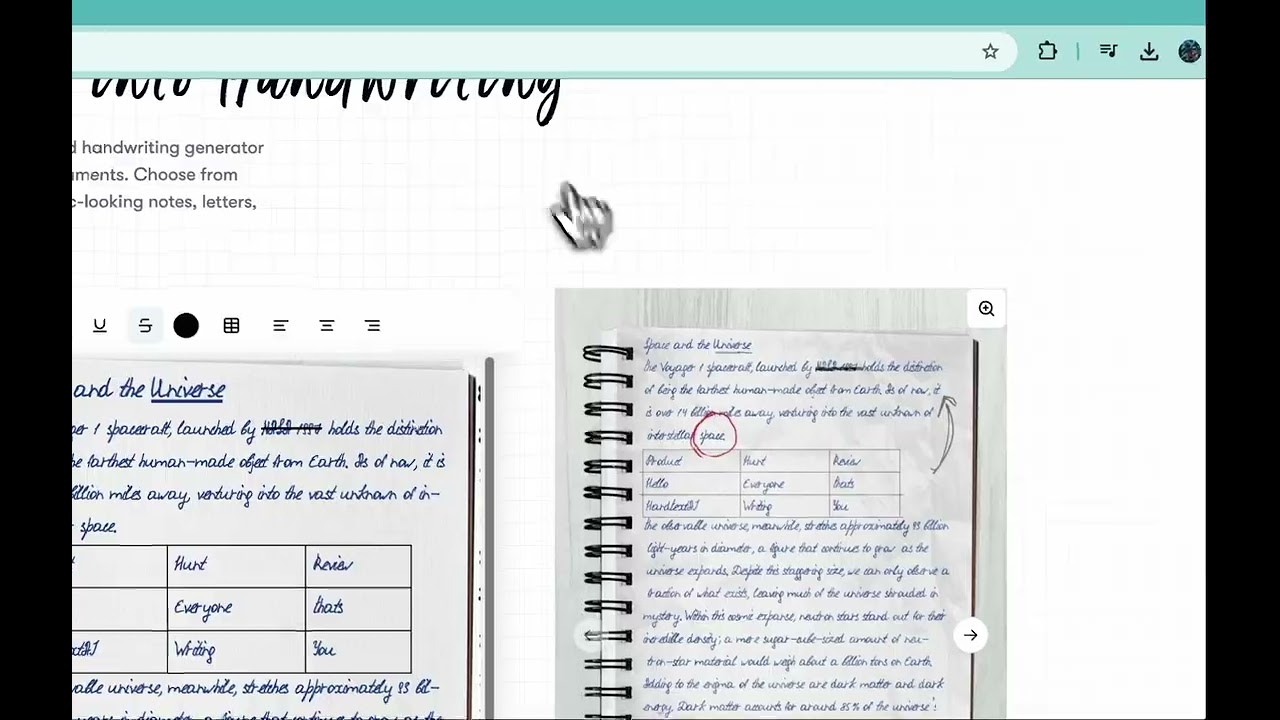
I sat down with HandtextAI the other day, just messing around for an hour or so, typing up a quick grocery list and watching it morph into this looped cursive that looked like my grandma’s old recipe cards. Theres something oddly satisfying about seeing pixels pretend to be ink, isnt there? As someone whos dabbled in AI tools before, but not deeply with this one, I found it hits that sweet spot of easy entry without drowning you in options right away. You fire up the editor, slap in your text, and boom, five seconds later, its generating a page that sways with natural inconsistencies, like a real hand got tired halfway through. I tried importing a simple DOCX from my notes app, and it handled the switch to handwriting without a hitch, adding that faint shadow effect to make it pop like its sitting under a desk lamp.
The features pulled me in quick. That library of 90 handwriting fonts? I cycled through a few, landing on one that evoked hurried student scribbles for my test run, and the advanced typography let me nudge the spacing just enough to avoid crowding. Uploading a custom font crossed my mind, but I stuck to the built-ins, and even then, the cursive generator flowed so smoothly it almost tricked me into thinking Id written it myself. Compared to Calligrapher.ai, which I glanced at for contrast, HandtextAI feels more robust for full docs, with its multi-page support and table tweaks that keep everything aligned, no matter how messy the content gets. Users on Reddit, like that engineering student who built it, share stories of using the handwritten math feature for problem sets, turning typed equations into something professors actually buy as legit work. I think thats the charm, the way it layers in shapes and images too, so my list wasnt just words but had doodled checkboxes that looked impulsively added.
What I liked most was the realism sneaking up on you, those blur effects mimicking a sweaty palm smudge, or the way it varies pressure across letters for that human fatigue vibe. Its empowering, especially for quick tasks, saving me from actually grabbing a pen when my hand cramps up. But heres the rub, and its a small one from my brief spin, the free exports cap you at low-res images, nudging toward paid for crisp PDFs, which stacks up fair against competitors like TextToHandwriting.com that stay entirely free but skimp on fonts. I noticed a tiny delay importing a longer text block, probably the AI chewing through variations, and it made me wonder about heavier files. Still, the surprise hit when I added a photo, seeing it integrate like a pasted Polaroid in a journal, that vivid snap of creativity made the session worthwhile. X posts echo this, folks praising how it personalizes notes without the effort, though one quip about over-fancy cursive had me chuckling, yeah, it can veer theatrical if youre not tweaking.
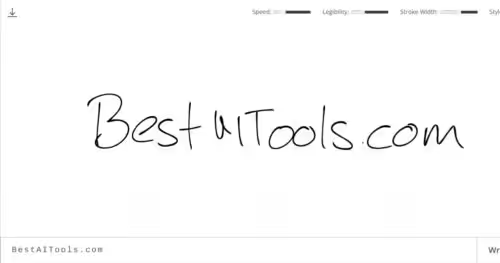
Handwrytten came up in my quick search as a rival, great for mailing physical cards, but HandtextAI owns the digital space with its AI writing assistant that brainstormed expansions on my list, suggesting recipe ideas before handwriting them. Witty how it turns drudgery into play, right? The tech hums along with neural nets fine-tuned for those genuine wiggles, outperforming basic generators on consistency, especially with multi-language hints from user feedback. Paragraphs build naturally here, short punches like that image support rocking for visual boosts, then longer riffs on how it fits busy lives.
From my short time, Id say it shines for those stolen moments of making digital feel warm. The pros outweigh the waits, and that custom upload? A clever twist for mimicking voices, literally.
Try it on something small first, like a thank-you note, play with the papers till it feels right, then let it handle the rest of your stack. Youll wonder why you ever bothered with pens.
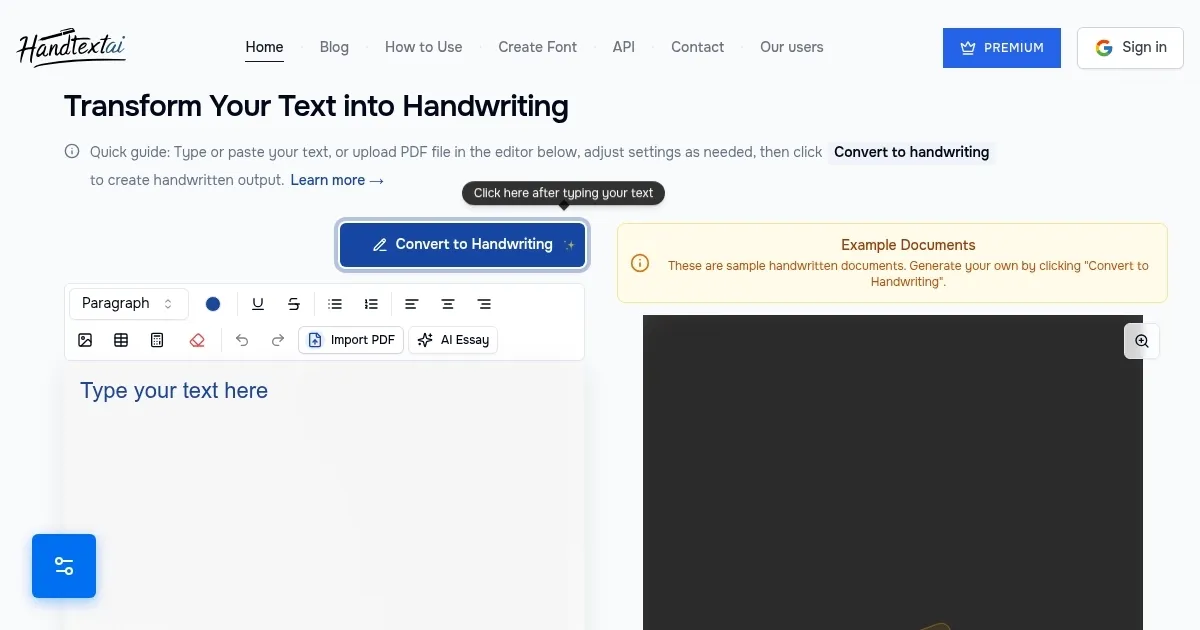
Homepage Screenshot 📸
Video Overview 🎬
What are the key features? ✨
- Authentic handwriting: Simulates natural variations in text for genuine appearance.
- 90 Handwriting Fonts: Provides diverse styles from print to cursive for customization.
- Multi-page support: Handles long documents by automatically splitting into pages.
- Custom font upload: Allows users to scan and upload personal handwriting styles.
- Visual effects: Adds blur, shading, and shadows to enhance realism.
Who is it for? 🤔
Examples of what you can use it for 💡
- Student: Converts typed essays into handwritten submissions to meet class rules while saving time on rewriting.
- Teacher: Generates customized worksheets with equations and tables in varied handwriting styles for diverse learners.
- Business owner: Creates personalized thank-you letters using custom fonts for a warm, authentic client experience.
- Writer: Transforms draft notes into journal-like pages with images and shapes for creative brainstorming.
- Researcher: Imports PDF reports and outputs them as handwritten summaries for archival or presentation use.
Pros & Cons ⚖️
- Realistic outputs
- Easy imports
- Custom fonts
- Free tier limits
- Stylized cursive
FAQs 💬
Ready to try HandtextAI?
Transforms typed text into realistic handwritten documents
Visit HandtextAIHandtextAI alternatives 🔗