logo-darklogo-darklogo-darklogo-dark
  • Tool Categories
    • 🎨Art & Creative Design505
    • 🏢Business Management644
    • 💻Coding & Development515
    • 👮Detection83
    • 🧠General Use727
    • 🏥Health & Wellness55
    • 📷Image & Photo Analysis100
    • 🖼️Image Generation & Editing618
    • 📐Interior & Architectural Design37
    • 🎓Learning & Education483
    • ⚖️Legal & Finance90
    • 🎭Lifestyle & Entertainment236
    • 📢Marketing & Advertising627
    • 🎧Music & Audio138
    • 👔Office & Workplace1,014
    • 🔬Research & Data Analysis372
    • 👥Social Media245
    • 🎥Video Generation & Editing426
    • 👧🏻Virtual Companion135
    • 🎤Voice Generation & Editing381
    • ✍️Writing & Editing808
    • All Categories
    • AI Use Cases
  • News
  • Events
    • Academic Conferences
    • Developer Conferences
    • Expos / Trade Shows
    • Industry Summits
    • Workshops / Training
    • All Events
    • Past Events
  • Saved Tools
  • Suggest a Tool
✕
Home › Image Generation & Editing › Image Generation› Shakker
Shakker

Shakker

Create stunning images, even masterpieces, using artificial intelligence

Shakker is a neat platform that allows users to create stunning images, even masterpieces, using artificial intelligence.

It is also easy to use – just type a simple description of the image you want to create, and Shakker will do its magic on your behalf. Some of the results we’ve seen are nothing short of impressive.

The platform can create all kinds of images, from abstract concepts to concrete scenes, based on your input (prompt). You can even upload a rough sketch and let Shakker “work” with it, polishing the image so you don’t have to.

On the other hand — and this is the case with pretty much all AI tools — sometimes, you won’t get the result you were hoping for. After all, this is AI – not magic.

Still, at the very least, you will get a solid starting point for your design, whatever you want to create. So, whether you’re an artist seeking inspiration or someone looking to visualize an idea, Shakker has something to offer.

To sum it up, Shakker is a cool tool that aims to open new avenues for creativity. Check it out.

Visit Shakker ↗
Categories
🖼️ Image
🖼️ Image Generation 🪄 Text to Image 🎨 Style Transferring 🧑‍🎤 Avatar Generation
🎨 Art
🎨 Art Generation 🖼️ Design Generation 🌸 Anime Generation 🌅 Illustration Generation 🦸 Cartoon Generation ✏️ Sketch Generation

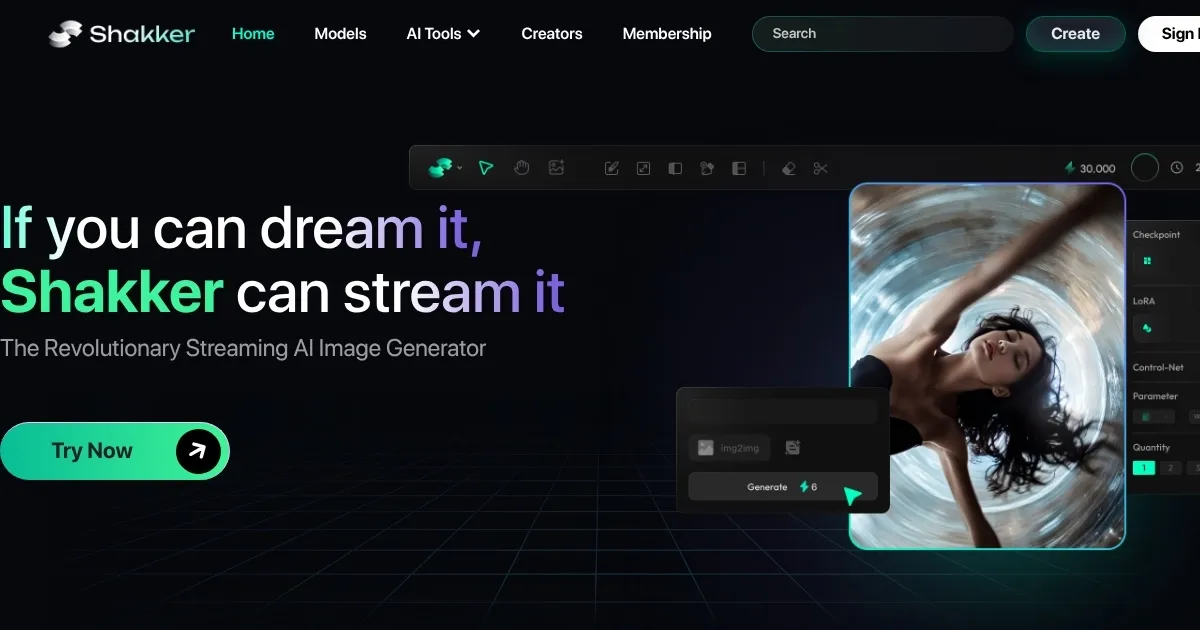
Homepage Screenshot 📸

Shakker screenshot

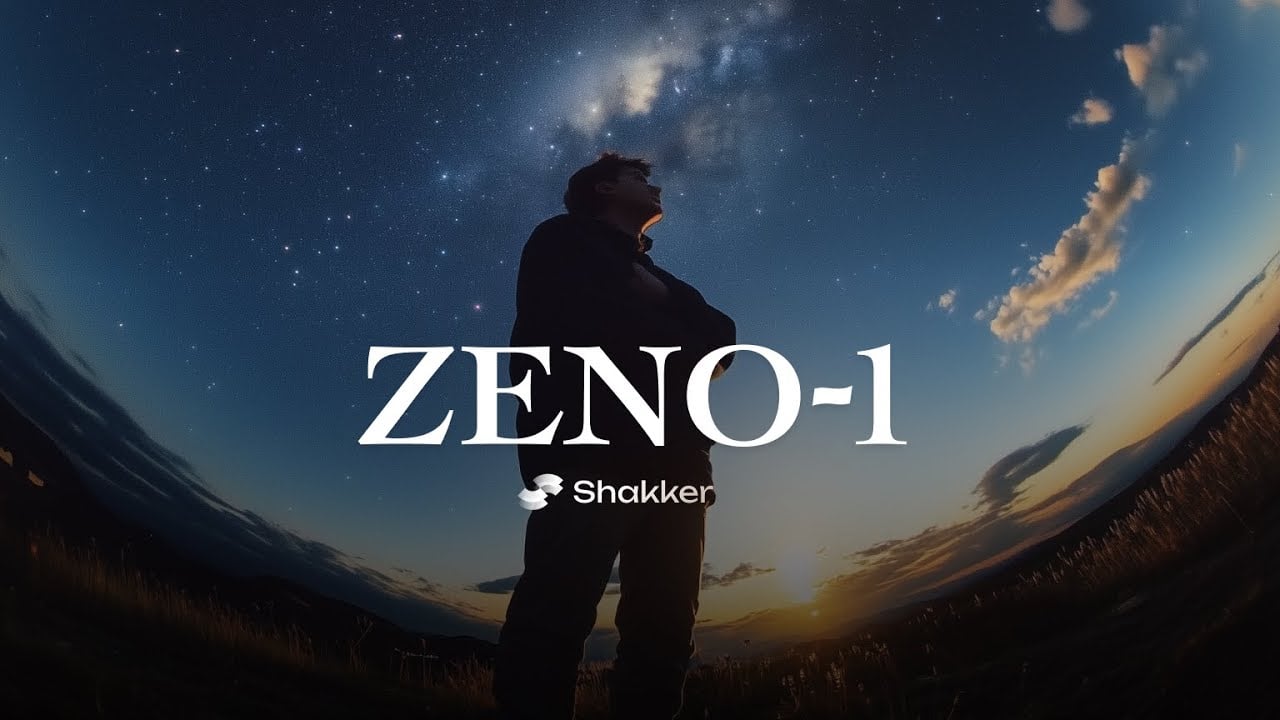
Video Overview 🎬

Shakker - Video Overview

What are the key features? ✨

  • AI-powered image generation: Simply input a description, and the AI will craft a corresponding image. It transforms text into visuals, making it easier to bring ideas to life.
  • Image refinement: Upload your sketches or drafts, and Shakker will enhance and polish them.
  • Style options: Choose from various art styles, from abstract to realistic. This allows you to tailor the output to their specific aesthetic preferences.
  • User-friendly interface: The platform's intuitive design ensures a smooth experience. Even those unfamiliar with AI tools can navigate and utilize its features effectively.
  • Rapid processing: Receive generated images in moments. This quick turnaround facilitates efficient brainstorming and project development.

Who is it for? 🤔

Shakker caters to a broad audience. Creative professionals like designers and marketers will find it invaluable for generating fresh visuals. Educators can use it to create engaging teaching materials. In addition, hobbyists and social media users can explore their creativity, producing content that stands out.

Examples of what you can use it for 💡

  • Designers can generate unique visuals for projects, aiding in the creative process
  • Marketers can create compelling images for campaigns
  • Educators can produce illustrative content to make learning materials more engaging
  • Hobbyists can visualize ideas, from home decor plans to personal art projects
  • Social media enthusiasts can craft unique visuals to enhance their online presence

Pros & Cons ⚖️

  • Quickly generates images
  • Designed for users of all skill levels
  • Free trial available
  • Occasional misalignments

FAQs 💬

What is Shakker mainly used for?
Shakker helps users generate and edit high-quality images using text prompts and advanced AI models, especially for art, design, portraits, and creative projects.
Do I need to install anything to use Shakker?
No, everything runs online in your browser, including the generator, WebUI tools, and model training features.
What kinds of models can I access on Shakker?
You get thousands of models, including FLUX.1 checkpoints, exclusive LoRAs for realistic photography, anime, illustrations, 3D art, and more community-shared options.
Can beginners use Shakker effectively?
Yes, the intuitive interface and prompt suggestions make it welcoming for newcomers, while pros enjoy deeper controls like ComfyUI and LoRA training.
Does Shakker support face swapping or style changes?
It includes strong face swap that keeps natural proportions and lighting, plus style transfer to remake images in new artistic looks.
How does the community aspect work?
Users share models, creations, and tips. A lively space lets creators showcase work, join events, and inspire each other.
What editing tools are built in?
Features include inpainting to fix parts of images, outpainting to expand scenes, entity control, color palette tools, and infinite canvas for flexible composition.
Is Shakker good for realistic portraits?
It excels here, especially with FLUX-based and specialized LoRA models that produce detailed skin textures and lifelike results.
Can I train my own custom models?
Yes, the online training tool supports LoRA fine-tuning so you adapt models to specific styles, characters, or concepts.
What makes Shakker different from other generators?
It combines a huge open-source model library, streaming generation, no-install WebUIs, and strong community support for more creative freedom.

Ready to try Shakker?

Create stunning images, even masterpieces, using artificial intelligence

Visit Shakker ↗
Shakker alternatives 🔗

  1. ChatGPT ChatGPT All-round AI assistant generating human-like responses to user queries and tasks
  2. Grok Grok Delivers witty, real-time AI responses with advanced reasoning and image generation
  3. Imagen Imagen Generates photorealistic images from detailed text prompts
  4. Black Forest Labs Black Forest Labs Generates high-quality images from text prompts with precision and speed
  5. Kling AI Kling AI Generates cinematic videos from text or images with realistic motion
  6. Runway Runway Generates and edits AI-powered videos from text prompts
Share
Shakker screenshot enlarged
Promote Shakker
light badge
Copy Embed Code
dark badge
Copy Embed Code
neutral badge
Copy Embed Code
Best AI Tools

Discover the best AI tools for any use case

Explore
  • Tool Categories
  • AI Use Cases
  • AI Events
  • AI News
  • Saved Tools
Company
  • About Us
  • Contact Us
  • Media & Partnerships
  • Suggest a Tool
Legal
  • Privacy Policy
  • Terms of Service
Copyright © 2026 Best AI Tools 415 Mission Street, 37th Floor, San Francisco, CA 94105