logo-darklogo-darklogo-darklogo-dark
  • Tool Categories
    • 🎨Art & Creative Design505
    • 🏢Business Management644
    • 💻Coding & Development515
    • 👮Detection83
    • 🧠General Use727
    • 🏥Health & Wellness55
    • 📷Image & Photo Analysis100
    • 🖼️Image Generation & Editing618
    • 📐Interior & Architectural Design37
    • 🎓Learning & Education483
    • ⚖️Legal & Finance90
    • 🎭Lifestyle & Entertainment236
    • 📢Marketing & Advertising627
    • 🎧Music & Audio138
    • 👔Office & Workplace1,014
    • 🔬Research & Data Analysis372
    • 👥Social Media245
    • 🎥Video Generation & Editing426
    • 👧🏻Virtual Companion135
    • 🎤Voice Generation & Editing381
    • ✍️Writing & Editing808
    • All Categories
    • AI Use Cases
  • News
  • Events
    • Academic Conferences
    • Developer Conferences
    • Expos / Trade Shows
    • Industry Summits
    • Workshops / Training
    • All Events
    • Past Events
  • Saved Tools
  • Suggest a Tool
✕
Home › Image Generation & Editing › Image Generation› OpenArt
OpenArt

OpenArt

A versatile AI-powered platform for generating and enhancing images and art.

OpenArt is an AI-powered image and art generator designed to effortlessly enhance and realize creative visions. It allows users to generate an unlimited number of images for free using four basic models, with the option for more advanced features and models accessible through trial credits or subscription.

OpenArt emphasizes creativity and ease of use, offering features like Creative Variations for exploring numerous versions of an original image, promptless idea realization for users who prefer more direct interaction with the AI, and fine control over the resultant image’s colors and similarity to the original concept. This tool caters to individuals looking to explore their creativity and professionals needing precise outcomes for their projects.

OpenArt also addresses various frequently asked questions, clarifying that users can generate images at no cost, and detailing the conditions under which images can be used for commercial purposes. It explains the limitations regarding model training due to resource requirements, offers tips for achieving better outcomes with prompts, and outlines its policy on creating NSFW content.

The platform makes it clear that while it encourages creativity, it prioritizes maintaining a safe and respectful community, with specific packages available for those wishing to create adult content. Moreover, OpenArt provides a wealth of resources, including a blog, a prompt book, video tutorials, and a discord community for additional support — making it a comprehensive tool for artists and creators looking to leverage AI in their creative process.

Visit OpenArt ↗
Categories
🖼️ Image
🖼️ Image Generation 🪄 Text to Image 🧑‍🎤 Avatar Generation 🎨 Style Transferring ✏️ Photo Editing
🎨 Art
🎨 Art Generation 🌅 Illustration Generation 🌸 Anime Generation 🖼️ Design Generation
✍️ Writing
💡 Prompt Generation
🎥 Video
📹 Video Generation

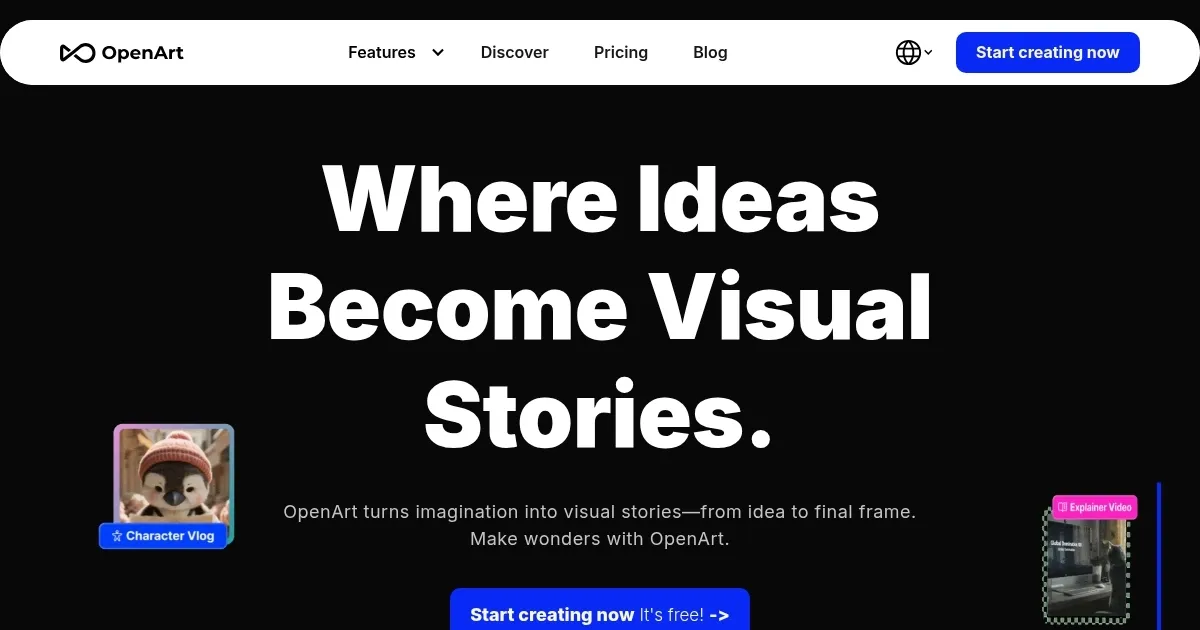
Homepage Screenshot 📸

OpenArt screenshot

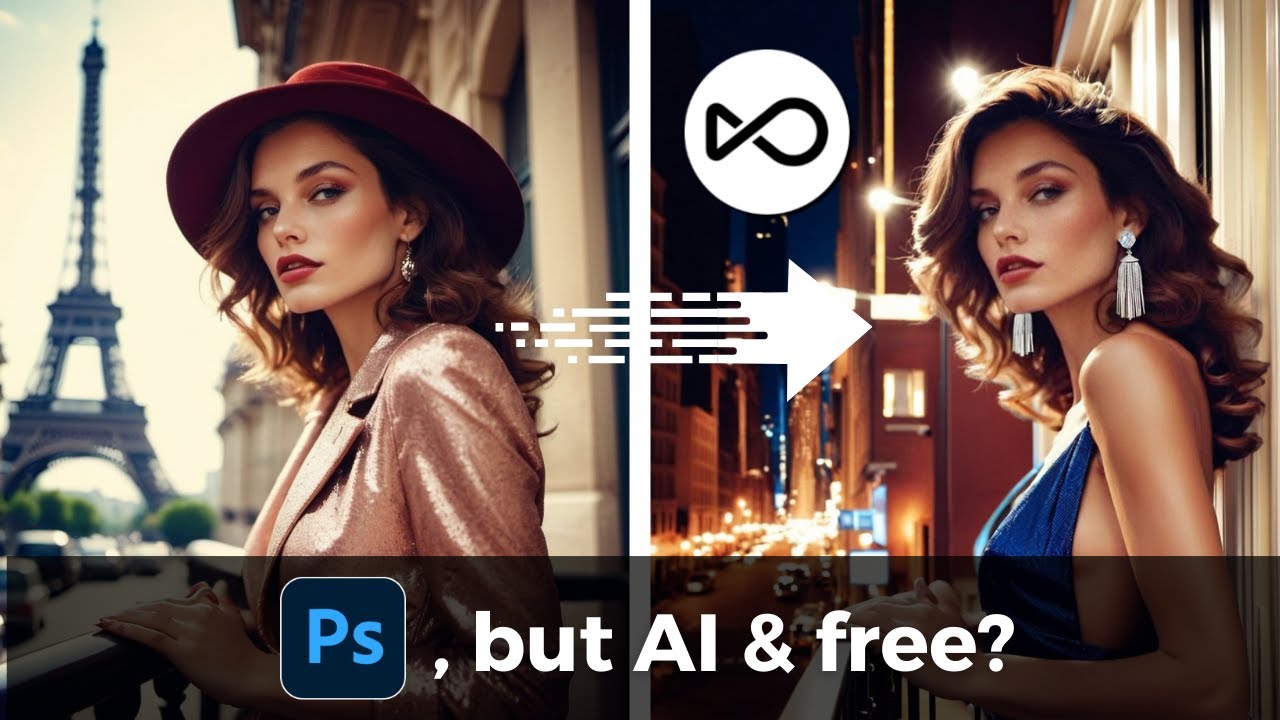
Video Overview 🎬

OpenArt - Video Overview

What are the key features? ✨

  • AI image generation: Create stunning images from text prompts with the help of advanced AI models.
  • Custom model training: Train your own AI model to match specific artistic styles or brand needs.
  • InPainting: Edit and enhance images by filling in missing parts or correcting imperfections.
  • Style selection: Access a variety of artistic styles and genres to apply to your creations.
  • Community: You can also engage with a community of artists for inspiration, feedback, and collaboration.

Who is it for? 🤔

OpenArt is made for artists, designers, marketers, educators, and hobbyists seeking to create high-quality visual content using AI tools. It is ideal for both beginners and professionals looking to explore and expand their creative capabilities with advanced, user-friendly technology. Ultimately, anyone who needs graphics could use it, so feel free to check it out.

Examples of what you can use it for 💡

  • Generate unique digital artworks for personal or commercial use
  • Create eye-catching visuals for ad campaigns and social media posts
  • Design custom graphics for merchandise, packaging, and branding
  • Develop visual content for educational resources and presentations
  • Experiment with different styles and techniques for personal creative projects

Pros & Cons ⚖️

  • Create fancy graphics with ease
  • Multiple styles to choose from
  • You can also edit images with text prompts
  • We prefer Midjourney for image generation

FAQs 💬

What is OpenArt.ai and who is it for?
OpenArt.ai is an AI-powered platform for generating and editing images, videos, and stories using text prompts, sketches, or existing photos. It works great for beginners dipping their toes into AI art, as well as pros like marketers, designers, or hobbyists creating social media content or brand visuals. You don't need design skills; the interface guides you through prompts and tools like inpainting or upscaling. Target users include artists, educators, and small businesses looking for quick, customizable outputs.
How do I get started with OpenArt.ai for free?
Sign up with your email, Google, or Discord account on openart.ai, and you'll get 40 trial credits right away, good for about 7 days to test premium features. Join their Discord for an extra 50 credits. The free tier lets you generate up to 50 images daily at 512x512 resolution using basic models like Stable Diffusion XL. It's perfect for experimenting without committing cash, though credits reset monthly and don't roll over.
What are the main features for image and video creation?
Key tools include text-to-image generation with 100+ models (e.g., Flux for realism, Kling for video), consistent character creation for storytelling, inpainting/outpainting for edits, sketch-to-image conversion, and a new one-click story mode for up to 60-second videos from a prompt or song. You can train custom models with your own images for branded styles, upscale to high-res, and add lip-sync or B-roll. Recent 2025 updates like Kling 2.1 improve motion and transitions.
How does the pricing work, and is it worth the upgrade?
Plans start free, then Essential ($7/month annual, 4,000 credits for ~4,000 images or 40 videos), Advanced ($14.50/month, 12,000 credits with bulk tools), Infinite ($28/month, 24,000 credits plus priority support), and Team ($17.40/seat/month for shared workspaces). There's a 50% off promo on annual subs through late 2025. Credits don't carry over, but add-ons cost $15 for 5,000 extra. It's solid value for frequent users, especially with video features, but casual folks might stick to free.
Can I use OpenArt.ai for commercial projects?
Yes, generated images and videos are yours to use commercially or personally, as they're public domain per OpenArt's terms. No royalties or restrictions, but avoid illegal content, and some models (like Veo 3) require attribution for free users. Paid plans unlock full commercial rights without backlinks. It's popular for ads, e-commerce, and social posts, with users on Reddit noting it's reliable for brand visuals.
Does OpenArt.ai support NSFW content or custom styles?
NSFW is blocked on personal models to keep things safe, but you can work around it somewhat with img2img or guidance tools on public models. For styles, it shines with optional prompts, letting you train custom LoRAs on your images for consistent aesthetics like anime or photorealism. Users praise this for fan art or character series, though results vary by model.
How does OpenArt.ai compare to Midjourney or Stable Diffusion?
OpenArt aggregates models like those in Midjourney (e.g., Flux) but adds editing suites and video tools Midjourney lacks, making it more all-in-one. It's web-based and beginner-friendly versus Stable Diffusion's local setup, which needs hardware. Pros: faster for videos, custom training; cons: credit limits can feel restrictive. In 2025 reviews, it's often picked for versatility over Midjourney's Discord-only flow.
What are common pros and cons from users?
Pros include intuitive interface, consistent characters for stories, and quick video gen (e.g., one-click MVs). It's lauded on Product Hunt for speed and community bonuses. Cons: credits burn fast on premium models, some report buggy poses or pricing hikes, and support can lag. Reddit threads highlight great free tier but frustration with specificity in prompts.
Is OpenArt.ai mobile-friendly, and are there tutorials?
Yes, it runs smoothly on mobile browsers for iOS and Android, though desktop's better for editing. Check their YouTube channel (@openart_ai) for prompt guides, or the Prompt Book/Model Training Book on-site. Discord offers live tips and free credits. New users often start with these to nail prompts like "a cyberpunk cityscape in Van Gogh style."
What recent updates should I know about in 2025?
Big ones: Kling 2.1 for better video control (235% motion improvement), one-click stories for TikTok-style clips, and Sora 2 integration for synced audio. Camera angle tools and B-roll options rolled out in October, boosting music video creation. These make it more pro-level without extra cost.

Ready to try OpenArt?

A versatile AI-powered platform for generating and enhancing images and art.

Visit OpenArt ↗

OpenArt alternatives 🔗

  1. ChatGPT ChatGPT All-round AI assistant generating human-like responses to user queries and tasks
  2. Grok Grok Delivers witty, real-time AI responses with advanced reasoning and image generation
  3. Imagen Imagen Generates photorealistic images from detailed text prompts
  4. Black Forest Labs Black Forest Labs Generates high-quality images from text prompts with precision and speed
  5. Kling AI Kling AI Generates cinematic videos from text or images with realistic motion
  6. Runway Runway Generates and edits AI-powered videos from text prompts
Share
OpenArt screenshot enlarged
Promote OpenArt
light badge
Copy Embed Code
dark badge
Copy Embed Code
neutral badge
Copy Embed Code
Best AI Tools

Discover the best AI tools for any use case

Explore
  • Tool Categories
  • AI Use Cases
  • AI Events
  • AI News
  • Saved Tools
Company
  • About Us
  • Contact Us
  • Media & Partnerships
  • Suggest a Tool
Legal
  • Privacy Policy
  • Terms of Service
Copyright © 2026 Best AI Tools 415 Mission Street, 37th Floor, San Francisco, CA 94105