Best AI Style Transferring Tools

49 toolsRanked by traffic

AI style transfer tools take the artistic look of one image and apply it to another, so your photo can adopt the brushwork of a painting or the palette of an art movement. You provide a source picture and either a reference style or a text prompt, and the model repaints your image in that look while keeping the original shapes recognizable. Tools like SeaArt, OpenArt, Krea, and Adobe Firefly handle this well.

Artists, designers, and hobbyists use style transfer to test looks fast, turn a snapshot into watercolor or anime, or keep a consistent aesthetic across a set of images. The trick is balancing the new style against the original detail: push too hard and faces dissolve, too lightly and the effect barely shows. Tools that let you tune style strength and preserve structure give you the most usable results.
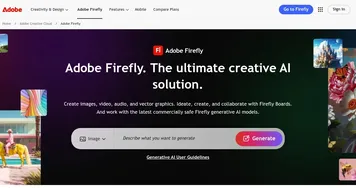

Adobe Firefly
Adobe Firefly - icon
Adobe Firefly
Generates images, videos, audio, and vectors using AI.
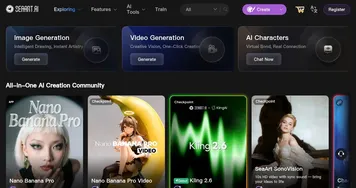
SeaArt
SeaArt - icon
SeaArt
An AI-driven art creation platform with features including various styles, face swaps, and image upscaling.
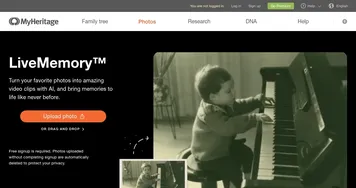
LiveMemory
LiveMemory - icon
LiveMemory
A tool from MyHeritage that creates AI-generated avatars of people in historical attire and settings
OpenArt
OpenArt - icon
OpenArt
A versatile AI-powered platform for generating and enhancing images and art.
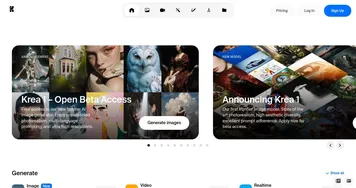
Krea
Krea - icon
Krea
Empowering users to generate and enhance images and videos using advanced AI
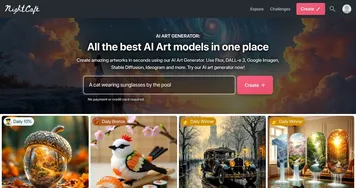
NightCafe
NightCafe - icon
NightCafe
Multi-algorithm text-to-image AI art generator
Dzine
Dzine - icon
Dzine
An AI tool designed to enhance your graphic design and image editing capabilities
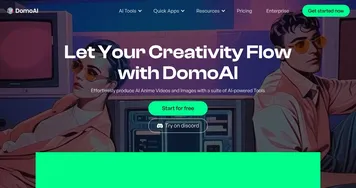
DomoAI
DomoAI - icon
DomoAI
A fancy platform that leverages AI to empower users to create unique visual content
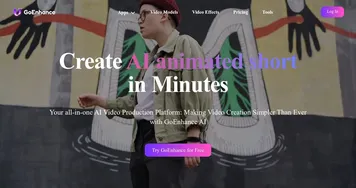
GoEnhance
GoEnhance - icon
GoEnhance
A powerful AI-driven platform designed to transform video and image editing
RunComfy
RunComfy - icon
RunComfy
Streamline the use of ComfyUI, a modular interface for AI art generation
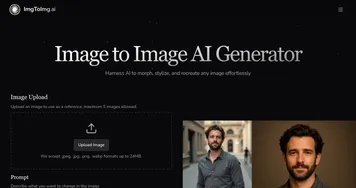
ImgToImg.ai
ImgToImg.ai - icon
ImgToImg.ai
Transforms photos into new styles using AI and text prompts
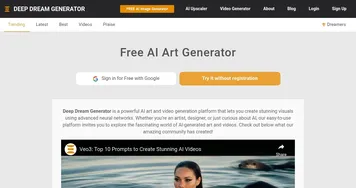
Deep Dream Generator
Deep Dream Generator - icon
Deep Dream Generator
An online platform that combines AI technology and art to bring your imagination to life
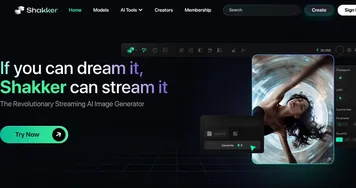
Shakker
Shakker - icon
Shakker
Create stunning images, even masterpieces, using artificial intelligence
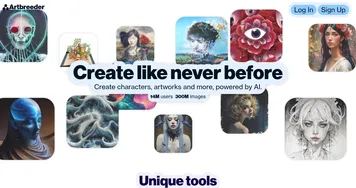
Artbreeder
Artbreeder - icon
Artbreeder
AI-powered creative tool that empowers users' creativity by making it easier to collaborate and explore
mnml.ai
mnml.ai - icon
mnml.ai
An AI design assistant for architects and interior designers for creating high-quality renders

Frequently Asked Questions

What is AI style transfer?
AI style transfer is a technique that repaints one image in the visual style of another. The model separates content, meaning the shapes and layout, from style, meaning the colors, textures, and brushwork, then recombines your photo's content with a chosen style. The result keeps your subject but wears a completely different artistic look.
Can I turn a photo into a painting or anime?
Yes, that is the most popular use of style transfer. You upload a photo and pick a style such as oil painting, watercolor, sketch, or anime, and the tool redraws your image in that look. Quality depends on the source photo, with clear lighting and a defined subject giving the cleanest conversions.
Can I use my own image as the style reference?
Many style transfer tools let you upload a custom reference image instead of choosing a preset. The model studies that reference's colors and textures and applies them to your target photo. This is useful for matching a brand aesthetic or carrying one consistent look across a series of images.
Do I own images created with style transfer?
You generally own the output you create, but copying a living artist's signature style can raise legal and ethical questions, especially for commercial work. Imitating a broad movement like impressionism is safe; closely mimicking a specific named artist is riskier. Check each tool's terms, and when in doubt, lean toward general styles.