Best AI UX Design Tools

37 toolsRanked by traffic

AI UX design tools help you design product interfaces: wireframes, app and website screens, and clickable prototypes, generated from a prompt or a rough idea. They turn plain descriptions into layouts you can edit, share, and test, which shortcuts the blank-canvas stage of UI work. The category spans interface generators like v0.dev and Uizard, plus design-platform helpers like FigJam AI and Framer.

Product designers, founders, and developers use these to move fast: sketch a flow, generate a first screen, then iterate instead of starting from scratch. When you're choosing one, think about how editable the output is and whether it hands you real code, a Figma file, or just a static mockup. AI is great at a credible first draft, but the taste calls, the spacing, and the actual usability still come from you. Treat it as a head start, not a finished design.

v0.dev
v0.dev - icon
v0.dev
Generates React UI components from text prompts using AI
FigJam AI
FigJam AI - icon
FigJam AI
Instantly visualize ideas, suggest best practices, and automate tedious tasks
Framer
Framer - icon
Framer
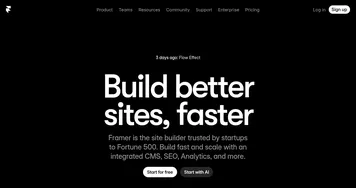
An AI-powered, zero-code website builder with a built-in copywriter
UserTesting AI
UserTesting AI - icon
UserTesting AI
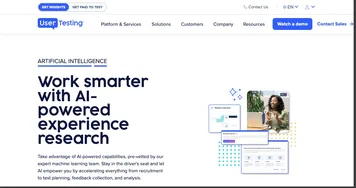
An online platform that leverages AI to streamline user experience research
FlutterFlow
FlutterFlow - icon
FlutterFlow
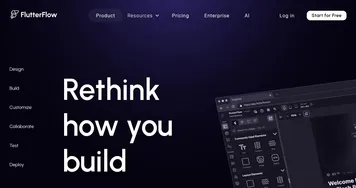
An online application development platform for native mobile + web apps
Hotjar AI
Hotjar AI - icon
Hotjar AI
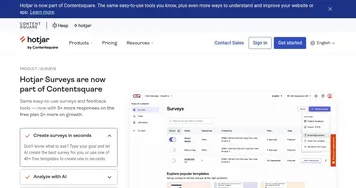
Create surveys for any goal in seconds and generate summary reports automatically
Relume
Relume - icon
Relume
Generates AI-powered sitemaps, wireframes, and style guides for faster web design
Readdy
Readdy - icon
Readdy
An AI-powered website builder that can turn text prompts into websites with working front-end code
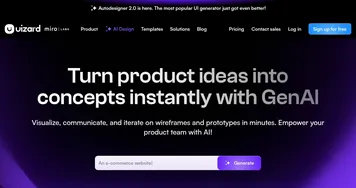
Uizard
Uizard - icon
Uizard
Generates editable UI prototypes from text prompts and sketches in minutes.
UX Pilot
UX Pilot - icon
UX Pilot
Creates wireframes and UI designs from text prompts in seconds
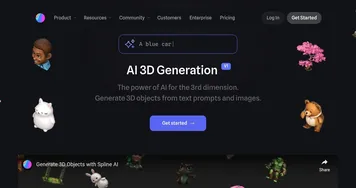
Spline AI
Spline AI - icon
Spline AI
Generate 3D objects, animations, and textures using prompts
Magic
Magic - icon
Magic
Generates professional UI components instantly from natural language descriptions
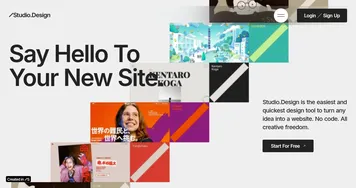
STUDIO AI
STUDIO AI - icon
STUDIO AI
Turns design ideas into live responsive websites with intuitive editing and smart suggestions
Visily
Visily - icon
Visily
Create software wireframes from sketches, screenshots, templates, and more
Wegic
Wegic - icon
Wegic
An AI-powered web development tool that simplifies website creation with conversational interactions

Frequently Asked Questions

What is the best AI UX design tool?
The best AI UX design tool depends on what you need next. v0.dev shines when you want production React code from a prompt, Uizard and Framer suit fast visual mockups and live sites, and FigJam AI helps with the brainstorming and mapping that come before design. Match the tool to your hand-off, whether that's code or a design file.
Can AI design a whole app interface?
AI can design a full app interface as a strong first draft, generating screens, navigation, and components from a description. It handles the layout and structure well, but the polish, the edge cases, and the real usability decisions still need a human designer. Think of it as scaffolding you refine, not a finished, ship-ready product.
Do AI UX tools generate real code?
Some AI UX tools generate real, working code while others stop at visual mockups. Tools like v0.dev and Framer output usable React or live web pages, so developers can build on them directly. Others produce editable design files or static images meant for a design tool. Check whether you're getting code or a picture before you commit.
Can AI replace a UX designer?
AI cannot replace a UX designer, but it speeds up the routine parts of the job. It drafts layouts, generates variations, and clears the blank-page hurdle, which frees designers for the harder work: understanding users, structuring flows, and making judgment calls about what actually feels right. The tool drafts; the designer decides.