Magic by 21st.dev
Generates professional UI components instantly from natural language descriptions
21st.dev Magic is an AI-driven tool that generates production-ready UI components from natural language descriptions, integrating with IDEs like Cursor, Windsurf, and VSCode. It uses the Model Context Protocol (MCP) to connect with development environments, allowing developers to type commands like “/ui create a pricing table” and receive React code with TypeScript support. The tool offers real-time previews, SVGL integration for logos and icons, and access to a community library of components. It’s in beta, with a free plan offering five requests and a paid plan for higher usage.
The tool excels at creating simple to moderately complex components, such as buttons, forms, and navigation bars. It generates three variations per request, letting users choose the best fit. The community library, hosted on 21st.dev, allows developers to share and access pre-built components. TypeScript integration ensures type-safe code, and real-time previews help visualize output instantly. Compared to v0 by Vercel, Magic offers stronger IDE integration but fewer templates. Uizard provides a more visual interface but lacks Magic’s coding focus.
Limitations include struggles with highly complex UIs, requiring users to break them into smaller parts. The documentation, while clear, lacks advanced examples. The free plan’s request limit is restrictive, and the paid plan is costlier than some competitors. Only MCP-compatible IDEs are supported, limiting accessibility. The community library is a unique feature, enhancing component variety.
For best results, use clear, specific prompts and start with simple components. Join the Discord community for support and updates. Experiment with variations to find the best fit for your project.
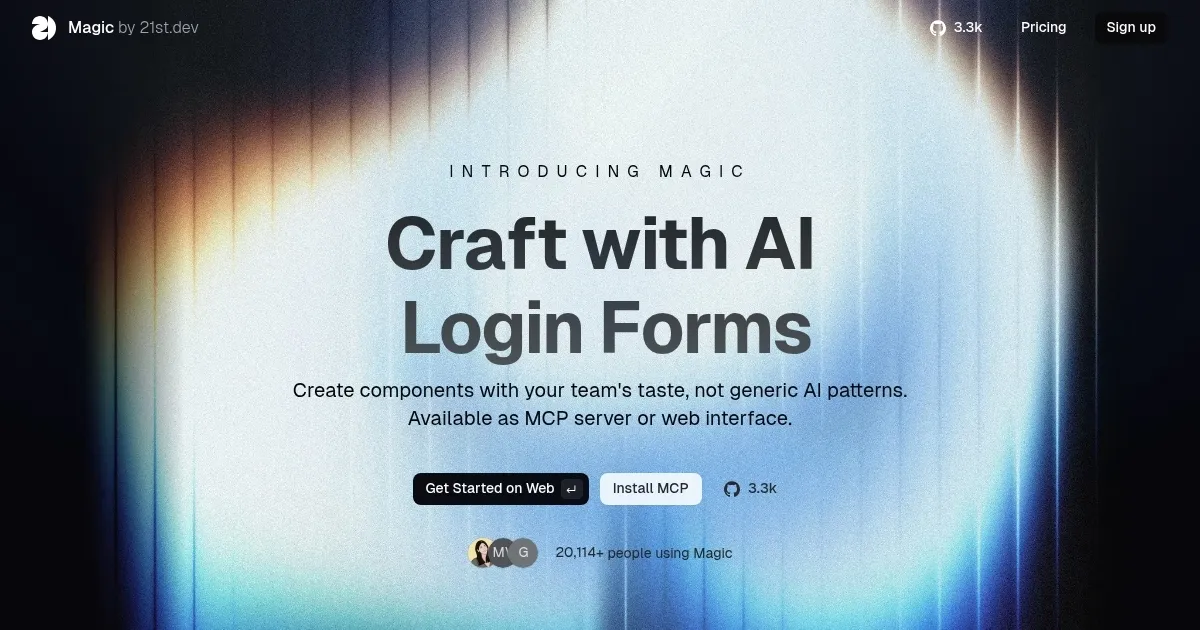
Homepage Screenshot 📸
What are the key features? ✨
- AI-Powered UI Generation: Creates UI components from natural language prompts.
- Multi-IDE Support: Integrates with Cursor, Windsurf, and VSCode for seamless use.
- Modern Component Library: Offers access to customizable, community-published components.
- Real-time Preview: Displays component designs instantly during creation.
- SVGL Integration: Provides professional logos and icons for custom components.
Who is it for? 🤔
Examples of what you can use it for 💡
- Front-end Developer: Generates a responsive navbar for a client project in minutes.
- Startup Founder: Creates a pricing table for a landing page without hiring a designer.
- Freelancer: Builds a custom card component with hover effects for a portfolio site.
- Team Lead: Uses community library to maintain consistent UI across team projects.
- Hobbyist Coder: Experiments with button designs for a personal React app.
Pros & Cons ⚖️
- Fast UI component generation
- Seamless IDE integration
- TypeScript support included
- Limited to MCP IDEs
- Struggles with complex UIs
FAQs 💬
Ready to try Magic?
Generates professional UI components instantly from natural language descriptions
Visit Magic