logo-darklogo-darklogo-darklogo-dark
  • Tool Categories
    • 🎨 Art
    • 🏢 Business
    • 💻 Coding
    • 👮 Detection
    • 🧠 General
    • 🏥 Health
    • 📷 Image Analysis
    • 🖼️ Image
    • 📐 Architecture
    • 🎓 Education
    • ⚖️ Legal/Finance
    • 🎭 Lifestyle
    • 📢 Advertising
    • 🎧 Music
    • 👔 Work
    • 🔬 Research
    • 👥 Social
    • 🎥 Video
    • 👧🏻 Companion
    • 🎤 Voice
    • ✍️ Writing
    • All Categories
    • AI Use Cases
  • News
  • Events
    • Academic Conferences
    • Developer Conferences
    • Expos / Trade Shows
    • Industry Summits
    • Workshops / Training
    • All Events
    • Past Events
  • Saved Tools
  • Suggest a Tool
✕
Home › Coding & Development › Code Generation› Magic Patterns
Magic Patterns

Magic Patterns by North Park Labs

An AI-powered design tool that helps teams quickly create user interfaces

Magic Patterns is an AI-powered design tool that helps teams quickly create user interfaces. In other words, it can turn text prompts into real, interactive designs.

Here’s an example: say you need a login page for an online service. Instead of creating a wireframe from the ground up, you can just type what you need and let Magic Patterns will do it for you. It can even match your existing style if you upload your design system. This is meant to save time and help you see your ideas come to life quickly.

But, Magic Patterns isn’t just for designers — developers can use it too. It generates real code, not just pictures. You can then export the code to GitHub or Figma, making it easy to integrate into your project. This means less back-and-forth between design and development.

Also worth knowing is that Magic Patterns supports team work: you can share your work with others, get feedback, and make changes instantly. There’s even a Chrome extension that lets you grab designs from other websites for inspiration.

If you’re wondering who’s using this tool, among Magic Patterns’ clients are companies like PwC and NASCAR. It can be especially useful for product teams, designers, and developers who want to quickly and efficiently prototype ideas.

In summary, Magic Patterns is a powerful tool that can help teams quickly design and prototype user interfaces. By leveraging AI, real code generation, and collaborative features – it streamlines the design process and helps bring ideas to life faster.

Visit Magic Patterns ↗
Categories
💻 Coding
⌨️ Code Generation 📱 App Building 🏗️ Website Building 🚀 Landing Page Building ✨ Vibe Coding
🎨 Art
📱 UX Design 🖼️ Design Generation

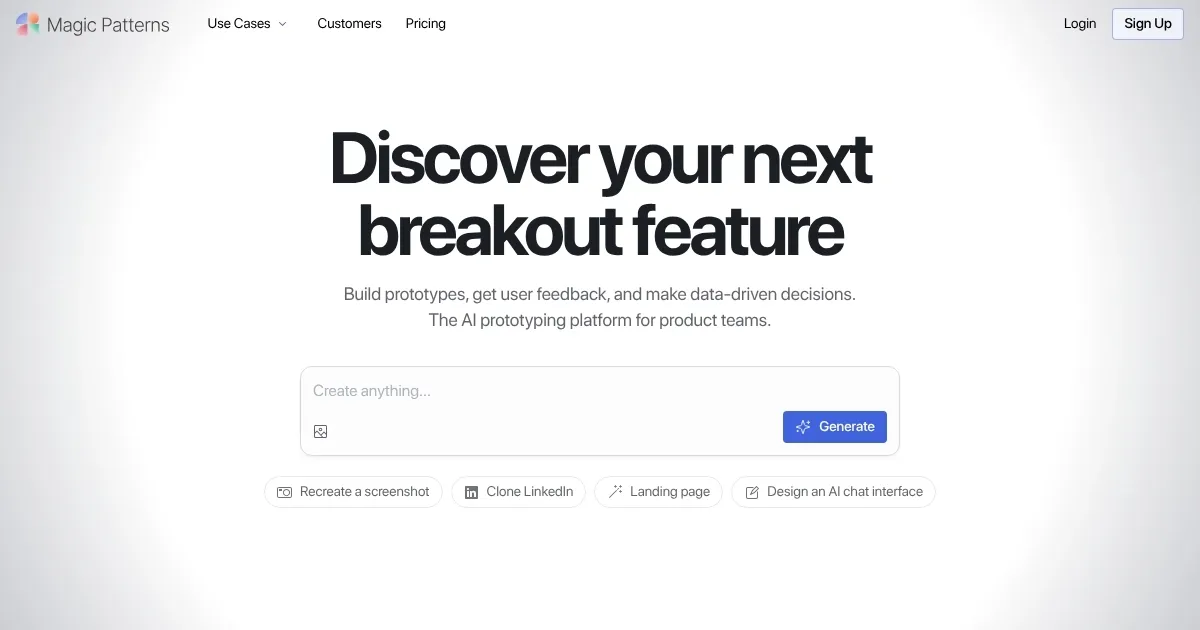
Screenshot 📸

Magic Patterns screenshot

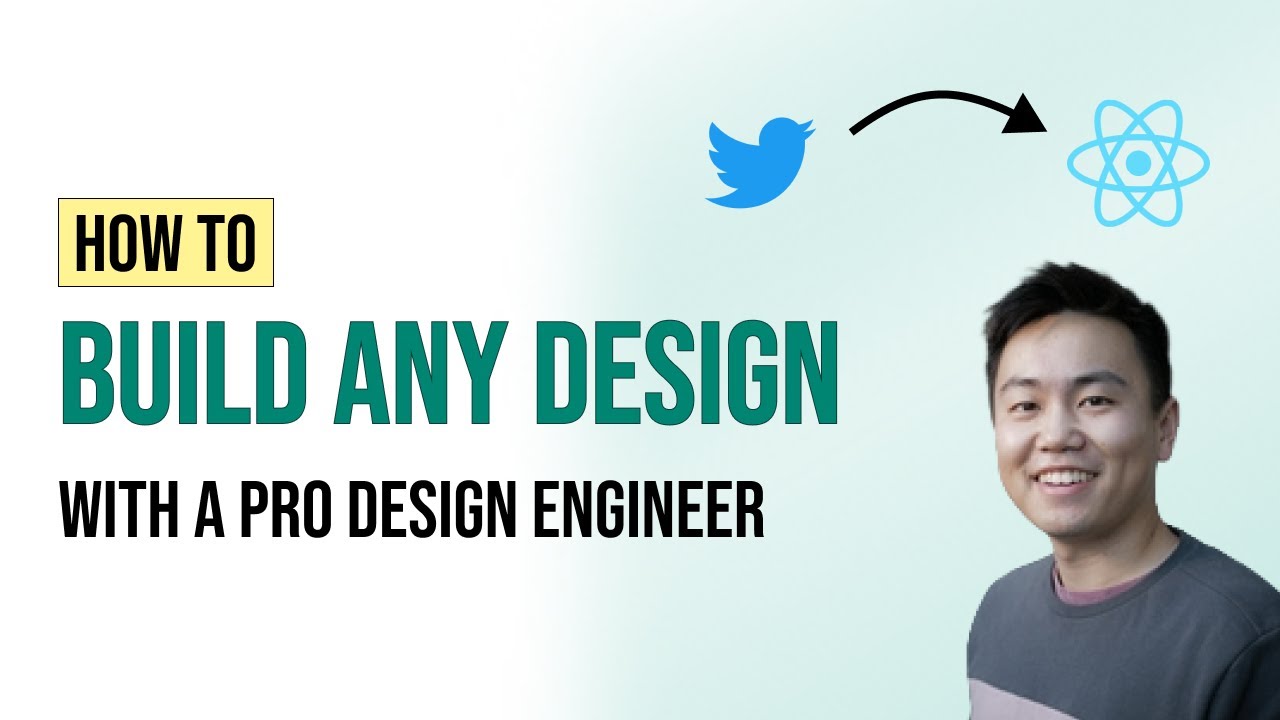
Video Overview 🎬

What are the key features? ✨

  • Text-to-UI generation: Type a description, and Magic Patterns creates a design for you - speeding up the design process and helping you quickly visualize ideas.
  • Real code output: It generates actual code, not just images - making it easier for developers to use the designs in real projects.
  • Design system integration: Upload your existing design system, and Magic Patterns will match your style to ensure consistency across your project.
  • Real-time collaboration: Work with your team on the same design simultaneously - share, edit, and get feedback instantly.
  • Chrome extension: Use the extension to capture designs from other websites, helping you gather inspiration and incorporate elements you like.

Who is it for? 🤔

Magic Patterns is designed for product teams, designers, and developers who need to create user interfaces quickly and efficiently. It can be especially useful for startups and companies that need to prototype ideas rapidly. With its real-time collaboration and code generation features, it's a valuable tool for any team working on digital products.

Examples of what you can use it for 💡

  • Quickly create prototypes to test ideas and get feedback
  • Build interactive demos for clients to showcase your ideas
  • Designers and developers can work together seamlessly
  • Use the Chrome extension to find and incorporate design elements from other websites
  • Export the generated code to GitHub or Figma, making it easy to integrate into your existing projects

Pros & Cons ⚖️

  • Speeds up the design process with AI-generated designs
  • Generates real code, making it easier for developers to use
  • Integrates with existing design systems for consistency
  • May have a learning curve for new users

FAQs 💬

What exactly does Magic Patterns do?
Magic Patterns is an AI design tool that turns text prompts, user stories, or screenshots into interactive UI prototypes that match your product's existing look and feel.
Who is this tool best suited for?
It works well for product managers, designers, developers, founders, and startups who want to prototype new features or ideas quickly and test them with users.
How does it handle my existing design system?
You can import your design system so the AI generates screens using your custom components, colors, and typography for perfect consistency.
Can I start from a screenshot or existing website?
Yes, upload a screenshot or use the Chrome extension to import any live webpage and then edit or restyle it with AI.
Does it support collaboration with my team?
It offers real-time multiplayer editing so designers and engineers can iterate together on the same canvas.
What kind of output can I get from the designs?
You can preview interactive prototypes, share links for feedback, export layered designs to Figma, or copy clean production-ready code.
Is there integration with Figma?
Yes, a dedicated Figma plugin lets you export Magic Patterns designs directly into Figma in one click.
How interactive are the prototypes?
The generated designs are functional web prototypes you can click through and test like a real app.
Can I iterate on specific parts without starting over?
You can select and edit individual elements or components and ask the AI to refine them while keeping the rest intact.
Does it generate code I can actually use in production?
It produces clean, structured code (commonly React + Tailwind) that developers can copy and use or sync to GitHub without heavy cleanup.

Ready to try Magic Patterns?

An AI-powered design tool that helps teams quickly create user interfaces

Visit Magic Patterns ↗
Magic Patterns alternatives 🔗

  1. ChatGPT ChatGPT All-round AI assistant generating human-like responses to user queries and tasks
  2. Gemini Gemini Generates responses from text, images, audio, and video inputs using advanced multimodal AI
  3. Claude Claude Assists users in reasoning, coding, writing, and analyzing data with advanced AI models
  4. DeepSeek DeepSeek Delivers advanced AI models for coding and reasoning at low costs
  5. Cursor Cursor Supercharges coding with AI agents that build, edit, and review code autonomously.
  6. Windsurf Windsurf Empowers developers with AI-driven code generation and real-time collaboration.
Share
Magic Patterns screenshot enlarged
Promote Magic Patterns
light badge
Copy Embed Code
dark badge
Copy Embed Code
neutral badge
Copy Embed Code
Best AI Tools

Discover the best AI tools for any use case

About Us | Contact Us | Suggest an AI Tool
Privacy Policy | Terms of Service
Copyright © 2026 Best AI Tools 415 Mission Street, 37th Floor, San Francisco, CA 94105