logo-darklogo-darklogo-darklogo-dark
  • Tool Categories
    • 🎨Art & Creative Design505
    • 🏢Business Management644
    • 💻Coding & Development515
    • 👮Detection83
    • 🧠General Use727
    • 🏥Health & Wellness55
    • 📷Image & Photo Analysis100
    • 🖼️Image Generation & Editing618
    • 📐Interior & Architectural Design37
    • 🎓Learning & Education483
    • ⚖️Legal & Finance90
    • 🎭Lifestyle & Entertainment236
    • 📢Marketing & Advertising627
    • 🎧Music & Audio138
    • 👔Office & Workplace1,014
    • 🔬Research & Data Analysis372
    • 👥Social Media245
    • 🎥Video Generation & Editing426
    • 👧🏻Virtual Companion135
    • 🎤Voice Generation & Editing381
    • ✍️Writing & Editing808
    • All Categories
    • AI Use Cases
  • News
  • Events
    • Academic Conferences
    • Developer Conferences
    • Expos / Trade Shows
    • Industry Summits
    • Workshops / Training
    • All Events
    • Past Events
  • Saved Tools
  • Suggest a Tool
✕
Home › Coding & Development › Website Building› Relume
Relume

Relume

Generates AI-powered sitemaps, wireframes, and style guides for faster web design

Relume is an AI-powered website builder that accelerates the early stages of web design by generating sitemaps, wireframes, and style guides from text prompts. It integrates with tools like Figma and Webflow, drawing on a library of over 1000 human-designed components for professional outputs. This focus on structure helps designers avoid common pitfalls, such as scope creep, while maintaining creative control.

Key features include the Sitemap tool, which creates detailed page outlines in seconds based on a project brief. The Wireframe generator then converts these into editable layouts with placeholder content, allowing quick iterations. The new Style Guide feature produces color palettes and typography systems that export directly to design software, streamlining the approval process. Collaboration tools enable team members to comment on shared projects, and exports support Figma, Webflow, and React formats.

Users appreciate the time savings, with several reviews highlighting that building concepts can be completed in under an hour, boosting productivity by up to 10 times for marketing sites. The component library is updated monthly, ensuring fresh, responsive elements built with best practices, such as Client-First for Webflow. However, some note limitations in deep customization, where AI outputs tend to favor standard layouts over highly unique ones, requiring manual adjustments to achieve brand-specific aesthetics.

In comparison, Relume stands out against Framer, which offers end-to-end design and publishing but lacks Relume’s specialized wireframing depth. Versus Webflow, Relume acts as a complementary accelerator, providing AI foundations that feed into Webflow’s no-code building without the steeper learning curve for beginners. Pricing includes a free trial and tiered plans that scale with project volume, generally more accessible than full-suite competitors.

Recent user feedback from 2025 sources emphasizes seamless integrations and reduced revision cycles, although occasional export glitches, such as class name duplicates in Webflow, are occasionally reported in forums. The tool’s emphasis on editable, human-curated components surprises many by avoiding generic AI looks, delivering polished starts that enhance rather than replace designer input.

For practical use, begin with a simple brief on the free tier to test sitemap accuracy, then iterate on wireframes before exporting. This approach maximizes efficiency while building familiarity with the platform’s strengths.

Visit Relume ↗
Categories
💻 Coding
🏗️ Website Building 🚀 Landing Page Building ⌨️ Code Generation
🎨 Art
📱 UX Design 🧑‍🎨 Design Assistant 🖌️ Graphic Design
👔 Work
📐 Diagram Generation

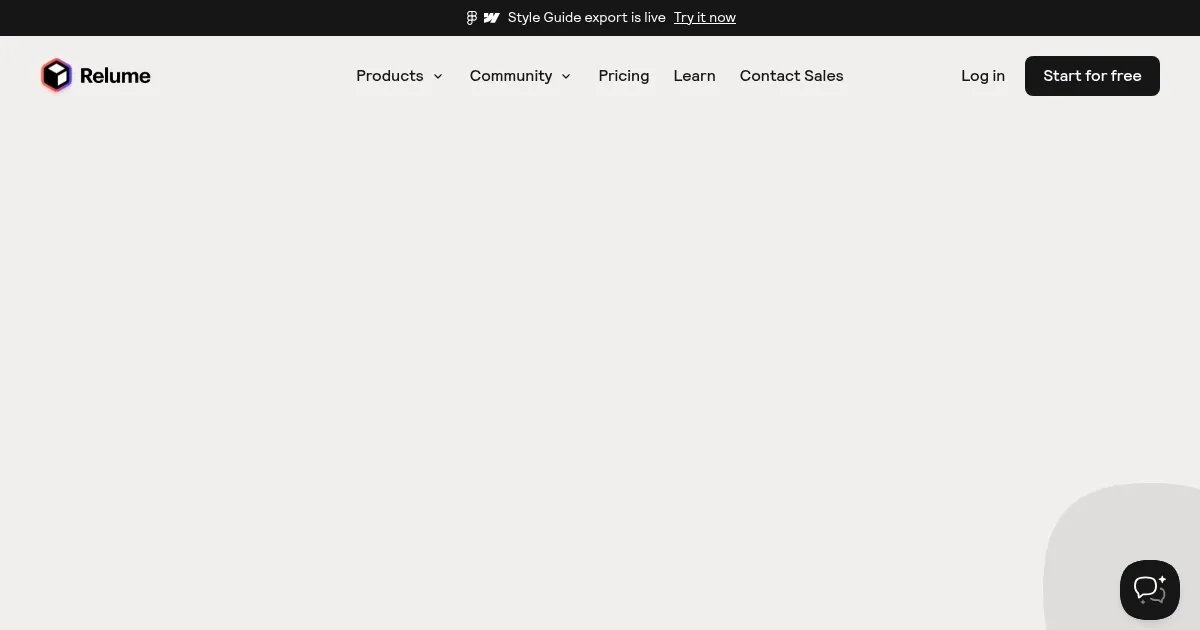
Homepage Screenshot 📸

Relume screenshot

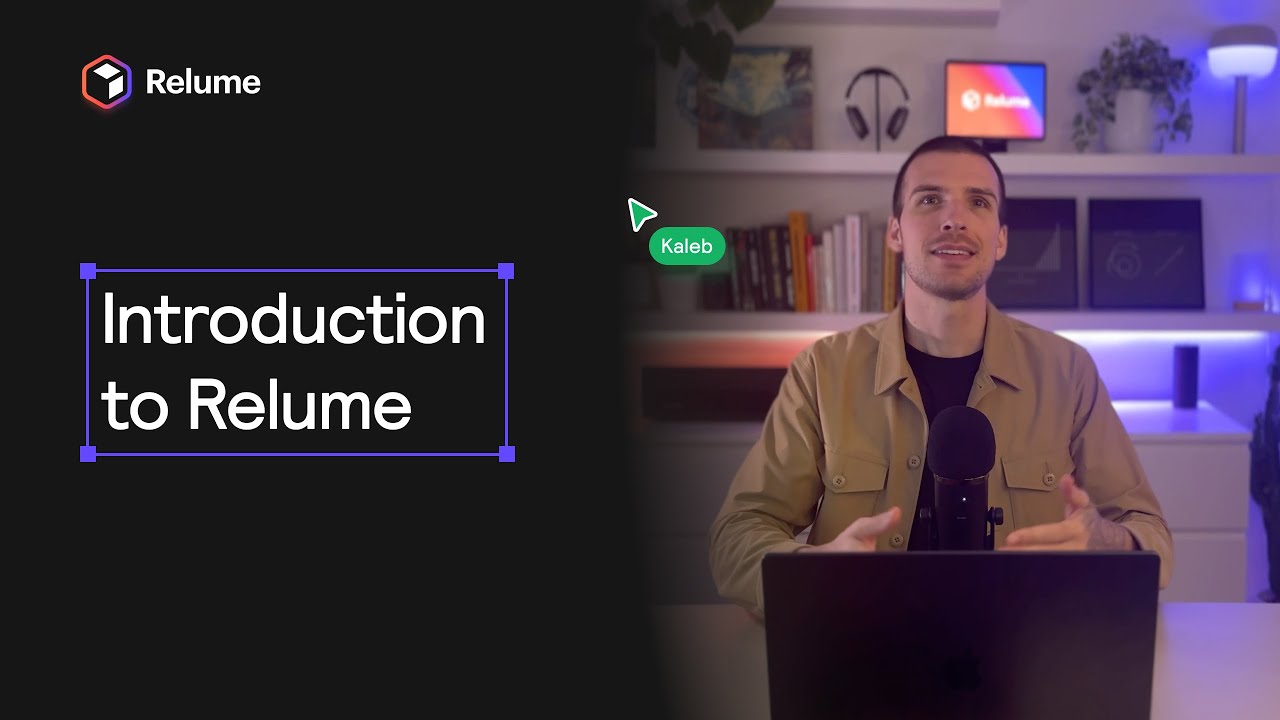
Video Overview 🎬

What are the key features? ✨

  • Sitemap Generator: Creates detailed page structures from a text brief in seconds to outline website content and sections.
  • Wireframe Builder: Converts sitemaps into editable layouts using over 1000 components, complete with placeholder copy for rapid prototyping.
  • Style Guide Creator: Generates color palettes, typography, and design systems that merge client inputs with professional standards for quick approvals.
  • Component Library: Offers 1000+ responsive elements for Figma, Webflow, and React, updated monthly with best-practice builds.
  • Collaboration Tools: Enables sharing projects with comments for team and client feedback directly on wireframes.

Who is it for? 🤔

Relume suits freelance designers, agency teams, and developers who build marketing websites and need to kickstart projects efficiently without sacrificing quality. Its ideal for those integrated with Figma or Webflow workflows, helping solo creators scale output or small studios cut down on initial planning time, though it might feel limited for e-commerce specialists seeking advanced interactivity right away.

Examples of what you can use it for 💡

  • Freelance Designer: Uses prompts to generate wireframes for client pitches, exporting to Figma for custom styling and faster approvals.
  • Agency Developer: Builds sitemaps for marketing sites, iterates components in Webflow to deliver responsive pages in hours.
  • Marketing Team Lead: Creates style guides from brand briefs, shares for feedback to align visuals before full production.
  • UI/UX Prototypers: Assembles layouts with library elements, tests flows in React for quick interactive demos.
  • Startup Founder: Outlines site structure from business ideas, refines with AI copy to launch MVPs swiftly.

Pros & Cons ⚖️

  • Speeds up planning
  • Vast component library
  • Seamless exports
  • Limited customization

FAQs 💬

What makes Relume different from other AI builders?
Relume focuses on early-stage design with human-curated components, integrating directly with Figma and Webflow for professional workflows unlike full-site generators.
Can I use Relume without Figma or Webflow?
Yes, it supports React exports and standalone editing, but shines brightest with those tools for seamless handoff.
How accurate are the AI-generated sitemaps?
Theyre highly relevant for marketing sites, based on your brief, with 90% users finding them spot-on after minor tweaks per reviews.
Is there a free version of Relume?
A free trial allows one full project to test features without commitment.
Does Relume handle mobile responsiveness?
All components include mobile variants, ensuring wireframes adapt across devices from the start.
How often does the component library update?
Monthly, adding new elements and improvements based on user feedback and trends.
Can teams collaborate in real-time?
Yes, share links for comments on specific sections, streamlining reviews without extra tools.
What types of websites works best with Relume?
Marketing and landing pages excel, though its adaptable for portfolios with some iteration.
How does Relume compare to Framer?
Relume accelerates wireframing for export, while Framer handles full design-to-publish in one app.
Is training needed to use Relume?
Minimal; intuitive prompts and tutorials get most users generating in minutes.

Ready to try Relume?

Generates AI-powered sitemaps, wireframes, and style guides for faster web design

Visit Relume ↗
Relume alternatives 🔗

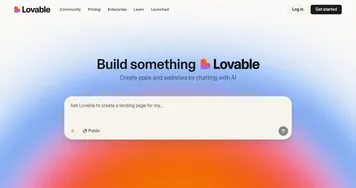
  1. Lovable Lovable Builds apps and websites via AI chat prompts.
  2. Replit AI Replit AI Transforms natural language prompts into fully deployable apps using AI agents
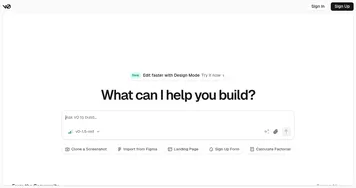
  3. v0.dev v0.dev Generates React UI components from text prompts using AI
  4. Hostinger AI Website Builder Hostinger AI Website Builder An AI-powered website builder that lets you launch a brand new website in under one hour
  5. Gamma Gamma An AI tool for creating presentations, documents, or webpages.
  6. Beacons.ai Beacons.ai An AI platform that helps creators manage their online presence and monetize their content
Share
Relume screenshot enlarged
Promote Relume
light badge
Copy Embed Code
dark badge
Copy Embed Code
neutral badge
Copy Embed Code
Best AI Tools

Discover the best AI tools for any use case

Explore
  • Tool Categories
  • AI Use Cases
  • AI Events
  • AI News
  • Saved Tools
Company
  • About Us
  • Contact Us
  • Media & Partnerships
  • Suggest a Tool
Legal
  • Privacy Policy
  • Terms of Service
Copyright © 2026 Best AI Tools 415 Mission Street, 37th Floor, San Francisco, CA 94105