ArchSynth by GL technologies
An AI-powered tool that transforms sketches into stunning visuals in seconds
ArchSynth is an AI-powered tool that transforms sketches into stunning visuals in seconds. By uploading a sketch and specifying your desired style, the AI will work its magic to produce high-quality renders. For instance, if you have a rough concept of a building – ArchSynth can quickly generate a detailed and realistic image of it.
Once generated, the image can be fine-tuned to your style using prebuilt templates or by describing your custom style in words. This flexibility allows for a personalized touch in your designs. Moreover, ArchSynth supports both 2D and 3D renders, making it useful for different design needs.
However, it is important to note that while ArchSynth offers a range of features, some users may experience a learning curve when first using the platform.
ArchSynth offers two pricing plans: the Student plan and the Pro plan. The former includes features like Sketch to Render, Text to Image, and Photo Enhancing, while the latter offers additional capabilities such as Image to 3D and an AI assistant.
Both plans won’t break the bank and could be a cost-effective solution for designers. With that in mind, you may want to check it out.
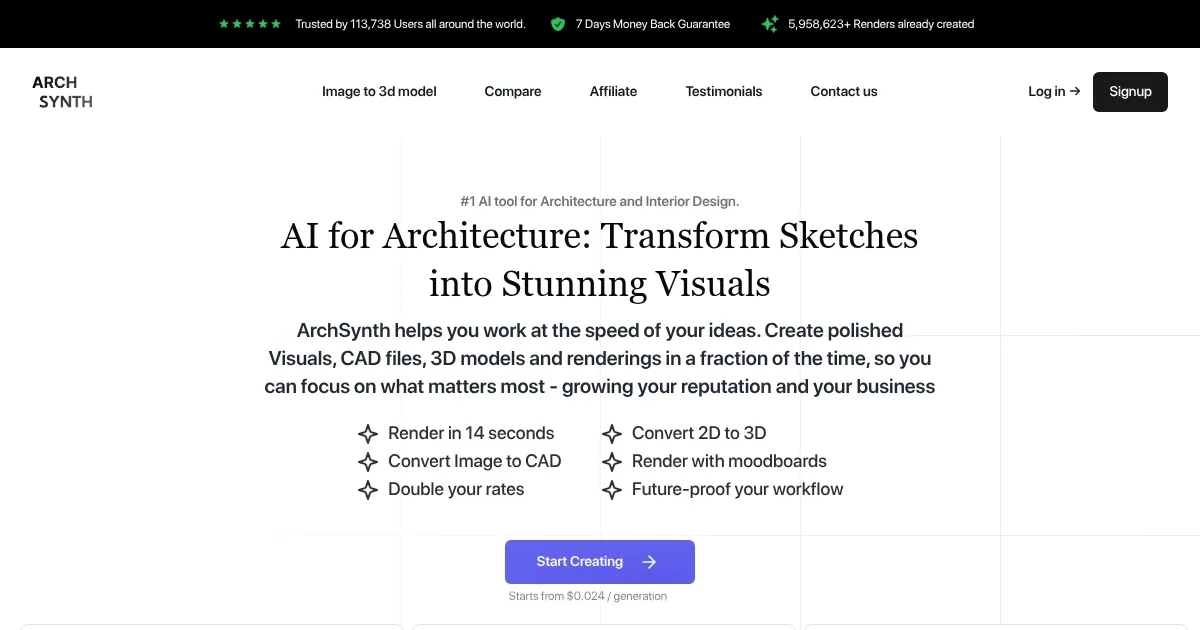
Homepage Screenshot 📸
Video Overview 🎬
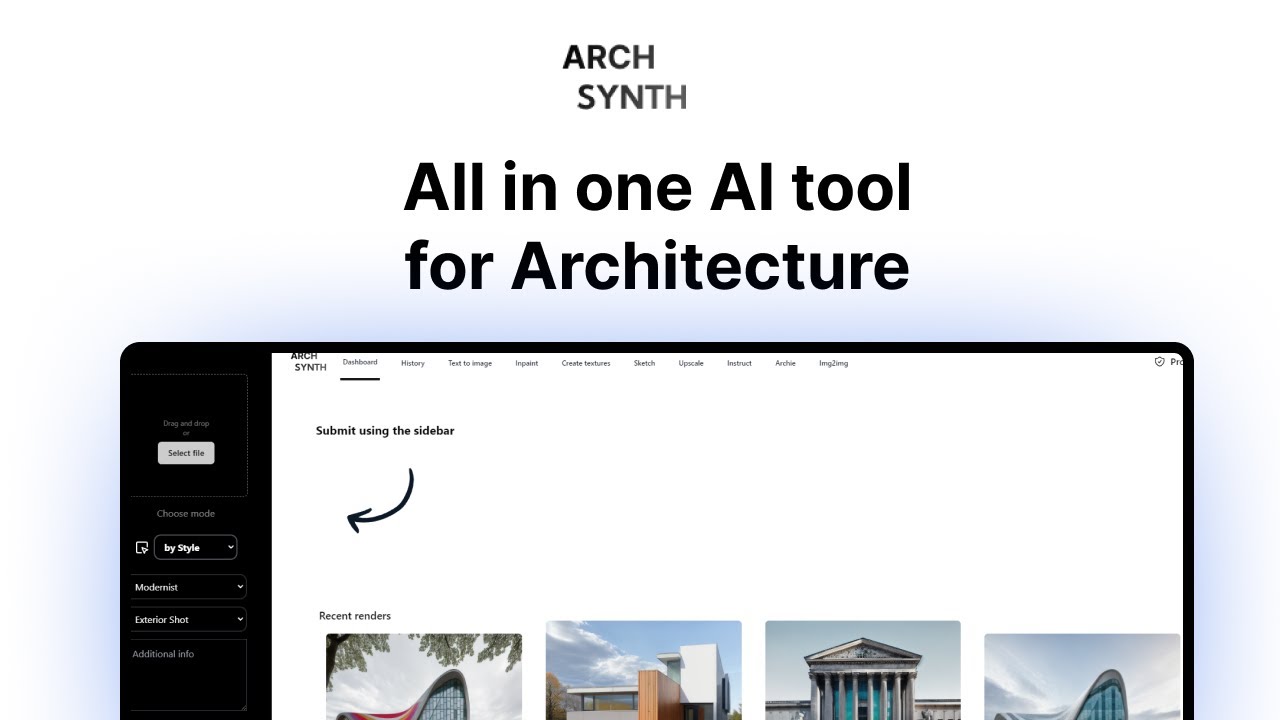
What are the key features? ✨
- Rapid rendering: ArchSynth can convert your sketches into detailed renders in mere seconds, significantly speeding up the design process.
- 2D to 3D conversion: The platform allows users to transform 2D sketches into 3D models, enabling a more comprehensive visualization of designs.
- Style customization: Users can input desired styles or use prebuilt templates to fine-tune the appearance of their renders.
- Moodboard integration: ArchSynth offers the ability to render designs based on moodboards, helping designers maintain a consistent aesthetic throughout their projects.
- AI assistant: The platform includes an AI assistant that can analyze images and provide information or suggestions, enhancing the design process.
Who is it for? 🤔
Examples of what you can use it for 💡
- Professionals can quickly visualize and present their design concepts by transforming sketches into detailed renders
- Interior designers can experiment with different styles and layouts by converting sketches into renders
- Architecture and design students can use ArchSynth to create high-quality visuals for their projects
- Real estate developers can generate realistic images from architectural sketches to showcase potential projects to investors or clients
- Marketing teams can produce compelling visuals for promotional materials by converting design concepts into polished images
Pros & Cons ⚖️
- Fast rendering that quickly transforms sketches into visuals
- Intuitive interface that makes the tool easy for all skill levels
- Explore various architectural styles
- Limited customization - it may lack depth in options
Ready to try ArchSynth?
An AI-powered tool that transforms sketches into stunning visuals in seconds
Visit ArchSynthArchSynth alternatives 🔗