logo-darklogo-darklogo-darklogo-dark
  • Tool Categories
    • 🎨 Art
    • 🏢 Business
    • 💻 Coding
    • 👮 Detection
    • 🧠 General
    • 🏥 Health
    • 📷 Image Analysis
    • 🖼️ Image
    • 📐 Architecture
    • 🎓 Education
    • ⚖️ Legal/Finance
    • 🎭 Lifestyle
    • 📢 Advertising
    • 🎧 Music
    • 👔 Work
    • 🔬 Research
    • 👥 Social
    • 🎥 Video
    • 👧🏻 Companion
    • 🎤 Voice
    • ✍️ Writing
    • All Categories
    • AI Use Cases
  • News
  • Events
    • Academic Conferences
    • Developer Conferences
    • Expos / Trade Shows
    • Industry Summits
    • Online Events
    • Workshops / Training
    • All Events
    • Past Events
  • Saved Tools
  • Suggest a Tool
✕
Home › Video Generation & Editing › Video Generation› Magic Hour
Magic Hour

Magic Hour

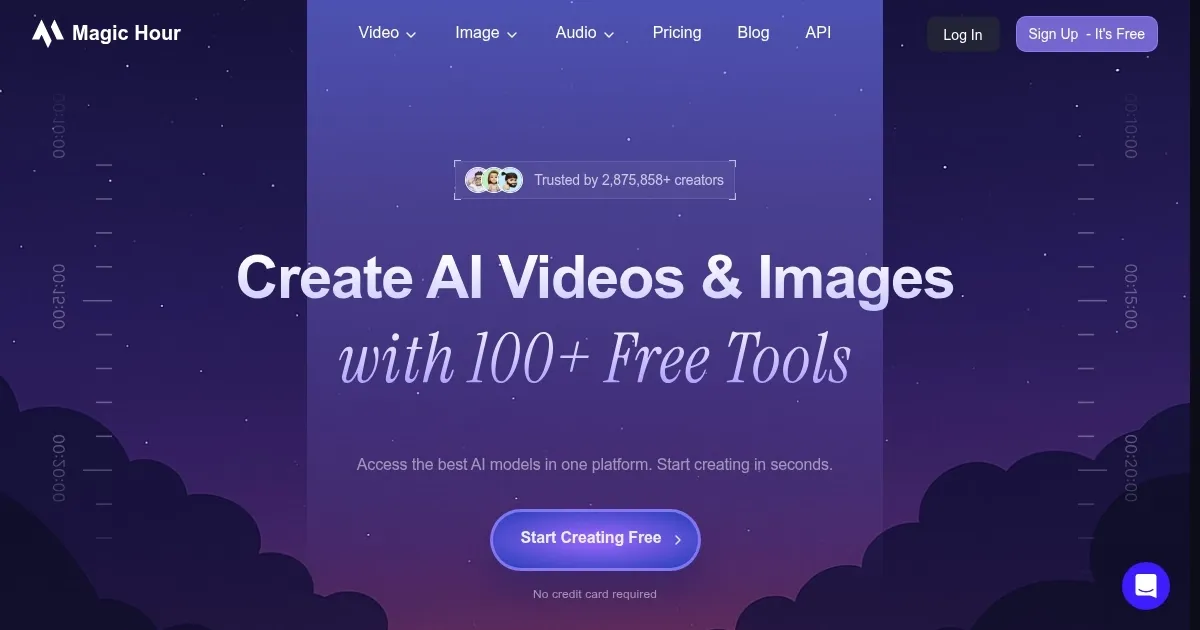
An AI-powered platform designed to simplify video content creation for users of all skill levels

Magic Hour is an AI-powered platform designed to simplify video content creation for users of all skill levels. It offers several tools, such as video-to-video format transfers, face conversions, and image-to-video conversions — enabling users to create professional quality videos without much experience leveraging AI.

Magic Hour also features lip syncing to allow users to create videos where anyone can speak any audio with ease. This can be particularly handy for marketing campaigns, educational materials and personalized video messaging.

In addition, Magic Hour comes with a huge library of templates and effects, which you can quickly apply to videos. These templates cover different genres and formats to suit different needs.

Ultimately, Magic Hour is ideal for anyone looking to scale up their video production. By democratizing access to high-quality video production tools, it empowers users to easily create interesting and visually appealing content.

Visit Magic Hour ↗

Categories

🎥 Video

📹 Video Generation ✏️ Video Editing 🎭 Face Swap Video 🖼️ Image to Video 👄 Lip Sync Generation 🎞️ Animation Generation 🤖 Avatar Video Generation 📝 Text to Video

🖼️ Image

🎭 Face Swap 🖼️ Image Generation

Screenshot 📸

Magic Hour screenshot

Video Overview 🎬

What are the key features? ✨

  • Video-to-video transformation: Change the style and subjects in existing videos using advanced AI tech.
  • Face swap: Easily insert yourself or someone else into any video, creating high-quality deepfakes.
  • Image-to-video conversion: Turn photos into stunning videos with just a few clicks.
  • Text-to-video creation: Better yet, you can generate realistic and consistent videos from text inputs. This includes animations and lip-syncing to audio.
  • Template library: Access thousands of templates and effects to quickly produce professional-quality videos.

Who is it for? 🤔

Magic Hour is designed for different kinds of users, including content creators, marketers, educators, and businesses. It caters to both professionals looking to streamline their video production process and the general public wanting to create high-quality videos without extensive experience. The platform's easy-to-use tools and templates make it accessible to anyone interested in producing engaging video content.

Examples of what you can use it for 💡

  • Quickly produce engaging videos for platforms like Instagram, TikTok, and Facebook
  • Create professional-quality promotional videos to boost brand visibility and engagement
  • Develop instructional content or explainer videos that are visually engaging and easy to understand
  • Make fun and personalized videos, such as music videos or animated stories
  • Produce high-quality training videos to educate employees

Pros & Cons ⚖️

  • Allows anyone to produce fancy videos
  • You can create videos from text input or from images
  • Lip sync feature works wonders
  • Deepfakes can be dangerous

FAQs 💬

What is Magic Hour?
Magic Hour is an all-in-one platform that lets creators generate videos and images using AI tools like text-to-video and face swaps. It pulls from top open-source models to make high-quality content fast, without needing fancy gear or skills. I think it's especially handy for social media folks starting out.
Who should use Magic Hour?
It's great for individual creators, marketing teams, and even developers who want quick visuals. Beginners love the easy templates, while pros use it to scale campaigns with personalized assets. If you're into content that pops on Instagram or TikTok, this might fit right in.
What are the main features of Magic Hour?
Key ones include text-to-video for turning prompts into clips, face swap for realistic edits, image-to-video animation, and lip sync for synced audio. There's also a huge library of over 10,000 templates and an API for devs to integrate it smoothly. Recent updates like Kling 2.5 add better frame control and HD quality.
How does the face swap tool work in Magic Hour?
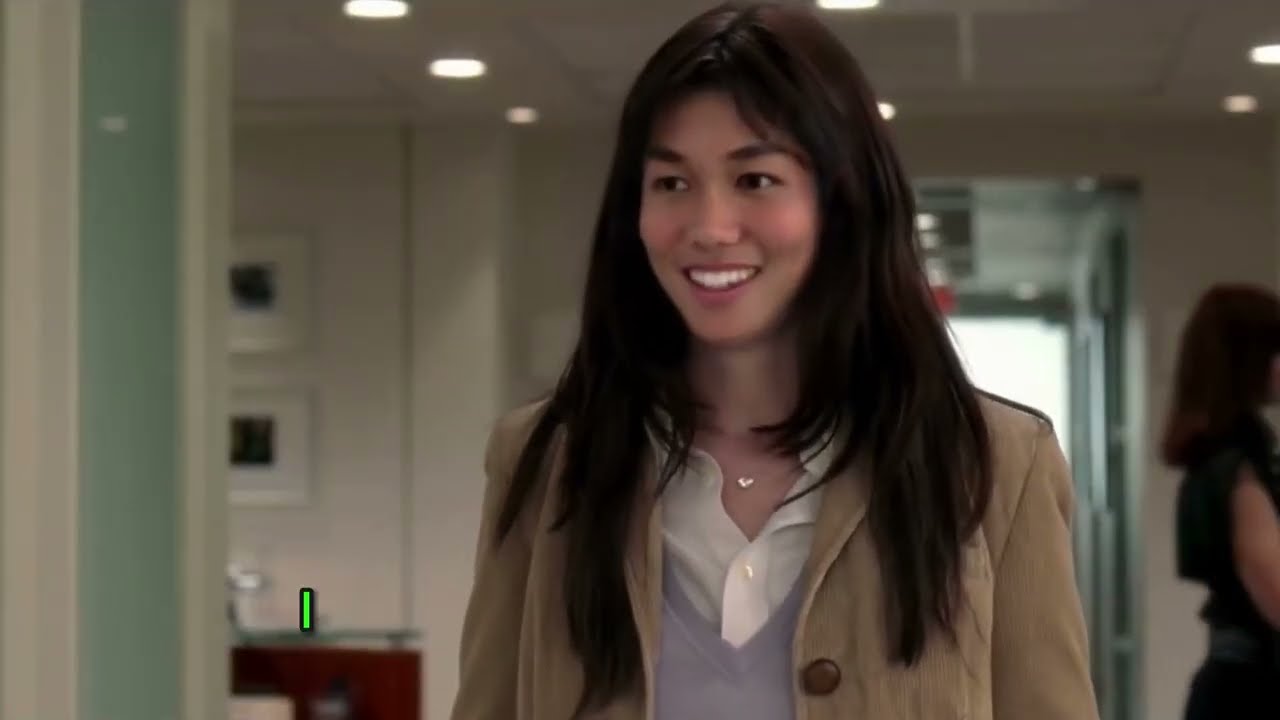
You upload a video or image, pick the face to swap, and the AI handles alignment, lighting, and motion for natural results. It works frame-by-frame to keep things consistent, even in group shots. Users say it's a game-changer for fun memes or branded content, though complex angles might need tweaks.
Can I create videos from text descriptions with Magic Hour?
Yes, the text-to-video feature lets you describe a scene, and it generates a full clip with styles like cinematic or animated. Powered by models like Veo 3.1, it includes native audio and effects in one go. It's quick for ideas that would take hours otherwise, but prompts work best when they're specific.
Is there a free version of Magic Hour?
Absolutely, you can sign up without a card and get free credits to test most tools, like basic generations and templates. It covers short clips and images, giving a solid feel for the platform. For longer stuff, you might hit limits fast, but it's generous for trials.
What file formats does Magic Hour support for outputs?
It exports videos in MP4 or MOV, and images in standard formats like JPG or PNG. Everything comes ready for social platforms, with options for 4K if you're on higher tiers. No fuss with conversions, which keeps workflows smooth.
Does Magic Hour integrate with other tools?
It has SDKs for Python, Node, and more, plus a simple API for embedding into apps. You can pull in Midjourney images for video conversion too. It's not a full suite like Adobe, but plays nice with creative stacks for faster production.
How long does it take to generate a video in Magic Hour?
Most clips under 10 seconds finish in a minute or two, thanks to optimized models. Longer ones with effects might run 5-10 minutes, depending on complexity. Users report it's way quicker than manual editing, though peak times can add a bit of wait.
Is Magic Hour good for beginners?
Totally, the drag-and-drop interface and templates make it feel like a playground, not a steep curve. No tech know-how needed, and tutorials pop up as you go. That said, mastering prompts takes a little practice, but it's forgiving compared to pro software.

Ready to try Magic Hour?

An AI-powered platform designed to simplify video content creation for users of all skill levels

Visit Magic Hour ↗

Magic Hour alternatives 🔗

  1. Kling AI Kling AI Generates cinematic videos from text or images with realistic motion
  2. Veo Veo Generates high-quality videos with audio from text or image prompts
  3. Runway Runway Generates and edits AI-powered videos from text prompts
  4. Sora Sora Generates hyperrealistic videos from text prompts with synchronized audio
  5. Adobe Firefly Adobe Firefly Generates images, videos, audio, and vectors using AI.
  6. Google AI Studio Google AI Studio Prototypes AI solutions using Gemini models in a browser-based IDE
Share
Magic Hour screenshot enlarged
Promote Magic Hour
light badge
Copy Embed Code
dark badge
Copy Embed Code
neutral badge
Copy Embed Code
Best AI Tools

Discover the best AI tools for any use case

About Us | Contact Us | Suggest an AI Tool
Privacy Policy | Terms of Service
Copyright © 2026 Best AI Tools 415 Mission Street, 37th Floor, San Francisco, CA 94105