Higgsfield
An AI video tool that can turn still images into motion clips with cinematic camera moves
Higgsfield is an AI-powered video tool that can turn still images into motion clips with cinematic camera moves. In other words, its lets you make a clip in seconds — delivering professional-looking clips right from a static photo.
As a user, you start using Higgsfield by uploading or generating an image. Then, you can choose from dozens of built-in camera moves like dolly zoom, 360 orbit, crash zoom, or bullet‑time effects. In a way, it feels like having a mini film crew in your browser or phone. But the real beauty lies in how it transforms a flat image into a scene that looks like a fancy movie.
There are other AI tools that will create a video for you, including Runway, HeyGen, Stable Video and Sora. But Higgsfield stands out with its mobile‑first Diffuse app and a focus on creative camera control. It even supports API access for deeper integration.
Lastly, we should add that to get the best results, you should start with high‑res images and simple moves. According to user reports, this way, users get amazing clips 80% of the time. You got that right – 4 out of 5 people love the results Higgsfield generates. That’s nothing short of impressive!
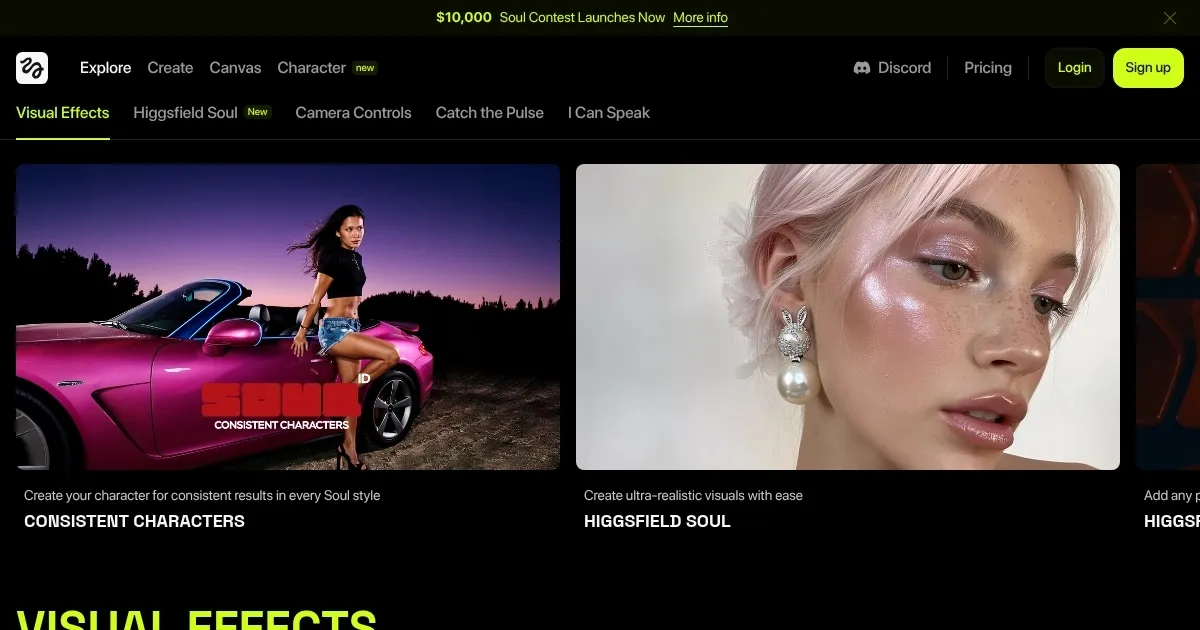
Homepage Screenshot 📸
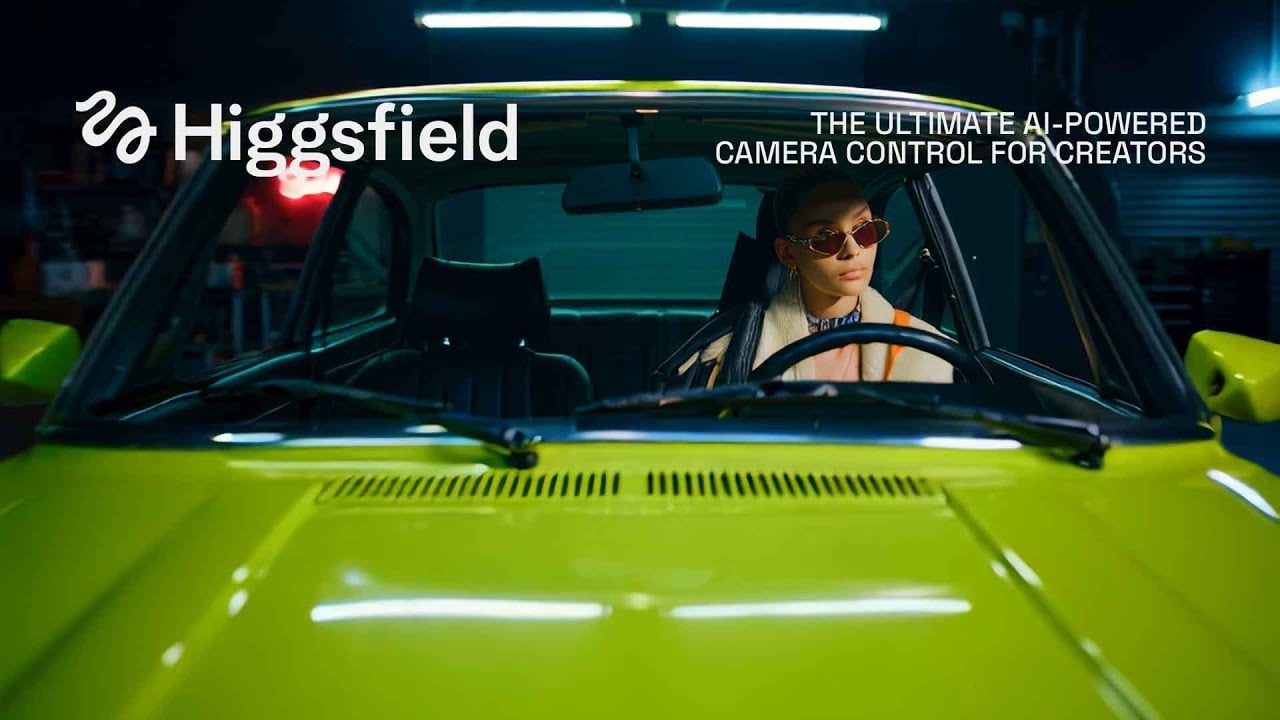
Video Overview 🎬
What are the key features? ✨
- Image-to-video magic: Upload a picture, type your prompt, then transform it into a moving clip. No editing skills needed.
- Easy camera‑motion presets: Higgsfield offers 50+ preset moves and you can layer two moves for more drama. That makes video creation fast and fun.
- Creative prompt builder: Built‑in AI helps improve descriptions so the output matches your vision better.
- Multiple visual styles: Choose cinematic, VHS, Super 8mm, anamorphic, abstract, and more for different moods.
- Mobile‑first design: The Diffuse app lets creators make content anywhere, anytime.
Who is it for? 🤔
Examples of what you can use it for 💡
- Create social media clips that grab attention fast
- Turn marketing photos into short cinematic ad videos
- Spice up storyboards or mood boards with motion
- Transform selfies into action‑scene videos for fun
- Experiment with VFX presets like fire, explosions, medusa hair, and more
Pros & Cons ⚖️
- Over 50 smooth, cinematic motion presets
- Mobile and web‑based flexibility
- Supports API for automation
- Free tier has watermarks and only 25 credits
FAQs 💬
Ready to try Higgsfield?
An AI video tool that can turn still images into motion clips with cinematic camera moves
Visit Higgsfield