logo-darklogo-darklogo-darklogo-dark
  • Tool Categories
    • 🎨Art & Creative Design505
    • 🏢Business Management644
    • 💻Coding & Development515
    • 👮Detection83
    • 🧠General Use727
    • 🏥Health & Wellness55
    • 📷Image & Photo Analysis100
    • 🖼️Image Generation & Editing618
    • 📐Interior & Architectural Design37
    • 🎓Learning & Education483
    • ⚖️Legal & Finance90
    • 🎭Lifestyle & Entertainment236
    • 📢Marketing & Advertising627
    • 🎧Music & Audio138
    • 👔Office & Workplace1,014
    • 🔬Research & Data Analysis372
    • 👥Social Media245
    • 🎥Video Generation & Editing426
    • 👧🏻Virtual Companion135
    • 🎤Voice Generation & Editing381
    • ✍️Writing & Editing808
    • All Categories
    • AI Use Cases
  • News
  • Events
    • Academic Conferences
    • Developer Conferences
    • Expos / Trade Shows
    • Industry Summits
    • Workshops / Training
    • All Events
    • Past Events
  • Saved Tools
  • Suggest a Tool
✕
Home › Video Generation & Editing › Video Generation› Vidu AI Video Generator
Vidu AI Video Generator

Vidu AI Video Generator

Transforms text and images into high-quality AI-generated videos in seconds

Vidu (or Vidu AI Video Generator) is a video generation platform designed to let users create high-quality videos from text prompts or images, with a focus on 2D animations. It uses a Universal Vision Transformer (U-ViT) model to produce smooth, visually coherent content.

The Text-to-Video feature transforms written descriptions into dynamic videos, while Image-to-Video animates static images into fluid sequences. Reference-to-Video ensures consistency by using multiple reference images, and My References saves assets for reuse. The template library offers pre-made themes like “AI Hug” or “Christmas Toast” for quick video creation. Videos generate in as little as 10 seconds and support over 50 languages.

The free plan provides 80 monthly credits, with premium plans offering higher limits at competitive rates compared to Runway or Pika. Complex prompts may lead to inconsistent results, such as mismatched backgrounds. The Multi-Entity Consistency feature integrates multiple reference images seamlessly, ideal for ads or storytelling.

Vidu prioritizes data privacy with encryption and does not use user uploads for AI training. For optimal use, start with clear prompts, use templates for speed, and save references for consistent projects.

Visit Vidu AI Video Generator ↗
Categories
🎥 Video
📹 Video Generation 📝 Text to Video 🖼️ Image to Video 🎞️ Animation Generation 📲 Short Video Generation
🎨 Art
🌸 Anime Generation

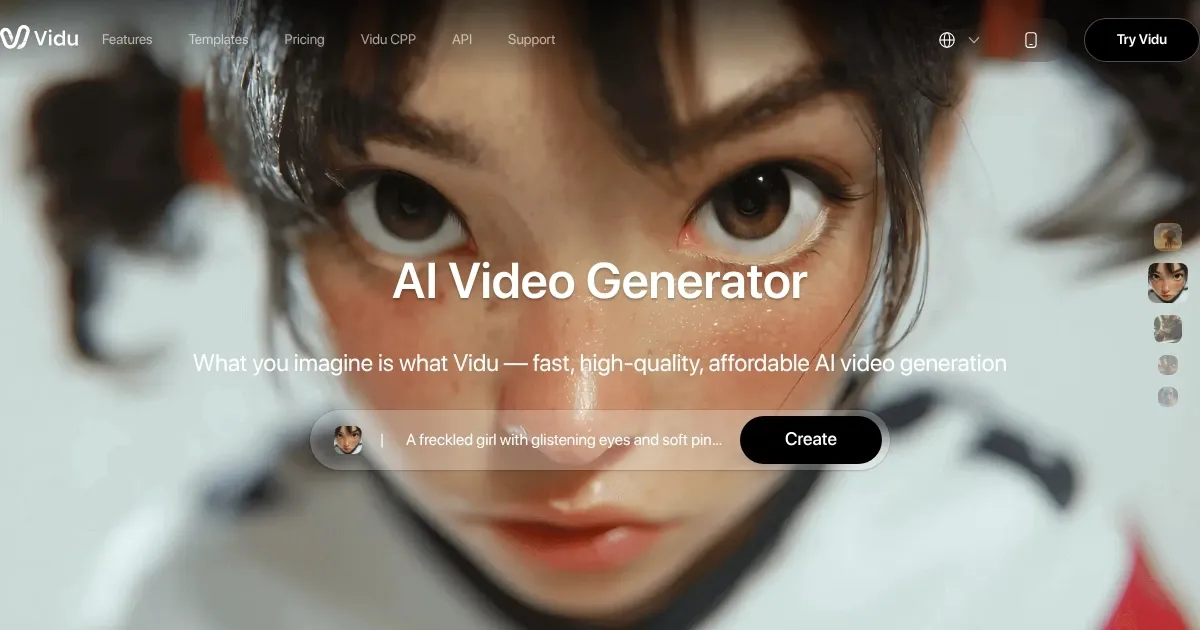
Homepage Screenshot 📸

Vidu AI Video Generator screenshot

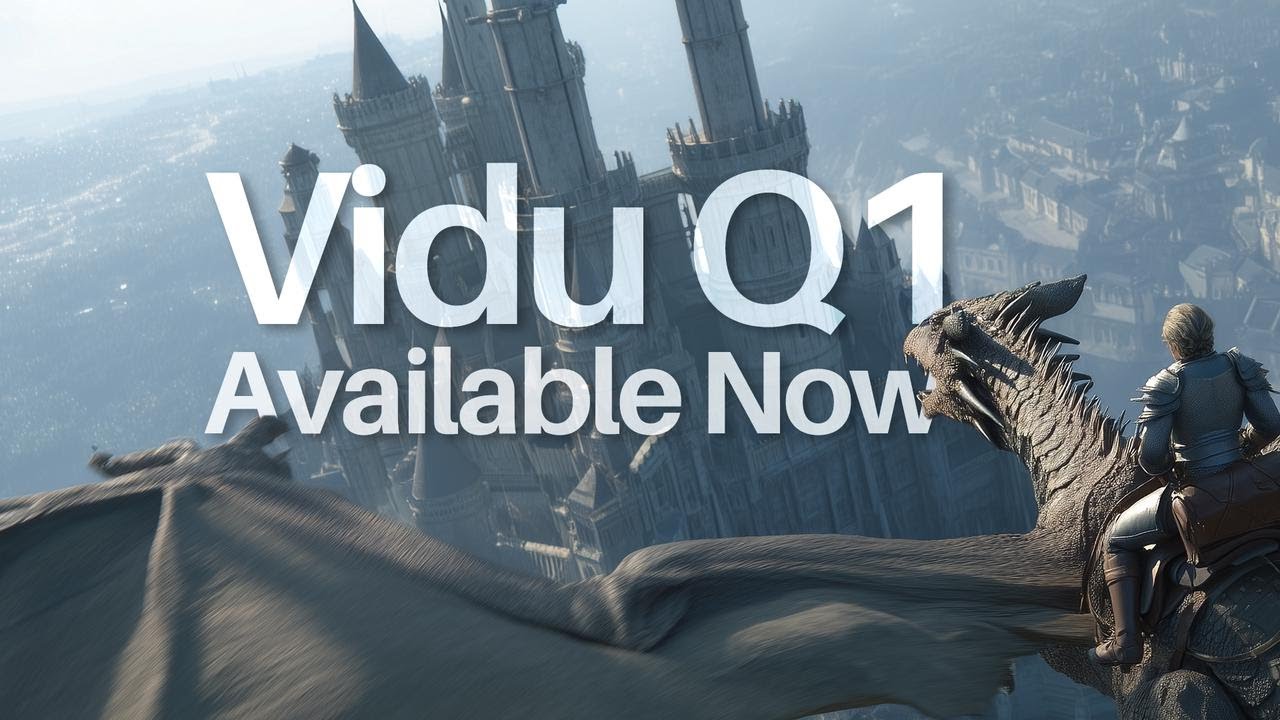
Video Overview 🎬

Vidu AI Video Generator - Video Overview

What are the key features? ✨

  • Text-to-Video: Converts text prompts into high-quality videos.
  • Image-to-Video: Animates static images into dynamic video sequences.
  • Reference-to-Video: Uses multiple images for consistent video generation.
  • My References: Saves characters or props for efficient reuse.
  • Template Library: Provides pre-made themes like “AI Hug” for quick videos.

Who is it for? 🤔

Vidu AI is perfect for content creators, marketers, and small businesses needing fast, high-quality video production without advanced skills. It’s especially useful for animators crafting 2D or anime-style content, influencers creating viral social media clips, and e-commerce brands animating product visuals.

Examples of what you can use it for 💡

  • Content Creator: Uses Text-to-Video to craft engaging social media clips.
  • Marketer: Animates product images for dynamic e-commerce ads.
  • Animator: Employs Reference-to-Video for consistent 2D animations.
  • Small Business Owner: Generates quick promotional videos using templates.
  • Influencer: Creates festive “Christmas Toast” videos for holiday posts.

Pros & Cons ⚖️

  • Excels in 2D and anime visuals.
  • Multi-Entity Consistency feature.
  • Supports over 50 languages.
  • Limited editing control.
  • UI in English and Chinese only.

FAQs 💬

What is Vidu AI?
Vidu AI generates high-quality videos from text or images, specializing in 2D animations.
Is Vidu AI free to use?
It offers a free plan with 80 monthly credits, with premium plans for more usage.
What types of videos can Vidu create?
It produces 2D animations, realistic videos, and themed content like “AI Hug.”
Does Vidu support multiple languages?
Yes, it supports over 50 languages for prompts and video generation.
How fast is Vidu’s video generation?
Most videos are generated in about 10 seconds.
Is my data safe with Vidu?
Vidu uses encryption and doesn’t train AI on user uploads.
Can beginners use Vidu?
Its intuitive interface is designed for users with no editing experience.
What is Reference-to-Video?
It uses multiple images to maintain consistency in videos.
How does Vidu compare to competitors?
Vidu is faster for anime but offers less control than Runway or Pika.art.
Can I save characters for reuse?
My References saves characters or props for consistent video creation.

Ready to try Vidu AI Video Generator?

Transforms text and images into high-quality AI-generated videos in seconds

Visit Vidu AI Video Generator ↗

Vidu AI Video Generator alternatives 🔗

  1. Kling AI Kling AI Generates cinematic videos from text or images with realistic motion
  2. Veo Veo Generates high-quality videos with audio from text or image prompts
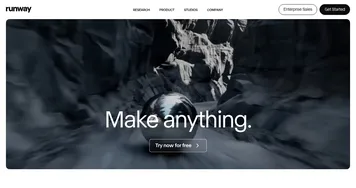
  3. Runway Runway Generates and edits AI-powered videos from text prompts
  4. Sora Sora Generates hyperrealistic videos from text prompts with synchronized audio
  5. Adobe Firefly Adobe Firefly Generates images, videos, audio, and vectors using AI.
  6. Google AI Studio Google AI Studio Prototypes AI solutions using Gemini models in a browser-based IDE
Share
Vidu AI Video Generator screenshot enlarged
Promote Vidu AI Video Generator
light badge
Copy Embed Code
dark badge
Copy Embed Code
neutral badge
Copy Embed Code
Best AI Tools

Discover the best AI tools for any use case

Explore
  • Tool Categories
  • AI Use Cases
  • AI Events
  • AI News
  • Saved Tools
Company
  • About Us
  • Contact Us
  • Media & Partnerships
  • Suggest a Tool
Legal
  • Privacy Policy
  • Terms of Service
Copyright © 2026 Best AI Tools 415 Mission Street, 37th Floor, San Francisco, CA 94105