Luma Dream Machine by Luma AI, Inc.
Generates stunning images and videos from simple text prompts
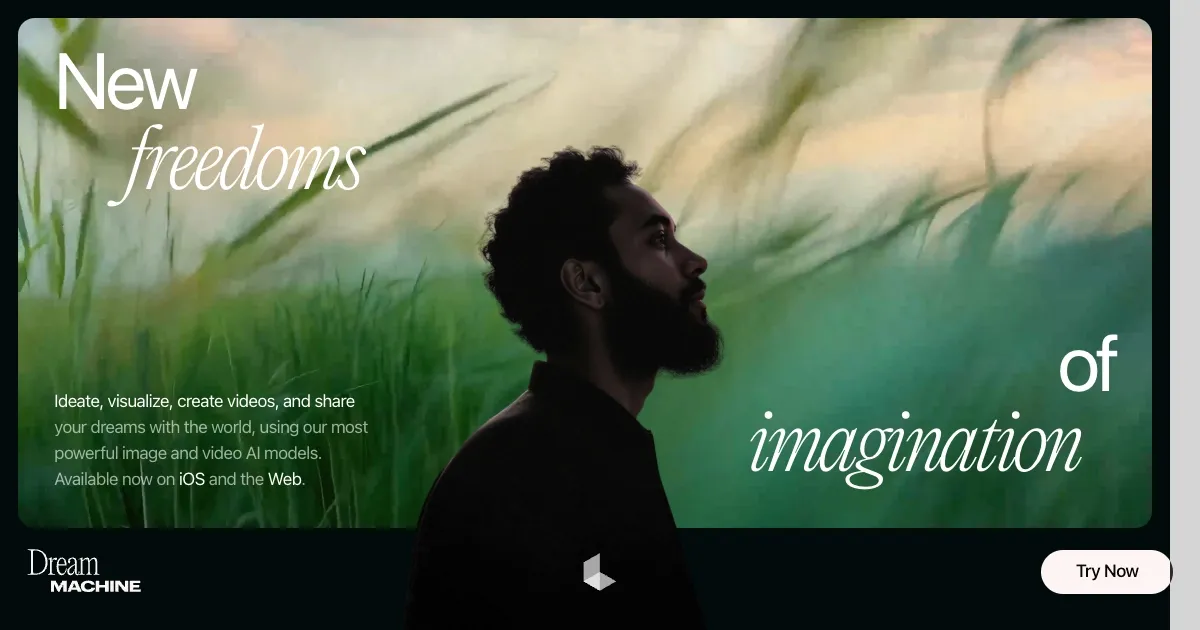
Dream Machine is a powerful AI tool by Luma AI that transforms text prompts into striking images and videos, enabling anyone to create professional-grade visuals with ease. Built on the Luma Photon model, it prioritizes speed and simplicity, allowing users to generate content without requiring complex prompt engineering. You type a description, such as “futuristic city at dusk,” and within seconds – you receive a vivid image or a short video clip. The tool’s intuitive design, available on iOS and web, keeps the creative process smooth and engaging for beginners and pros alike.
The remixing feature stands out, allowing users to upload images or style references to customize outputs. For example, you can take a photo and reimagine it in a surrealist style or animate it with precise camera controls using keyframes. Compared to Midjourney, which focuses heavily on static images, Dream Machine balances both image and video creation effectively. It also feels more approachable than Runway, which leans toward advanced video editing. However, rendering intricate scenes, like detailed crowds, can sometimes produce inconsistent results, requiring multiple attempts.
The subscription utilizes a credit-based system, offering flexibility but potentially limiting usage for heavy users. Unlike Stable Diffusion, which is open-source and free for those with technical skills, Dream Machine’s proprietary setup prioritizes ease over customization. Users praise its fast generation and quality outputs, though some mention the credit costs add up quickly for frequent use. The lack of an Android app is another drawback, limiting access for some users.
Key features include the ability to generate high-resolution images and videos, edit with style references, and control video motion via keyframes. The interface is clean, with guides on Luma’s site to help new users get started. The tool’s speed is a major strength, often outpacing competitors in generating usable content. Still, high-resolution video generation can occasionally lag, especially on the web version.
Dream Machine integrates seamlessly with creative workflows, allowing users to iterate quickly. You can start with a simple prompt, then refine it by remixing or using advanced settings, such as camera paths. The community on X highlights its ability to spark inspiration, though some note minor rendering quirks with complex prompts. The support team is responsive for troubleshooting.
For optimal results, start with basic prompts to understand the tool’s capabilities. Utilize the remixing feature to adjust credits and experiment with keyframes for your video projects. Check Luma’s Getting Started guides for tips, and don’t hesitate to contact support if you encounter any issues.
Homepage Screenshot 📸
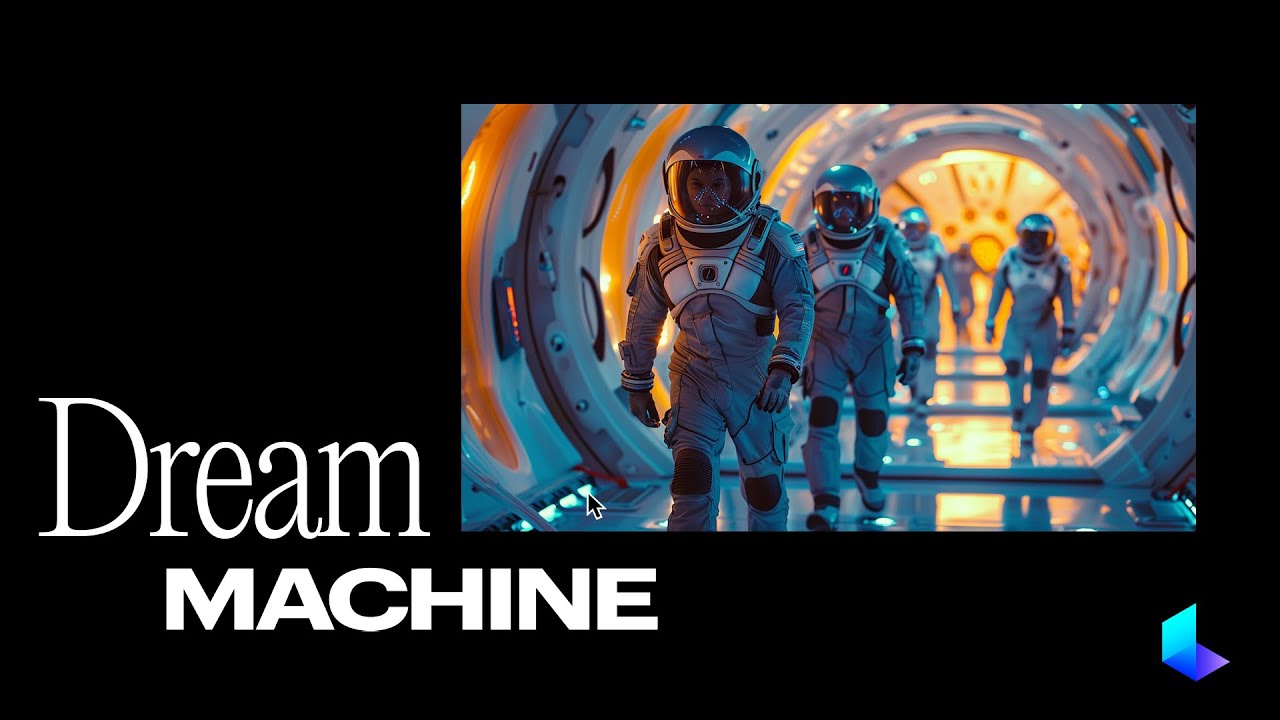
Video Overview 🎬
What are the key features? ✨
- Text-to-Visual: Generates images and videos from simple text prompts.
- Remixing: Customizes outputs using uploaded images or style references.
- Keyframes: Controls video motion and camera angles for dynamic results.
- Luma Photon: Powers fast, high-quality visual generation.
- Intuitive Interface: Simplifies creation on iOS app and web platform.
Who is it for? 🤔
Examples of what you can use it for 💡
- Content Creator: Produces eye-catching social media visuals with text prompts.
- Graphic Designer: Creates concept art by remixing images with custom styles.
- Marketer: Generates promotional videos with precise camera control.
- Film Student: Experiments with short animated clips using keyframes.
- Hobbyist: Turns imaginative ideas into vibrant visuals for personal projects.
Pros & Cons ⚖️
- Fast image and video generation
- Easy-to-use interface
- Powerful remixing feature
- High-quality visual outputs
- Credit-based system limits usage
- No Android app available
FAQs 💬
Ready to try Luma Dream Machine?
Generates stunning images and videos from simple text prompts
Visit Luma Dream MachineLuma Dream Machine alternatives 🔗