
Best AI Message Generation Tools
24 toolsRanked by traffic
AI message generators write short outreach messages and replies for you, producing a quick DM, a follow-up, or a personalized note from a brief prompt instead of a full document. The category includes on-keyboard helpers like SwiftKey AI Keyboard, outreach tools like GMass and TwainGPT, and reply assistants like Ryne.
Salespeople, recruiters, and social media managers use these to send personalized messages at volume without typing each one by hand. The strength here is short-form personalization: a message generator nails a punchy LinkedIn note or a quick reply better than a tool built for long emails. Watch the volume, though, since automated messages that feel templated can do more harm than no message at all.

SwiftKey AI Keyboard
Enhances typing with AI-powered autocorrect and predictions

GMass
Reply to your emails 10x faster with ChatGPT & templates for quick responses

TwainGPT
An AI tool that can transform machine-generated text into natural, human-like writing

Ryne
An easy-to-use tool designed to make AI-generated text sound more human
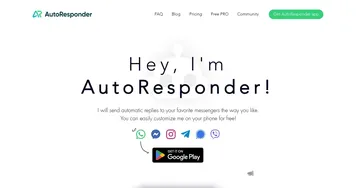
AutoResponder.ai
An AI-powered tool that can send automatic replies to popular messenger platforms
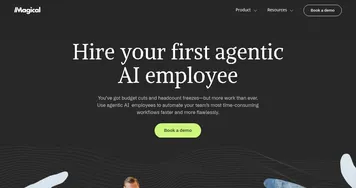
Magical AI
Create messages from scratch, update forms instantly, automate tasks, and more
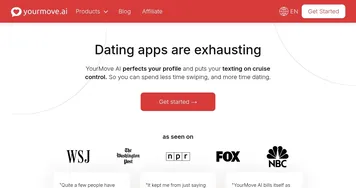

YourMove AI
An AI texting assistant designed to help you improve your game on dating apps

Rizz App
An AI app made to enhance users' online dating interactions
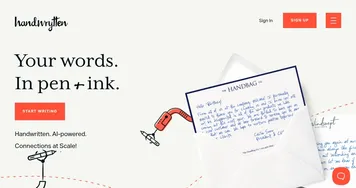

Handwrytten
An AI tool that can craft notes which look just like real handwriting


DatingAI.pro
An AI-driven tool that enhances your online dating experience by acting as a virtual wingman

CelebrateAlly
Creates personalized celebration plans, speeches, and gift ideas for memorable events
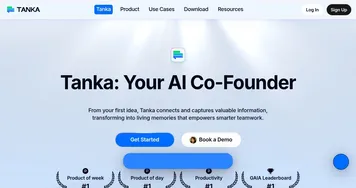
Tanka
Enhances team communication with AI-powered long-term memory and smart replies
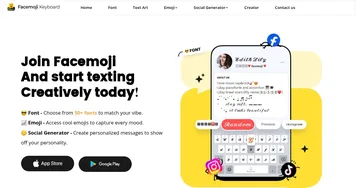

Facemoji Keyboard
Enhances texting with AI-generated emojis, fonts, and social media content
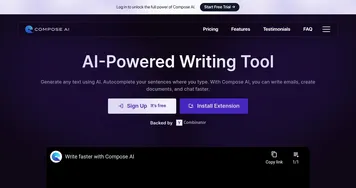
Compose AI
An AI-powered autocomplete and text generation Chrome extension
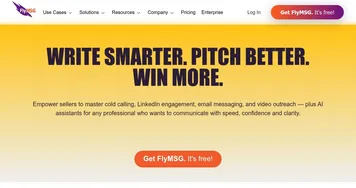
FlyMSG
Automates text expansion and AI-driven messaging to boost productivity
Frequently Asked Questions
What is an AI message generator used for?
An AI message generator is used to write short, personalized messages quickly, like LinkedIn notes, sales DMs, follow-ups, and quick replies. You give it a little context and it produces a ready-to-send draft. It's built for brief outreach rather than long emails or documents, so the messages stay tight and conversational.
What's the difference between message generation and email writing tools?
Message generation focuses on short outreach like DMs, replies, and quick notes, often across social and chat platforms. Email writing tools handle longer, structured messages built around an inbox, including threads and formal formatting. They overlap, but message tools shine at brevity while email tools manage the full inbox.
Can AI personalize messages at scale?
Yes, AI message generators can personalize outreach across many recipients by pulling in details about each one, such as their role or recent activity. This lets you send hundreds of messages that don't read identically. The quality still depends on good source data, so thin or wrong details produce awkward, obviously automated notes.
Are AI message generators free?
Some AI message generators are free for light use, while outreach platforms that send at scale usually charge by volume or seats. Keyboard-based helpers are often free or built into the app. If you're sending a handful of messages, a free tool works; high-volume outreach generally needs a paid plan.