Best AI Sticker Generation Tools

9 toolsRanked by traffic

AI sticker generators create stickers from a text prompt: die-cut graphics, character sets, chat stickers, and printable designs with the clean outlines and transparent backgrounds stickers need. You describe the character or theme, and the AI produces sticker-ready art in a consistent style. Tools like DALL-E, Picsart, and Creative Fabrica Studio handle the cutout look automatically.

Small businesses, content creators, and crafters use these for messaging app packs, Etsy shops, laptop and water-bottle decals, and brand giveaways. The two things that matter most are clean edges and a usable file: stickers need a crisp outline and a transparent PNG so they cut and print well. If you're selling physical stickers, also check that the tool offers high enough resolution and clear commercial rights for the designs you make.
DALL-E
DALL-E - icon
DALL-E
Generates detailed images from text prompts with enhanced nuance and safety features
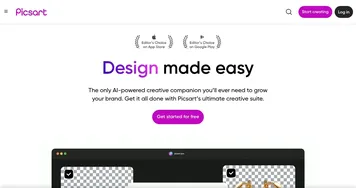
Picsart
Picsart - icon
Picsart
A platform for creating, customizing, and sharing images and videos
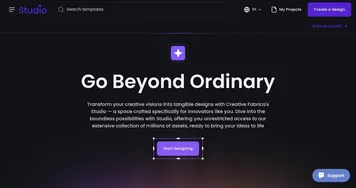
Creative Fabrica Studio
Creative Fabrica Studio - icon
Creative Fabrica Studio
A suite of AI-powered digital creation tools that generates custom art, writing, and designs.
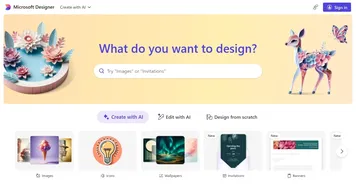
Designer
Designer - icon
Designer
A graphic design app from Microsoft that helps create professional graphics
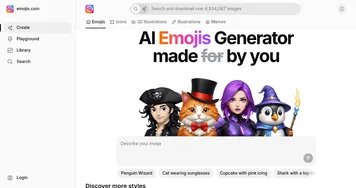
AI Emojis
AI Emojis - icon
AI Emojis
An AI-powered platform for creating custom emojis based on text descriptions
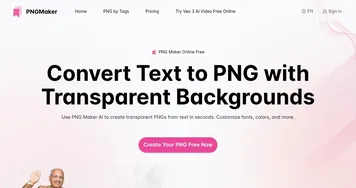
PNGMaker
PNGMaker - icon
PNGMaker
An AI tool that enables users to create PNG images with transparent backgrounds
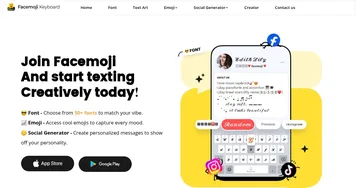
Facemoji Keyboard
Facemoji Keyboard - icon
Facemoji Keyboard
Enhances texting with AI-generated emojis, fonts, and social media content
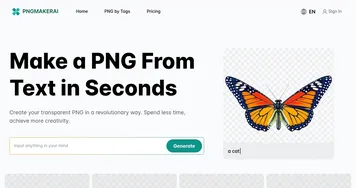
PNGMakerAI
PNGMakerAI - icon
PNGMakerAI
Generates transparent PNG images from text descriptions in seconds
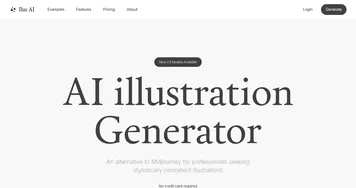
Ilus AI
Ilus AI - icon
Ilus AI
Generates stylistically consistent illustrations from text prompts

Frequently Asked Questions

How do I make stickers with AI?
To make stickers with AI, describe the character or design you want and the tool generates sticker-style art with clean outlines. Many generators add the die-cut border and transparent background automatically. You then download a PNG ready for messaging apps, print-on-demand sites, or a home cutting machine. The whole process takes a couple of minutes per design.
What is the best AI sticker generator?
The best AI sticker generator depends on your goal. DALL-E creates original sticker art from detailed prompts, Picsart pairs generation with easy editing and background removal, and Creative Fabrica Studio targets crafters who sell designs. For physical stickers, favor a tool that exports high-resolution, transparent files with clear commercial rights for the art you create.
Can I sell AI-generated stickers?
Often yes, but confirm the license first. Several sticker tools grant commercial rights, which lets you sell on Etsy or through print-on-demand, though some limit this to paid plans. Because AI can generate similar designs for other users, aim for distinctive prompts. Always read the terms before listing AI stickers for sale to stay on safe legal ground.
Do AI sticker makers create transparent backgrounds?
Yes, most AI sticker makers output transparent PNGs, which is what stickers require to cut and print cleanly. Many also add the white die-cut outline that gives stickers their classic look. If a tool returns a flat background instead, a quick background-removal step fixes it, but dedicated sticker generators usually handle the cutout for you automatically.