PNGMakerAI
Generates transparent PNG images from text descriptions in seconds
PNGMakerAI is an AI-powered tool that generates transparent PNG images from text descriptions in about 10 seconds, catering to designers, marketers, and creators. Its core strength lies in its ability to create high-quality, transparent visuals quickly, making it ideal for projects requiring fast turnaround. The platform is user-friendly, requiring no advanced design skills, and offers a free trial to explore its features. It stands out for its focus on text-to-image generation, unlike competitors that emphasize templates or background removal.
The Instant Transparent PNG Creation feature allows users to input a text description, such as ‘a crystal vase with roses,’ and receive a transparent PNG ready for use. The Seamless Scene Integration feature enables adding new elements to existing PNGs, ensuring smooth blending for product images or creative projects. Compared to Canva, which focuses on template-based design, or Remove.bg, which specializes in background removal, PNGMakerAI excels at generating original images from scratch. Its general pricing appears competitive, offering value for frequent users, though exact costs depend on usage.
The Unlimited Creativity feature encourages users to explore diverse ideas, from realistic objects to imaginative scenes, with no strict limits on what can be generated. The free trial lowers the barrier to entry, unlike some competitors like Photoshop, which requires a steeper investment. However, the tool’s output quality depends heavily on the specificity of the input. Vague prompts can lead to inconsistent results, requiring multiple iterations to achieve the desired image.
A standout aspect is the platform’s speed—images are generated in roughly 10 seconds, which is a significant time-saver for professionals. The ability to refine prompts and regenerate images quickly adds flexibility, though complex or abstract designs may not always meet expectations. User feedback on platforms like Reddit highlights the tool’s ease of use but notes occasional inconsistencies with highly detailed or abstract prompts, aligning with its strengths and limitations.
For best results, users should provide detailed, specific prompts and leverage the free trial to test the tool’s capabilities. Experiment with different descriptions to refine outputs, and use the blog for guidance on optimizing prompts. The tool is most effective for quick, creative projects rather than highly technical illustrations.
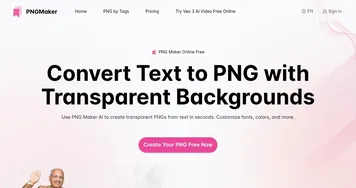
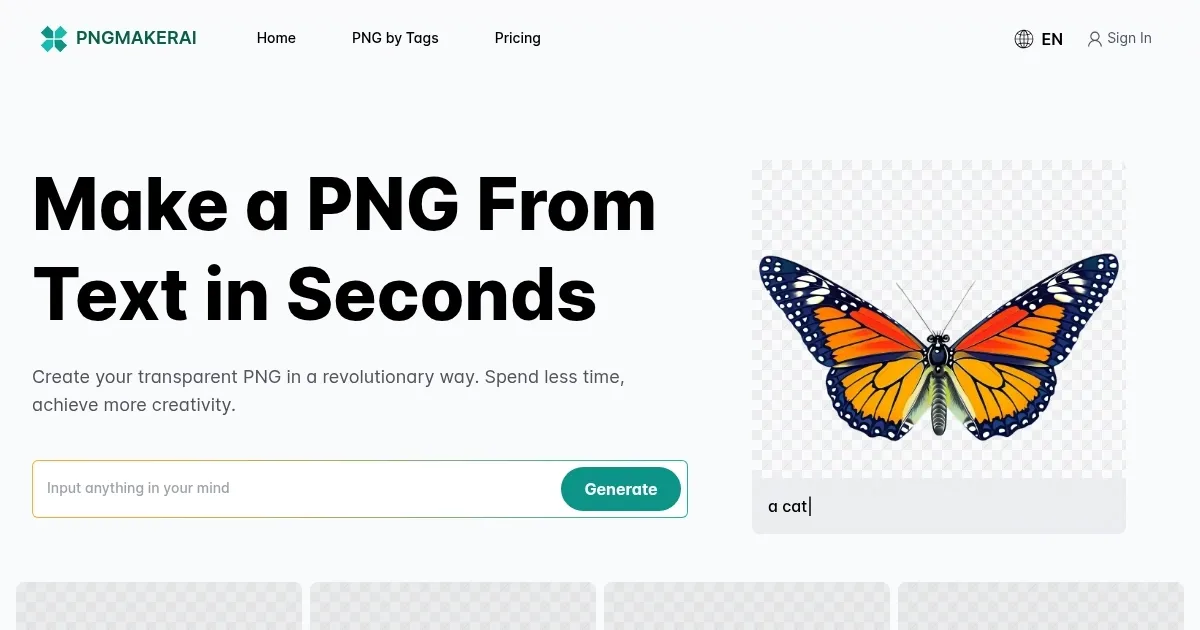
Homepage Screenshot 📸
What are the key features? ✨
- Instant Transparent PNG Creation: Generates transparent PNGs from text in about 10 seconds.
- Seamless Scene Integration: Blends new elements into existing PNGs for cohesive visuals.
- Unlimited Creativity: Allows generation of diverse images, from realistic to fantastical.
- Free Trial: Offers a free quota for users to test and download PNG images.
- Fast Processing: Delivers images quickly, ideal for rapid project turnarounds.
Who is it for? 🤔
Examples of what you can use it for 💡
- Graphic Designer: Creates logos and web graphics with transparent backgrounds.
- Content Creator: Crafts custom visuals for blogs and social media posts.
- Web Developer: Generates images for seamless integration into websites.
- Marketing Professional: Designs impactful ads with transparent elements.
- Event Planner: Produces custom invitations with unique visual designs.
Pros & Cons ⚖️
- Fast PNG generation in seconds.
- Easy-to-use text-based interface.
- Free trial encourages exploration.
- Seamless image integration feature.
- Inconsistent results with vague prompts.
- Limited for complex technical designs.
FAQs 💬
Ready to try PNGMakerAI?
Generates transparent PNG images from text descriptions in seconds
Visit PNGMakerAIPNGMakerAI alternatives 🔗