logo-darklogo-darklogo-darklogo-dark
  • Tool Categories
    • 🎨Art & Creative Design505
    • 🏢Business Management644
    • 💻Coding & Development515
    • 👮Detection83
    • 🧠General Use727
    • 🏥Health & Wellness55
    • 📷Image & Photo Analysis100
    • 🖼️Image Generation & Editing618
    • 📐Interior & Architectural Design37
    • 🎓Learning & Education483
    • ⚖️Legal & Finance90
    • 🎭Lifestyle & Entertainment236
    • 📢Marketing & Advertising627
    • 🎧Music & Audio138
    • 👔Office & Workplace1,014
    • 🔬Research & Data Analysis372
    • 👥Social Media245
    • 🎥Video Generation & Editing426
    • 👧🏻Virtual Companion135
    • 🎤Voice Generation & Editing381
    • ✍️Writing & Editing808
    • All Categories
    • AI Use Cases
  • News
  • Events
    • Academic Conferences
    • Developer Conferences
    • Expos / Trade Shows
    • Industry Summits
    • Workshops / Training
    • All Events
    • Past Events
  • Saved Tools
  • Suggest a Tool
✕
Home › Image Generation & Editing › Image Generation› PicLumen
PicLumen

PicLumen

An image generator transforms text prompts into stunning visuals with minimal effort

PicLumen is a fancy AI image generator that allows users to transform text prompts into stunning visuals with minimal effort. It is designed to cater to different needs, from artistic AI art to photorealistic images — making it suitable for both beginners and professionals.

The tool comes with multiple generation models — including PicLumen Reality, Anime, and Line Art — which enable users to create everything from realistic portraits to anime-style artwork. So, whether you’re an artist looking for quick inspiration or someone needing customized visuals for marketing, PicLumen provides an intuitive experience with user-friendly controls.

The tool also offers the image-to-image feature, allowing you to upload an existing image and use it as a reference to maintain content, mimic style, or keep consistent characters across multiple images. Moreover, PicLumen includes advanced settings like the CFG scale and seed control, so you can fine-tune how closely the generated image follows the original prompt.

PicLumen integrates with the FLUX AI model to enhance its text-to-image generation, producing highly detailed, descriptive images with impressive accuracy. It can handle common text interpretation errors, making it a reliable choice for users seeking a more realistic or intricate output. Plus, for those wanting to experiment with creative modifications, PicLumen offers inpainting and outpainting tools for adjusting small details or expanding images beyond the original dimensions.

The best part is that you can try PicLumen for free with daily tokens that allow for continuous use of the tool. Of course, should you need more of them (tokens) – you will have to pay. AI isn’t free and someone has to pay for those computing resources.

Visit PicLumen ↗
Categories
🖼️ Image
🖼️ Image Generation 🪄 Text to Image 🧑‍🎤 Avatar Generation 💎 Image Enhancing
🎨 Art
🎨 Art Generation 🌸 Anime Generation 🌅 Illustration Generation

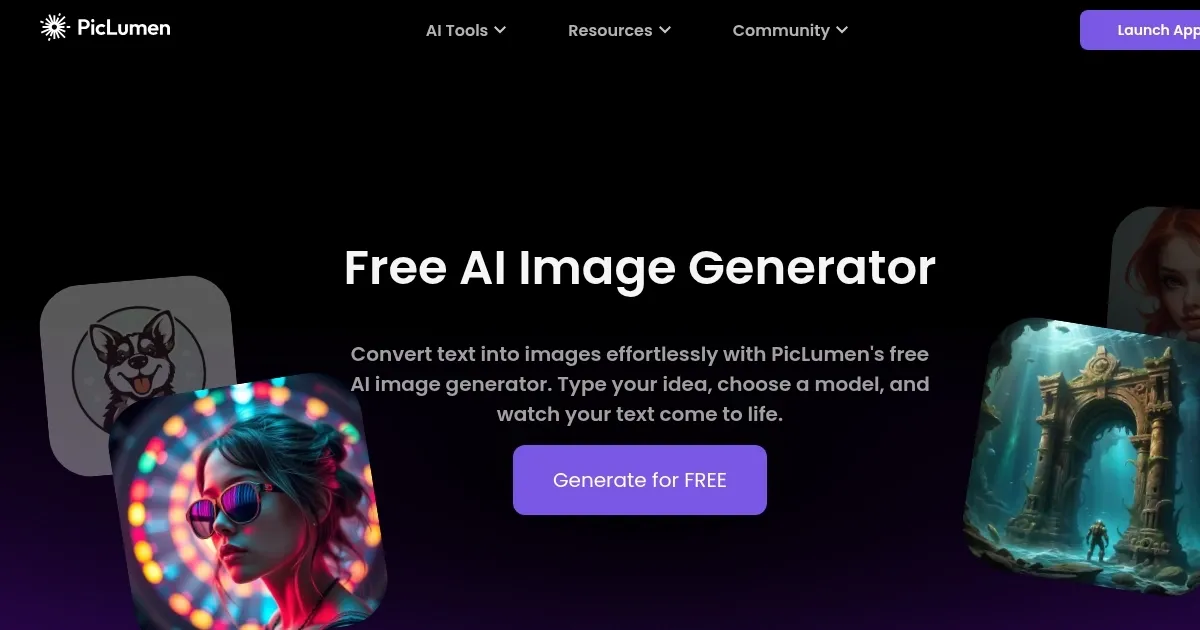
Homepage Screenshot 📸

PicLumen screenshot

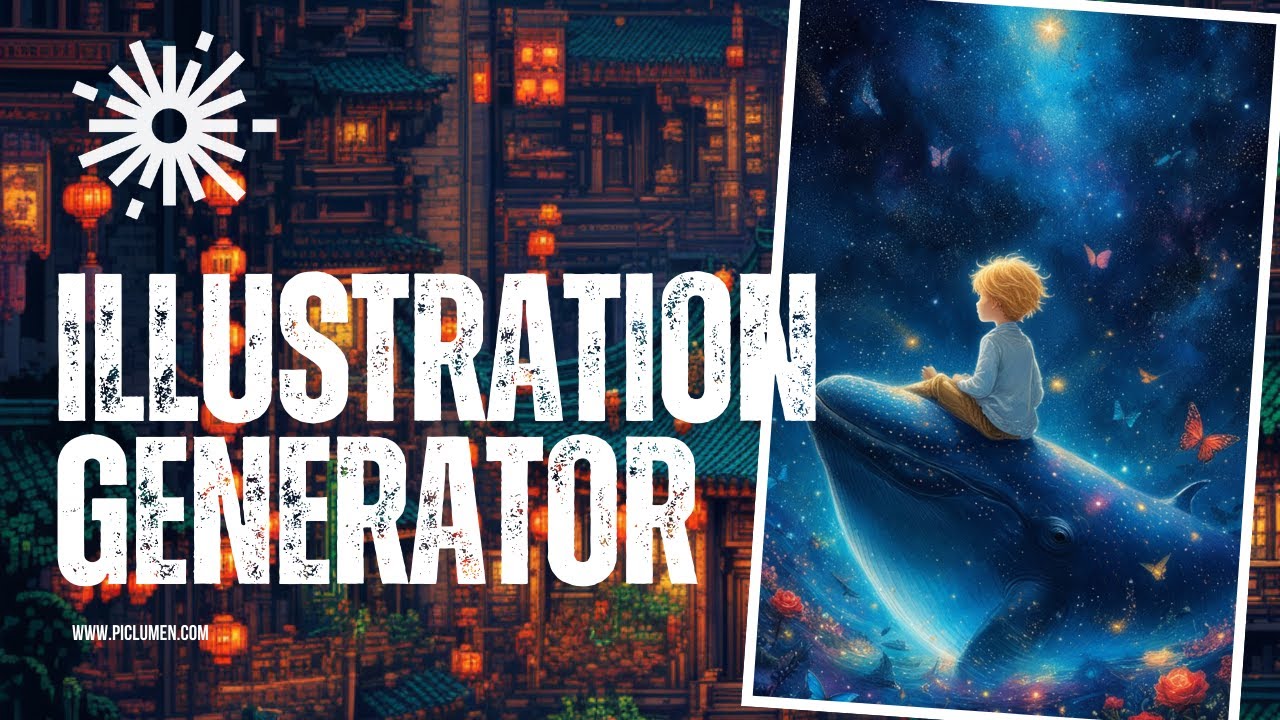
Video Overview 🎬

PicLumen - Video Overview

What are the key features? ✨

  • Text-to-image generation: Transform text descriptions into visually stunning AI-generated images with just a few clicks - no design skills are required.
  • Multiple art styles: PicLumen offers diverse styles, such as anime, realistic, and artistic, allowing users to customize their images for various needs.
  • Image-to-image: Upload a reference image and personalize it with AI to match your creative vision.
  • AI outpainting: PicLumen lets you extend and expand images by intelligently filling in additional areas for enhanced creativity.
  • Free to try: Users can generate and use images for free across personal and commercial projects.

Who is it for? 🤔

PicLumen targets a broad audience, from individuals who want to quickly generate creative visuals to businesses seeking affordable marketing, social media, and branding design solutions. It is also perfect for creatives, content creators, and anyone looking for an easy-to-use AI tool to produce unique imagery without design expertise.

Examples of what you can use it for 💡

  • Create unique and engaging visuals for posts to enhance social media presence
  • Generate creative images for advertisements and promotional content with minimal effort
  • Design personalized art or graphics for hobbies, personal websites, or gifts
  • Use text-to-image generation to visualize story concepts or create illustrations for written work
  • Quickly mock up design ideas for clients or personal projects without needing extensive design experience

Pros & Cons ⚖️

  • Multiple styles for different creative needs
  • Allows testing without initial investment
  • Easy to use
  • Not ideal for in-depth image manipulation

FAQs 💬

What is PicLumen, and what does it do?
PicLumen is a free online AI platform that turns text prompts into images, lets you edit photos with tools like background removal and upscaling, and even creates short videos from those images. It pulls from advanced models like Midjourney and Flux to make everything from realistic portraits to anime art. I think it's great for anyone dipping their toes into AI creativity without needing fancy skills.
Is PicLumen really free to use?
Yes, it offers a free plan with daily credits called lumens that let you generate about 10 images a day, plus unlimited slower generations in relax mode. You can buy more lumens or upgrade for faster, higher-volume work, but the basics stay open to everyone. That makes it a solid starting point, especially if you're just testing ideas.
Can I use PicLumen for commercial purposes?
Absolutely, generated images come with commercial rights, so you can use them in ads, e-books, or social media without extra fees to PicLumen. Just keep in mind free users might hit limits quicker on big projects, so paid plans help there.
How do I get started with generating images on PicLumen?
Sign up on their site or app, head to the Create page, pick an image model like Realistic V2, type a detailed prompt like "a cozy mountain cabin at sunset in oil painting style," choose your aspect ratio, and hit generate. It takes seconds. Tools like prompt enhancer help if your description feels off.
What kinds of AI models and styles does PicLumen support?
It has a bunch, including Nano Banana for fun concepts, Seedream for dreamy art, and Flux.1 for high-detail realism, with styles from photorealistic and anime to cartoons and logos. You can switch models mid-project, which keeps things fresh and versatile.
Does PicLumen have mobile apps, and are they good?
Yep, there's iOS and Android apps for on-the-go editing like colorizing old photos or removing backgrounds. Users say they're smooth and intuitive, though some note the web version edges out for complex generations. Perfect if you're brainstorming during a commute.
What editing tools come with PicLumen?
Beyond generating, you get background remover, image upscaler for sharper details, colorizer to add life to black-and-white pics, and image-to-image for tweaking with references like keeping a character's face consistent. These make it more than just a generator, it's a full creative suite.
Are there any limitations or common complaints with PicLumen?
Free tier caps daily fast generations, and some folks mention recent updates changed the interface, making it take a few more tries for perfect results. NSFW content gets blocked to keep things safe, and outputs can sometimes look grainy, but tweaks like higher steps usually fix that.
How does PicLumen compare to Midjourney or DALL-E?
It's more accessible and free compared to Midjourney's subscription, with similar quality on models like Flux, but lacks some pro-level controls of DALL-E. Great for beginners or budget users, though power creators might layer it with Photoshop for finals. Probably the best free alternative out there right now.
Is PicLumen safe and trustworthy for my data?
It follows standard privacy practices with no major breaches reported, and over 2 million users rave about it on Trustpilot with 5-star averages. Just avoid uploading sensitive personal photos, as with any cloud tool, and you're good. Frequent updates show they're committed to improving.

Ready to try PicLumen?

An image generator transforms text prompts into stunning visuals with minimal effort

Visit PicLumen ↗
PicLumen alternatives 🔗

  1. ChatGPT ChatGPT All-round AI assistant generating human-like responses to user queries and tasks
  2. Grok Grok Delivers witty, real-time AI responses with advanced reasoning and image generation
  3. Imagen Imagen Generates photorealistic images from detailed text prompts
  4. Black Forest Labs Black Forest Labs Generates high-quality images from text prompts with precision and speed
  5. Kling AI Kling AI Generates cinematic videos from text or images with realistic motion
  6. Runway Runway Generates and edits AI-powered videos from text prompts
Share
PicLumen screenshot enlarged
Promote PicLumen
light badge
Copy Embed Code
dark badge
Copy Embed Code
neutral badge
Copy Embed Code
Best AI Tools

Discover the best AI tools for any use case

Explore
  • Tool Categories
  • AI Use Cases
  • AI Events
  • AI News
  • Saved Tools
Company
  • About Us
  • Contact Us
  • Media & Partnerships
  • Suggest a Tool
Legal
  • Privacy Policy
  • Terms of Service
Copyright © 2026 Best AI Tools 415 Mission Street, 37th Floor, San Francisco, CA 94105