Best AI Email Assistant Tools

69 toolsRanked by traffic

AI email assistants help you manage your whole inbox: they triage incoming messages, summarize long threads, draft replies, and surface what actually needs your attention. The category ranges from inbox-first clients like Superhuman Mail and Notion Mail to business assistants like Zia and meeting helpers like Zoom AI Companion that fold email into a wider workflow.

Anyone buried under email reaches for these: founders, support teams, salespeople, and anyone whose inbox is a second job. The strongest ones sort and prioritize automatically, catch the messages you'd otherwise miss, and pull a long thread down to a few lines. When you're choosing, decide whether you want a full replacement email client or an assistant that layers onto Gmail or Outlook. Replacing your client is a bigger commitment but usually the smoother daily experience.
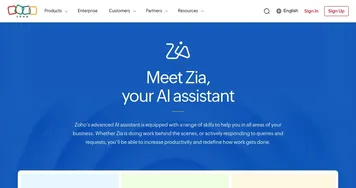

Zia
Zia - icon
Zia
AI-powered business assistant from Zoho
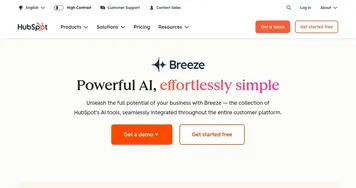
HubSpot Breeze
HubSpot Breeze - icon
HubSpot Breeze
Streamlines business growth with AI tools for marketing, sales, and service
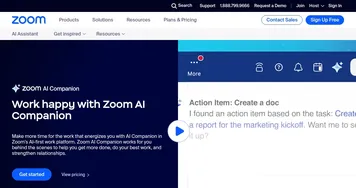
Zoom AI Companion
Zoom AI Companion - icon
Zoom AI Companion
Get high-quality results when drafting emails and chat messages, summarizing meetings and chat threads
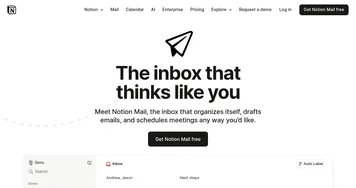
Notion Mail
Notion Mail - icon
Notion Mail
Organizes emails automatically with AI while drafting replies and scheduling meetings
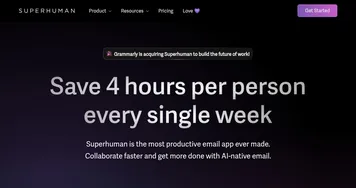
Superhuman Mail
Superhuman Mail - icon
Superhuman Mail
AI-powered, premium email client designed to make email management easier and improve productivity
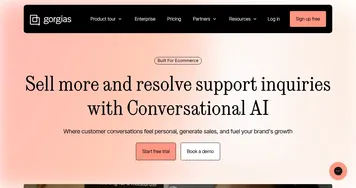
Gorgias
Gorgias - icon
Gorgias
Streamlines customer support with AI-powered automation for ecommerce brands
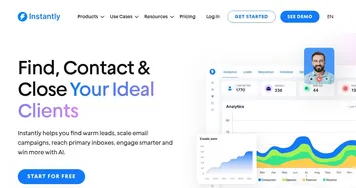
Instantly
Instantly - icon
Instantly
A sales automation SaaS tool for B2B companies to help them scale their outreach campaigns
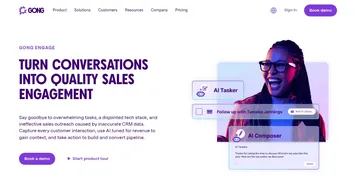
Gong Engage
Gong Engage - icon
Gong Engage
Drive quality engagement at scale from first-touch to closed-won, all in one place
Freshdesk
Freshdesk - icon
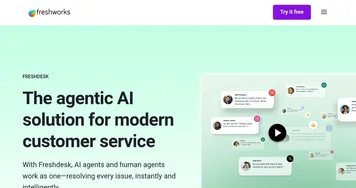
Freshdesk
Streamlines customer service with AI-powered ticketing and omnichannel support
Freshworks
Freshworks - icon
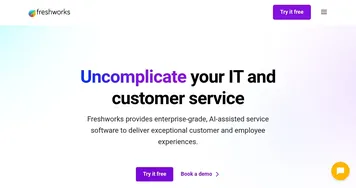
Freshworks
An AI-powered customer service platform that aims to improve how businesses engage with their customers
Crisp MagicReply
Crisp MagicReply - icon
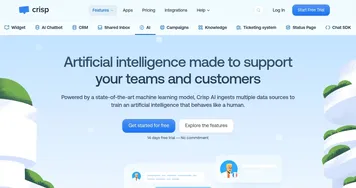
Crisp MagicReply
The virtual assistant for customer service enabling AI and humans to work together
Snov.io AI Email Writer
Snov.io AI Email Writer - icon
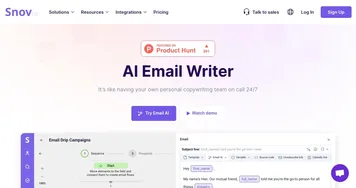
Snov.io AI Email Writer
An online tool designed to streamline the process of email creation
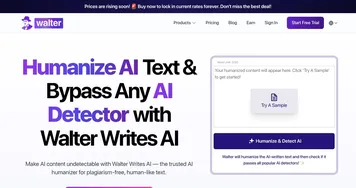
Walter Writes AI
Walter Writes AI - icon
Walter Writes AI
Transform AI-generated text into natural, human-like writing
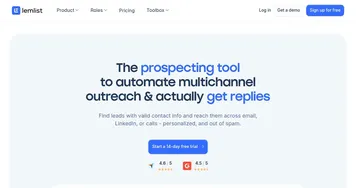
Lemlist
Lemlist - icon
Lemlist
A sales engagement platform designed to enhance cold outreach with the help of AI
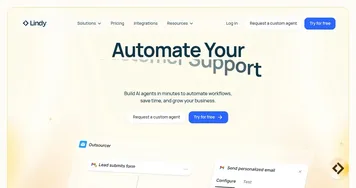
Lindy
Lindy - icon
Lindy
A fancy platform for automating business workflows and personal tasks with custom AI assistants

Frequently Asked Questions

What is the best AI email assistant?
The best AI email assistant depends on your setup. Superhuman is the favorite for speed and a polished inbox experience, Notion Mail suits people already in Notion, and Zia fits teams inside the Zoho ecosystem. If you mostly want triage and summaries on top of Gmail, look for a layer that connects directly to your existing account.
How do AI email assistants work?
AI email assistants read your inbox to sort, prioritize, and summarize messages, then use a language model to draft replies in your voice. They learn from your past emails and the way you label things, so suggestions improve over time. Most connect through your existing Gmail or Outlook account rather than replacing it.
Can an AI assistant manage my whole inbox?
Yes, AI assistants can triage every incoming message, file or snooze low-priority mail, flag what needs you, and summarize threads so you skip the scrolling. They handle the sorting and surfacing automatically. You still make the final calls on important replies, but the assistant clears the noise so those decisions are quicker.
Are AI email assistants safe with my private messages?
It depends on the provider, since these tools need access to your inbox to work. Reputable ones encrypt your data and let you control what's stored or used for training. Before connecting an account, read the privacy policy, check whether your emails train their models, and prefer tools with clear, opt-out data settings.