Best AI Email Response Tools

29 toolsRanked by traffic

AI email response tools draft replies to your emails: you give them an incoming message and they write a clear, on-tone response you can send or tweak. The category includes inbox clients with built-in drafting like Superhuman Mail and Notion Mail, outreach writers like Snov.io AI Email Writer, and reply-focused assistants like Fyxer AI.

These are for anyone who spends too long writing the same kinds of replies: support teams, salespeople, and busy professionals working through a full inbox. The best ones read the original message and match your tone, draft a complete reply in seconds, and adjust length or formality on request. When you're choosing, decide whether you want drafting built into your email client or a standalone writer for outreach. Either way, read before you send: AI nails the structure but can miss a detail only you know.

Notion Mail
Notion Mail - icon
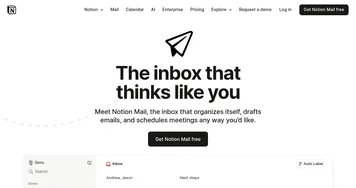
Notion Mail
Organizes emails automatically with AI while drafting replies and scheduling meetings
Superhuman Mail
Superhuman Mail - icon
Superhuman Mail
AI-powered, premium email client designed to make email management easier and improve productivity
Snov.io AI Email Writer
Snov.io AI Email Writer - icon
Snov.io AI Email Writer
An online tool designed to streamline the process of email creation
Walter Writes AI
Walter Writes AI - icon
Walter Writes AI
Transform AI-generated text into natural, human-like writing
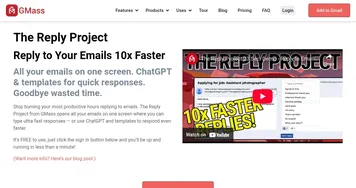
GMass
GMass - icon
GMass
Reply to your emails 10x faster with ChatGPT & templates for quick responses
Fin
Fin - icon
Fin
Support automation tool from Intercom designed to reduce support tickets
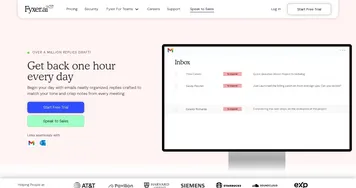
Fyxer AI
Fyxer AI - icon
Fyxer AI
A virtual assistant designed to streamline your inbox and, consequently, enhance productivity.
Help Scout
Help Scout - icon
Help Scout
Streamlines customer support with shared inbox, live chat, and knowledge base tools
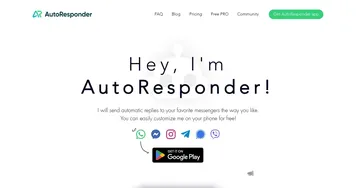
AutoResponder.ai
AutoResponder.ai - icon
AutoResponder.ai
An AI-powered tool that can send automatic replies to popular messenger platforms
Shortwave
Shortwave - icon
Shortwave
AI-powered intelligent email that lets you work smarter and faster with a more efficient inbox
Spike AI
Spike AI - icon
Spike AI
Using AI to organize and summarize emails, so you could manage your inbox more effectively
MailMaestro
MailMaestro - icon
MailMaestro
An AI email assistant that helps professionals manage their inboxes more efficiently
Boomerang Respondable
Boomerang Respondable - icon
Boomerang Respondable
An AI assistant that helps you write better, more actionable emails in real time
Canary Mail
Canary Mail - icon
Canary Mail
An AI-powered email client designed to streamline your inbox management
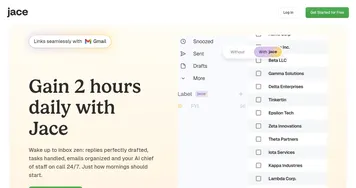
Jace AI
Jace AI - icon
Jace AI
Automates complex web tasks and email management with AI-driven precision

Frequently Asked Questions

What is the best AI tool for writing email replies?
The best AI reply tool depends on where you write email. Superhuman and Notion Mail draft replies right inside the inbox, which suits everyday correspondence. Fyxer focuses on generating responses that match your voice, and Snov.io is built for sales outreach. Pick based on whether you want replies in your client or a dedicated writer.
What's the difference between an email assistant and an email response tool?
An email assistant manages your whole inbox: sorting, prioritizing, summarizing, and drafting. An email response tool focuses on one job, writing the actual reply to a message. Response tools are narrower and faster for drafting, while assistants handle the bigger workflow. Many people use a full assistant, but a dedicated writer suits high-volume replying.
Can AI write email replies in my own voice?
Yes, the better AI response tools learn your writing style from past emails and match your tone, length, and phrasing. You can also nudge each draft to be more formal, friendlier, or shorter. The result usually sounds like you, though it's worth a quick read to catch anything generic before hitting send.
Are AI email response tools accurate?
AI email response tools are reliable for structure, tone, and phrasing, and they save real time on routine replies. They can get facts wrong, though, since they don't always know your full context or commitments. Treat each draft as a strong starting point, then check dates, numbers, and promises before you send.