Help Scout
Streamlines customer support with shared inbox, live chat, and knowledge base tools
Help Scout is an AI-powered customer support platform that’s as intuitive as a well-worn notebook, yet packed with enough tech to make even the most jaded IT manager raise an eyebrow. This isn’t just another help desk tool; it’s a streamlined command center for businesses that want to treat customers like people, not tickets. Founded in 2011, this Boston-based, remote-first company powers over 950 million conversations for 12,000+ customers across 140 countries. Its secret sauce? A blend of simplicity and power that lets teams focus on what matters: making customers happy.
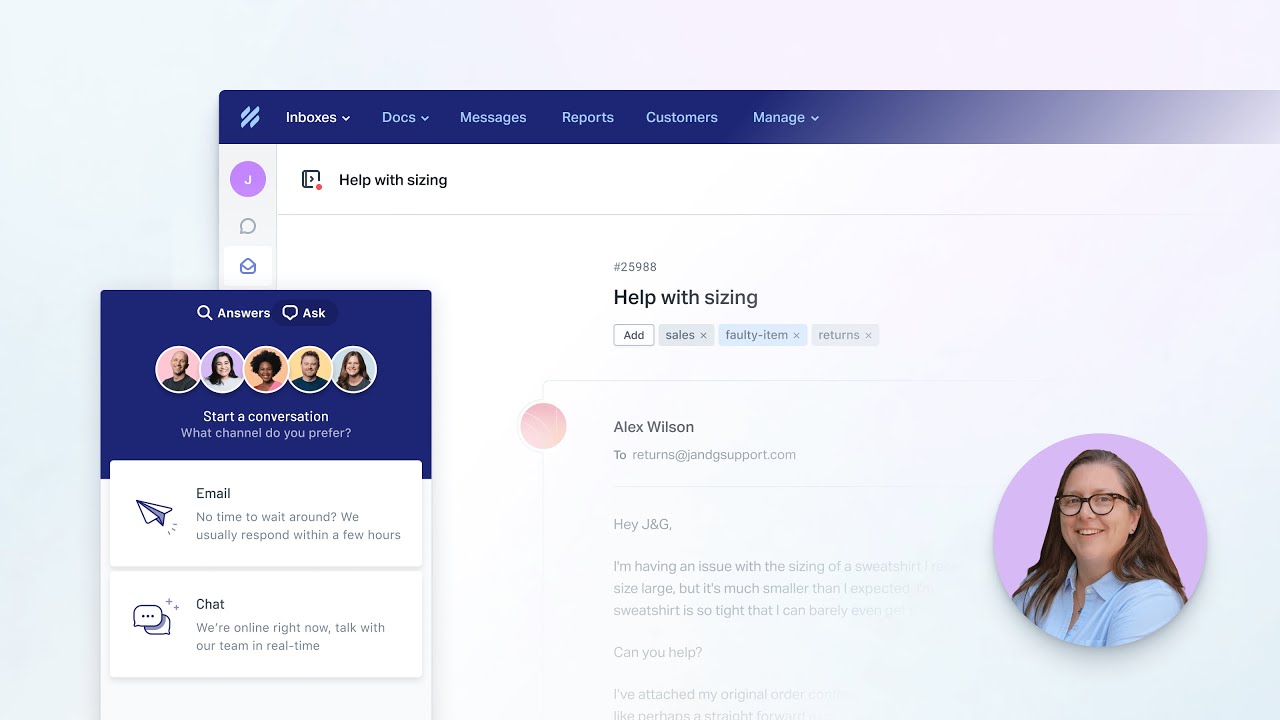
The shared inbox is the heart of Help Scout, pulling emails, live chats, and social media messages into one tidy hub. Imagine a bustling support team, juggling queries from Shopify, social platforms, and plain old email, all without breaking a sweat. The platform’s Beacon widget is a standout, embedding a contact form or knowledge base directly on your website, letting customers self-serve before they even think to email. I love how the Docs feature cuts support volume by 30%, giving customers a self-service portal that’s as easy to navigate as a good FAQ page. Add in AI-powered reply suggestions and conversation summaries, and you’ve got a tool that feels like it’s reading your team’s mind.
But it’s not all smooth sailing. Some users grumble about the mobile app, which can be glitchy, with issues like inbox-jumping or missing notifications. If your team lives on their phones, this could be a hiccup. Compared to competitors like Zendesk or Freshdesk, Help Scout’s mobile experience lags a bit, though its desktop interface shines. Pricing-wise, Help Scout is usage-based, which can be a boon for small teams but might surprise growing businesses when the contact count climbs. It’s generally seen as more budget-friendly than Zendesk’s heftier plans but less flexible than Freshdesk’s tiered options.
What might catch you off guard is Help Scout’s commitment to being a Certified B Corp, planting a tree for every customer and offering discounts for non-profits. It’s a refreshing touch in a world of faceless software. The platform also integrates with over 50 tools, from Salesforce to Slack, making it a natural fit for tech stacks already in play. Reports are another gem, letting you filter by company to track account-level trends, which is a godsend for B2B teams.
For businesses eyeing Help Scout, start small. Test the free trial to see how the shared inbox feels for your team. Play with Beacon on a test page to gauge customer response. If mobile is critical, keep an eye on app updates, as Help Scout’s team is quick to address bugs. It’s a tool that grows with you, but don’t skip the learning curve — spend an hour exploring Docs to maximize self-service potential.
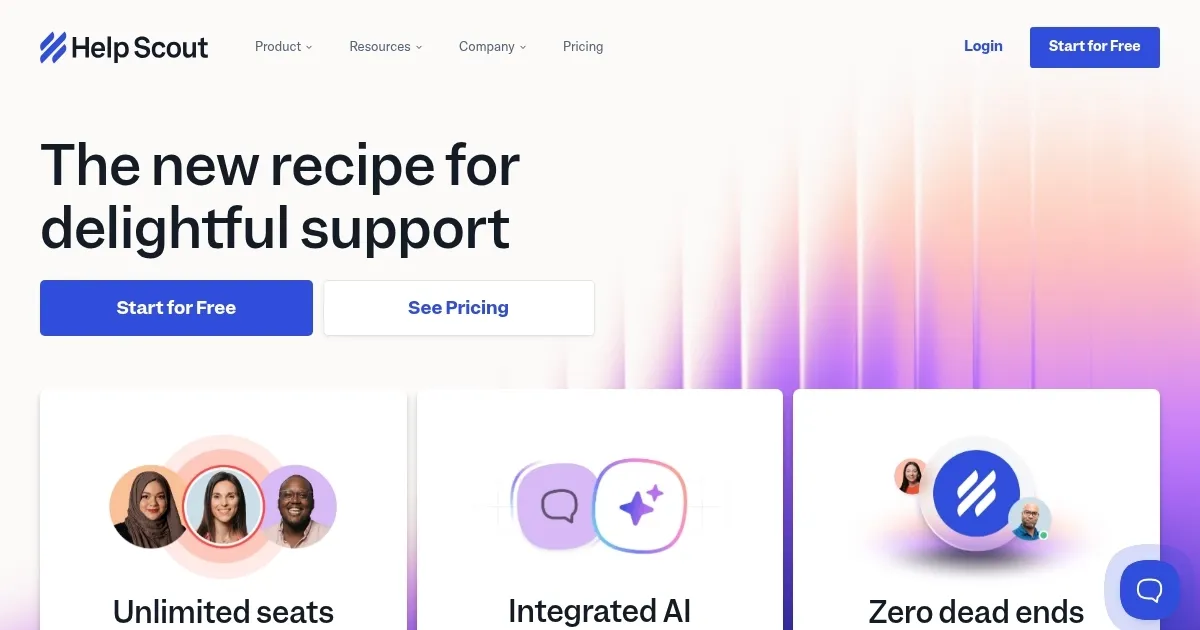
Homepage Screenshot 📸
Video Overview 🎬
What are the key features? ✨
- Shared Inbox: Centralizes emails, chats, and social messages for team collaboration.
- Beacon Widget: Embeds a contact form or knowledge base on websites for self-service.
- Docs: Creates a self-service knowledge base to reduce support volume by 30%.
- AI Reply Suggestions: Generates suggested responses to speed up replies.
- Reports: Filters data by company or conversation for performance insights.
Who is it for? 🤔
Examples of what you can use it for 💡
- E-commerce Owner: Uses Docs to create a self-service FAQ, reducing repetitive inquiries.
- SaaS Support Team: Leverages shared inbox to assign and track customer emails.
- Non-profit Manager: Integrates Beacon to provide instant donor support on the website.
- Remote Team Lead: Monitors performance with Reports for data-driven decisions.
- Customer Success Rep: Uses AI reply suggestions to respond faster to queries.
Pros & Cons ⚖️
- Intuitive interface, easy to learn
- Strong integrations with 50+ tools
- Reduces support volume via Docs
- Data exports need API skills
FAQs 💬
Ready to try Help Scout?
Streamlines customer support with shared inbox, live chat, and knowledge base tools
Visit Help ScoutHelp Scout alternatives 🔗