
SwiftKey AI Keyboard
Enhances typing with AI-powered autocorrect and predictions
Microsoft SwiftKey is an AI-powered keyboard app that enhances typing with smart predictions, autocorrect, and swipe input for Android and iOS. It learns your writing style, adapting to your vocabulary and habits to make typing faster and more accurate. The app’s core strength is its ability to predict your next word, often suggesting entire phrases based on your past inputs. It supports up to five languages on Android and two on iOS, allowing you to type seamlessly without needing to switch settings. Unlike Gboard, which offers similar features but less personalization, SwiftKey feels tailored to you.
The SwiftKey Flow feature lets you swipe across keys to form words, a time-saver once mastered. Autocorrect catches typos, missed spaces, and fumbled letters with impressive precision. The Toolbar gives quick access to tools like GIFs, stickers, and a translator, while cloud clipboard syncs text between your phone and Windows devices. Task capture integrates with Microsoft To-Do, allowing you to save tasks directly from the keyboard. These features make SwiftKey versatile, though competitors like Fleksy offer flashier designs but less depth in AI learning.
SwiftKey’s customization is a highlight. You can choose from hundreds of themes or design your own, making the keyboard visually appealing. The AI learns your slang, emoji, and phrases, suggesting them at the right moment. This sets it apart from Grammarly Keyboard, which focuses on grammar over predictive text. The app is free, a major advantage when some competitors lock features behind subscriptions. It supports over 700 languages, making it ideal for multilingual users.
There are drawbacks. Swipe typing can misinterpret gestures, especially during rapid typing, leading to errors. The settings menu can be complex and sometimes overwhelming for new users. On older devices, a slight lag can occur when switching languages or loading themes. Compared to Gboard, SwiftKey’s interface feels busier, which might distract some users. Still, the app’s core functionality is robust, and the learning curve is manageable with practice.
SwiftKey excels for users who want a keyboard that adapts to their style. Its AI-driven predictions and autocorrect make typing efficient, while features like cloud clipboard add convenience. For multilingual typists, seamless language support is a standout feature. The free price point makes it more accessible, unlike some competitors that offer premium tiers.
To get started, download SwiftKey and spend a few minutes setting up your preferred languages and theme. Practice swipe typing to get comfortable with SwiftKey Flow. Simplify the Toolbar if the interface feels cluttered. For cross-device use, sign in to enable cloud clipboard and task capture. SwiftKey’s AI will learn your style quickly, so use it consistently for the best results.
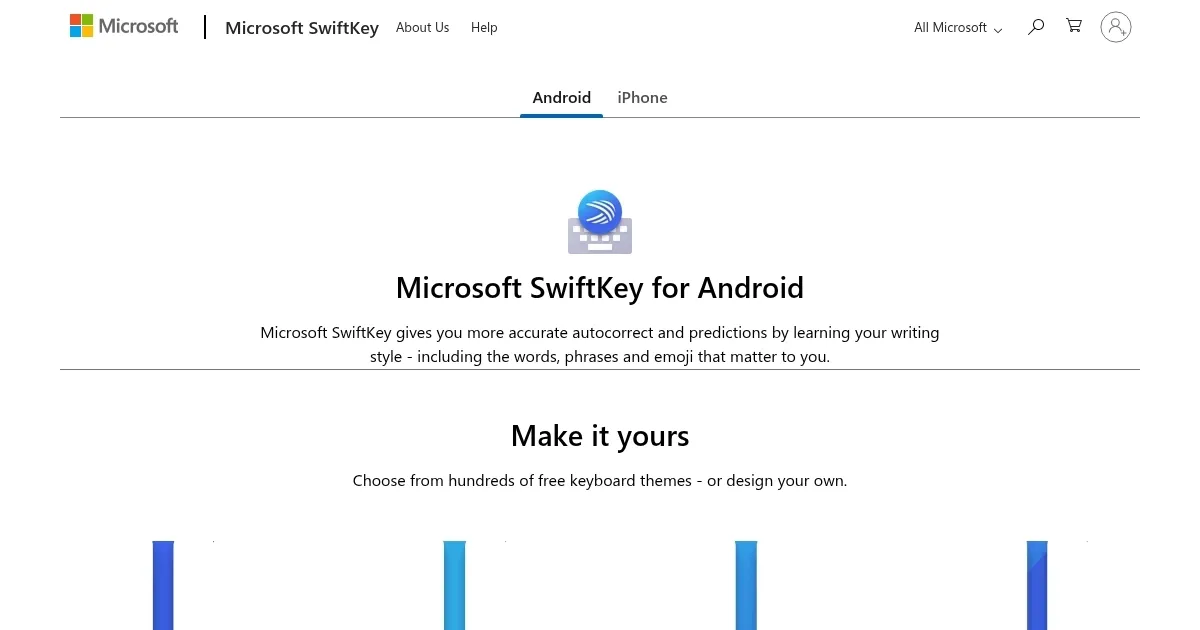
Homepage Screenshot 📸
Video Overview 🎬

What are the key features? ✨
- SwiftKey Flow: Swipe across keys to type words quickly.
- Autocorrect: Fixes typos and missed spaces accurately.
- Toolbar: Customizable hub for GIFs, translator, and more.
- Predictive Text: Suggests next words based on your style.
- Cloud Clipboard: Syncs copied text across devices.
Who is it for? 🤔
Examples of what you can use it for 💡
- Casual Texter: Uses predictive text for faster messaging.
- Multilingual User: Types in multiple languages seamlessly.
- Professional: Syncs clipboard for cross-device workflows.
- Social Media User: Adds GIFs and stickers via Toolbar.
- Task Manager: Captures tasks directly into Microsoft To Do.
Pros & Cons ⚖️
- Highly accurate autocorrect
- Seamless multilingual typing
- Free with robust features
- Customizable themes
- Swipe typing can misread
- Settings menu feels complex
FAQs 💬
Ready to try SwiftKey AI Keyboard?
Enhances typing with AI-powered autocorrect and predictions
Visit SwiftKey AI Keyboard ↗SwiftKey AI Keyboard alternatives 🔗
-
 Facemoji Keyboard
Enhances texting with AI-generated emojis, fonts, and social media content
Facemoji Keyboard
Enhances texting with AI-generated emojis, fonts, and social media content
-
 ParagraphAI
AI writing assistant designed to boost your productivity and professionalism
ParagraphAI
AI writing assistant designed to boost your productivity and professionalism
-
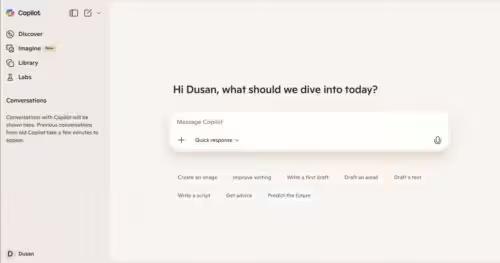 Microsoft Copilot
Boosts productivity with AI-driven answers, writing, and image creation
Microsoft Copilot
Boosts productivity with AI-driven answers, writing, and image creation
-
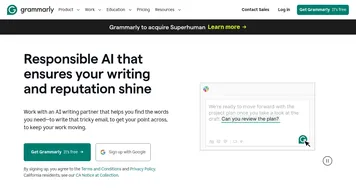 Grammarly
Enhances writing with grammar, tone, and style suggestions.
Grammarly
Enhances writing with grammar, tone, and style suggestions.
-
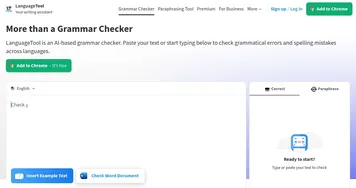 LanguageTool
Checks grammar, spelling, and style across multiple languages
LanguageTool
Checks grammar, spelling, and style across multiple languages
-
 Bing
Empowers searches with AI-driven insights and creative generation
Bing
Empowers searches with AI-driven insights and creative generation