Opera AI by Opera
Integrates AI chat and image generation into a browser
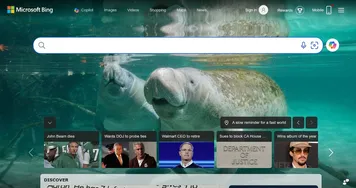
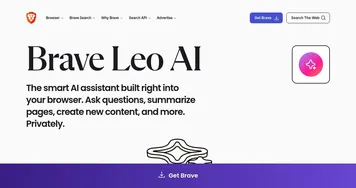
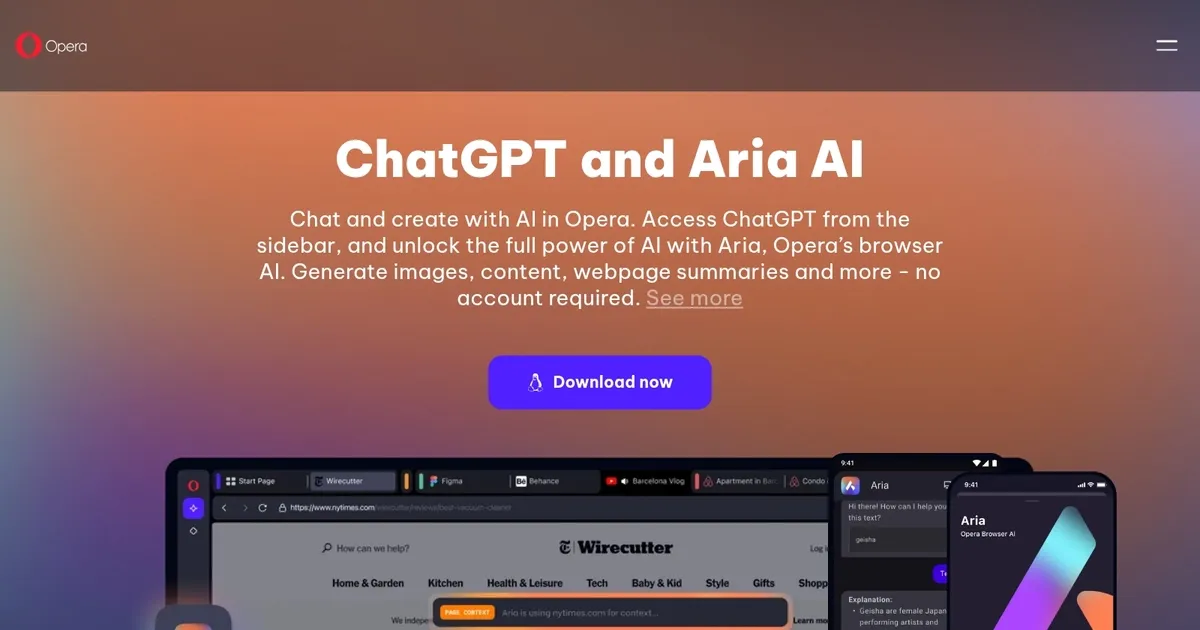
Opera’s Browser AI is a seamless integration of Aria and ChatGPT, offering chat, text generation, and image creation directly in the browser sidebar. It’s designed to make AI accessible without needing multiple apps or accounts, especially for Aria, which requires no sign-up. The Command Line (Ctrl / or Cmd /) lets you query webpages, manage tabs, or draft text in seconds, blending AI into your browsing flow. It’s a practical tool for anyone who wants quick answers or creative outputs without leaving their browser. Compared to Microsoft Edge with its Copilot or Brave‘s Leo AI, Opera’s AI stands out for its ease of access and browser-native design.
Aria’s key strength is its sidebar integration. You can open it with a click or shortcut, ask questions, or generate images (up to five daily for free, 30 with an account). The Command Line’s modes—Page Context, Tab Commands, and Writing—are intuitive once you get the hang of them. Page Context summarizes webpages or pulls key points, while Writing mode helps draft or refine text. Tab Commands lets you group or pin tabs with simple prompts, a feature that saves time for heavy multitaskers. Image generation is a notable highlight, producing decent visuals from text prompts, although results can vary based on the quality of the prompt.
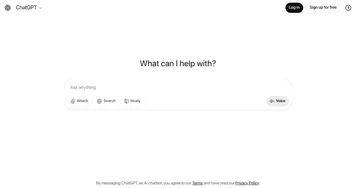
ChatGPT’s inclusion in the sidebar is a nice touch but requires a login, unlike Aria. It’s useful for users already familiar with ChatGPT, though Aria feels more integrated into Opera’s ecosystem. The browser’s other features, like a free VPN and ad blocker, complement the AI, making Opera a robust all-in-one tool. Still, the AI’s responses can lack depth for complex queries compared to standalone models like Claude. The image generation, while free, sometimes produces generic outputs if prompts aren’t specific.
The pricing model is a strong point. Aria’s core features are free, with no account required, and the optional Opera account unlocks additional image generation capabilities. This is more accessible than Midjourney, which requires a subscription for full access, or Edge’s Copilot, which is tied to Microsoft’s ecosystem. However, the daily image limit might frustrate frequent users, and the Command Line’s shortcuts take some practice to master. The tool is best suited for casual users or those who want AI without additional apps.
A standout feature is how Opera makes AI feel native to the browsing experience. You can summarize a webpage, draft an email, or generate an image without switching tools, which is a time-saver. The sidebar’s design keeps everything within reach, and the no-account requirement for Aria lowers the barrier to entry. It’s not perfect for deep research or highly detailed image creation, but it’s a versatile tool for everyday tasks.
For the best experience, use Aria’s Command Line for quick summaries or tab organization. Experiment with image prompts, but be specific for better results. Keep the sidebar active for easy access, and if you need more images, consider an Opera account for the higher quota. It’s a practical way to bring AI into your daily browsing without overcomplicating things.
Homepage Screenshot 📸
Video Overview 🎬
What are the key features? ✨
- Command Line: Access AI via Ctrl / or Cmd / for queries, tab management, or text generation.
- Page Context: Summarize or extract key points from webpages in seconds.
- Writing Mode: Draft or refine text directly in the browser without external apps.
- Image Generation: Create up to five images daily for free from text prompts.
- Tab Commands: Group, pin, or close tabs using simple AI prompts.
Who is it for? 🤔
Examples of what you can use it for 💡
- Student: Summarize research articles quickly using Page Context mode.
- Content Creator: Generate images for social media posts with Aria’s Image Generator.
- Professional: Draft polished emails or reports using Writing mode in the sidebar.
- Multitasker: Organize chaotic tabs with Tab Commands for efficient browsing.
- Casual Browser: Get instant answers to questions without leaving the current webpage.
Pros & Cons ⚖️
- Free AI with no account needed.
- Seamless browser integration.
- Versatile Command Line modes.
- Fast image generation feature.
- Limited daily image quota.
- Occasional generic AI outputs.
FAQs 💬