logo-darklogo-darklogo-darklogo-dark
  • Home
  • Browse
    • Assistant
    • Coding
    • Image
    • Productivity
    • Video
    • Voice
    • Writing
    • All Categories
    • AI Use Cases
  • My Favorites
  • Suggest a Tool
✕
Home › Detection / Writing & Editing ›

Ryne

Published by Dusan Belic on April 24, 2025

Ryne

Ryne
Ryne Homepage
Categories DetectionWriting & Editing
An easy-to-use tool designed to make AI-generated text sound more human

Ryne

Ryne is a tool that can make AI-generated text sound more human. In that sense, it helps users create content that can pass through AI detectors like Turnitin and GPTZero. Moreover, Ryne offers features that can assist with studying, writing essays, and taking notes.

The tool’s key feature, called Text Humanizer, can rewrite AI-generated content to make it sound more natural. It does that by using advanced algorithms to change sentence structures and word choices, aiming to make the text undetectable by AI detection tools. This can be useful for students who use AI to help with their writing but want to know their work appears original. Still, you may need to do some manual rewriting at the end.

Another cool feature, Ryne Chat, allows users to interact with multiple AI models simultaneously. This can be helpful for brainstorming ideas, getting explanations on complex topics, or generating different versions of a text. Also included are tools like Essay Composer, Note Taker, and Study Sync — all of which are meant to assist with academic tasks.

Back to the humanization feature – there are a few different modes provided: Normal, Hyper, and Lite. The first two modes focus on making the text undetectable by AI detectors, while the Lite mode prioritizes readability and naturalness without necessarily bypassing detection tools. Needless to say, the effectiveness of these modes varies depending on the complexity of the original text and the specific AI detectors being used.

As the common sense suggests, you shouldn’t rely solely on AI-generated content no matter how rephrased it happens to be. It is best to use Ryne as a supplementary tool rather than a replacement for your own work. In addition, while Ryne can help make AI-generated text more human-like, it may not always produce perfect results and you may have to make further edits as needed. But that’s like being given tools like these.

Ryne Homepage
Categories DetectionWriting & Editing

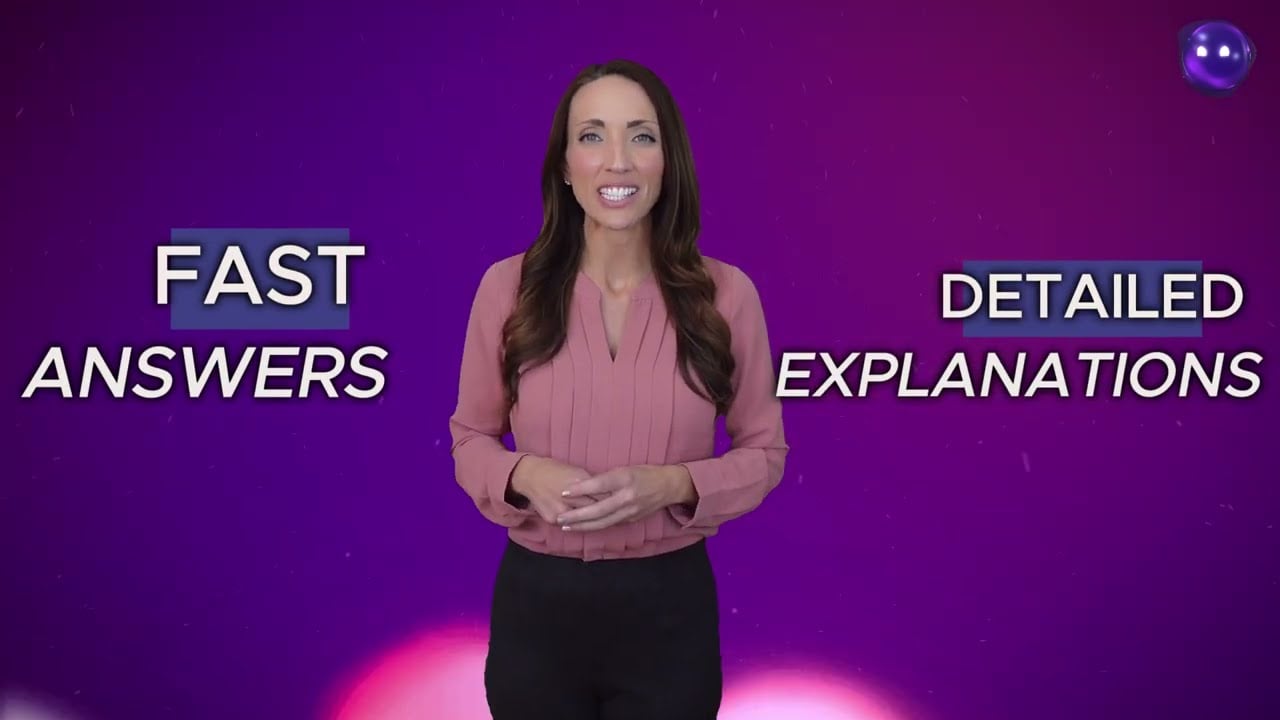
Video Overview ▶️

What are the key features? ⭐

  • Text Humanizer: Ryne rewrites AI-generated content to make it sound more natural and human-like. In that sense, it helps users bypass AI detection tools by altering sentence structures and word choices.
  • Ryne Chat: Allows users to interact with multiple AI models at once, providing diverse perspectives and responses.
  • Essay Composer: Helps users generate essays with proper citations. It can assist in structuring arguments and ensuring that sources are correctly referenced.
  • Note Taker: Designed to assist with taking notes during lectures or study sessions, it can help organize information and ensure important points are captured.
  • Study Sync: Synchronizes class notes with AI assistance, aiming to enhance the studying process by providing AI-powered support.

Who is it for? 🤔

Ryne primarily targets students and educators who are looking for tools to assist with academic writing and studying. However, its features also cater to professionals and content creators who use AI-generated content and want to ensure it sounds natural and human-like. In addition, non-native English speakers may find Ryne helpful in refining their writing.

Examples of what you can use it for 💭

  • Students can use Ryne to help draft essays so their content sounds natural
  • The Note Taker and Study Sync features can aid in organizing study materials and enhancing understanding of complex topics
  • Writers can use Ryne Chat to brainstorm ideas and get different perspectives on a topic
  • Professionals can use the Text Humanizer to refine AI-generated reports or emails
  • Non-native speakers can use Ryne to improve their writing by making AI-generated text sound more fluent and natural

Pros & Cons ⚖️

  • Allows interaction with different AI models
  • Different modes available (Normal, Hyper, Lite)
  • Additional tools for essay writing, note-taking, and study synchronization
  • Bypassing AI detectors doesn't work with every text

FAQs 💬

What does Ryne actually do?
Ryne rewrites AI-generated text to sound naturally human, bypassing major detectors, while also providing chat-based homework help, essay drafting, and lecture note organization for students.
Can Ryne help me pass Turnitin or GPTZero?
Yes, its humanizer frequently reduces AI detection scores significantly on Turnitin, GPTZero, Originality.ai, and similar tools, though success depends on the input text and current detector updates.
Is Ryne suitable for non-English languages?
Higher plans support multiple languages for humanization and generation, while the free tier focuses mainly on English.
How many AI models can I use with Ryne?
It gives access to over 10 advanced models including GPT-4o, Claude, and Gemini, and the ChatALL feature runs several simultaneously so you can compare outputs.
Does Ryne preserve the original meaning when humanizing text?
It aims to keep the core meaning, tone, and facts intact while changing structure and word choice to avoid AI patterns.
Can I upload images or PDFs to Ryne?
Yes, Ryne Chat accepts images (like math problems or charts) and PDFs for analysis, explanations, or summarization.
Is Ryne only for students?
While designed with students in mind, writers, professionals, and anyone needing undetectable or polished AI-assisted content can use it effectively.
How user-friendly is the Ryne interface?
The platform features a clean, intuitive dashboard that most users find easy to navigate, even without much technical experience.
Does Ryne offer any reading or accessibility features?
It includes Bionic Reading mode, which highlights the first letters of words to help guide your eyes and improve reading speed and comfort.
Can I try Ryne before committing to a paid plan?
A free tier exists with access to core tools, limited word counts, and English-only support, so you can test the humanizer and chat features right away.

Related tools ↙️

  1. AI or Not AI or Not An easy way to detect AI-generated content in images and audio files
  2. AI Undetect AI Undetect Assisting users in refining AI-generated content to make it like human-written text
  3. HumanizeAI.com HumanizeAI.com Converts AI-generated text into natural, human-like content that bypasses AI detectors
  4. EssayFlow EssayFlow Generates undetectable AI essays mimicking human writing
  5. RewriterPro AI RewriterPro AI Transforms AI-generated text into human-like, undetectable content.
  6. GPTZero GPTZero An AI detection tool used by over a million users worldwide to identify content created by AI models
Last update: February 2, 2026
Share
Promote Ryne
light badge
Copy Embed Code
light badge
Copy Embed Code
light badge
Copy Embed Code
About Us | Contact Us | Suggest an AI Tool | Privacy Policy | Terms of Service

Copyright © 2026 Best AI Tools
415 Mission Street, 37th Floor, San Francisco, CA 94105