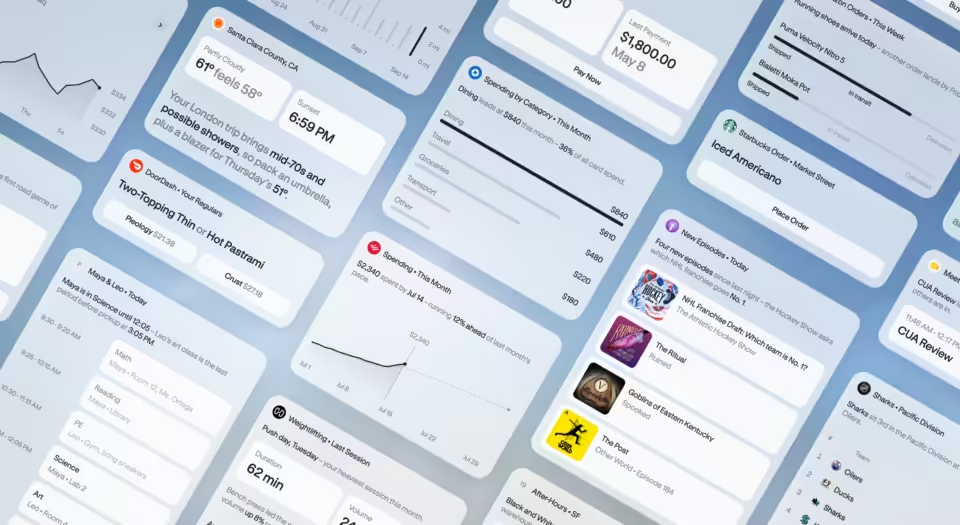
Google is rolling out Workspace Intelligence, a new AI system that gives Gemini automatic access to users’ work data across Gmail, Chat, Calendar, and Drive. The system eliminates the need for workers to manually provide context when asking Gemini questions about their work.
Google announced the feature will be turned on by default for most Workspace plans, with administrators getting new controls to limit which data sources the AI can access. The rollout begins April 22 and should complete within three days.
This represents a significant shift in how workplace AI assistants operate. Instead of requiring users to specify which documents or emails are relevant to their query, Workspace Intelligence proactively searches across a user’s entire Google Workspace environment to provide contextual responses. The approach mirrors Microsoft’s Copilot strategy but applies it specifically to Google’s ecosystem of productivity tools.
The timing is crucial as enterprises increasingly adopt AI assistants for daily work tasks. Companies have been hesitant to fully embrace these tools partly because of the friction involved in providing proper context for each query. By automating this process, Google aims to make Gemini more practical for routine business use.
Administrators get granular control over the system through new Admin Console settings. They can disable access to specific data sources at the domain, organizational unit, or group level. However, Google warns that turning off data sources will reduce AI performance quality.
The system includes some important limitations. When administrators disable a data source like Drive, Gemini won’t actively search those files for relevant information. But users can still reference specific documents directly in their prompts, and Gemini will use that content in its response.
Google emphasizes that existing privacy protections remain in place:
- Users only see AI responses based on content they already have permission to access
- Workspace data is never used to train AI models
- No data is used for advertising purposes
- All responses respect existing user-level permissions
The feature is available across most Google Workspace tiers, including Business and Enterprise plans, Education Plus, and several add-on packages. Frontline workers and nonprofit organizations also get access through specific plans.
This launch puts Google in direct competition with Microsoft’s Copilot for Microsoft 365, which offers similar cross-application AI assistance. The key difference lies in implementation – Google’s approach focuses on seamless background integration while Microsoft tends to present Copilot as a more visible assistant interface.
For IT departments, the rollout creates new considerations around data governance. While the AI respects existing permissions, having an intelligent system actively scanning work content raises questions about audit trails and compliance reporting that organizations will need to address.