
Glasp


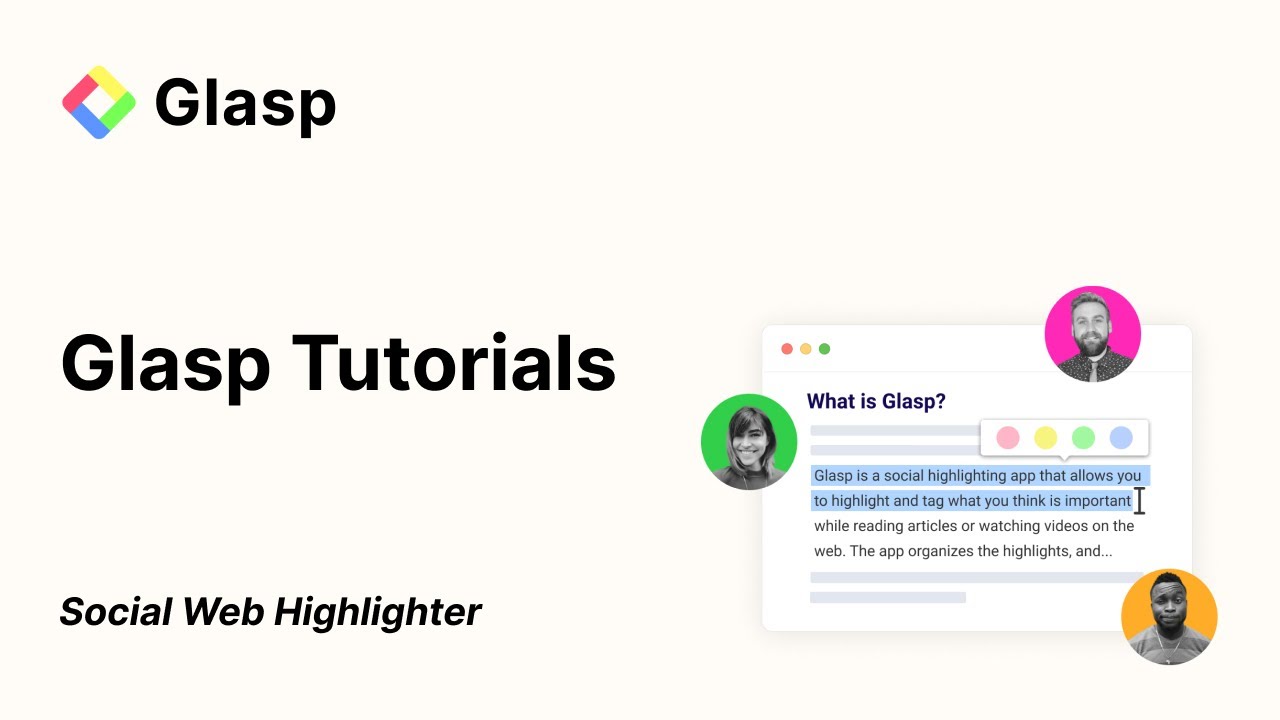
Glasp is an AI-powered tool that enhances learning and research through social web highlighting. The platform allows users to easily highlight, organize, and share quotes and thoughts from the web — as well as connect with like-minded individuals and explore the collections of others.
Glasp allows users to create a “Digital Me” or a digital clone. This feature builds a virtual representation of a user based on their past learnings and highlights. This digital clone can then answer questions about the user’s knowledge and interests, suggesting articles, videos, and notes that have inspired them.
Glasp offers a web browser extension for different browsers, making it accessible from all over the web. This means that you can capture and organize information with minimal disruption to the reading process.
The tool also lets you summarize YouTube videos, which can be extremely handy for lengthy videos. By providing summaries and the ability to highlight and take notes on video content, Glasp enhances the efficiency of learning from multimedia sources.
Finally, Glasp encourages users to tag, search, and share their highlights and notes with others. It is this social sharing capability that enriches the collective knowledge base of the Glasp community — enabling users to discover new content, gain insights from others’ highlights, and connect with individuals who share similar interests.
Video Overview ▶️
What are the key features? ⭐
- Social web highlighting: Glasp allows you to highlight important quotes and ideas you find on the web. You can save these highlights and see what others are highlighting.
- Digital Clone: This feature creates a virtual version of you based on your highlights and learning. Later, that digital clone can suggest articles, videos, and notes matching your interests.
- Browser extension: Glasp offers a browser extension for all the popular web browsers that lets you easily highlight and take notes right on web pages and PDFs.
- YouTube summarization: Besides text, Glasp offers a tool to summarize YouTube videos, allowing you to highlight and note key points. This is perfect for getting the gist of long videos without watching them in full.
- It's all about community: With Glasp, you can share your highlights and discoveries with a community of learners. You can tag your highlights, search for new content, and connect with people who share your interests.
Who is it for? 🤔
Examples of what you can use it for 💭
- Highlight and organize key information from online articles, research papers, and PDF documents
- If you love collecting and sharing interesting content, Glasp can help you curate articles, quotes, and videos
- Build your own digital library of knowledge by saving highlights and notes from everything you read and watch online
- For those who prefer learning through videos, Glasp's YouTube summarization tool lets you highlight important parts of videos
- Discover and connect with people who share your interests by exploring their highlights and notes
Pros & Cons ⚖️
- Great for taking notes on everything you read and watch online
- YouTube summarization alone is worth signing up
- Also great for networking with like-minded folks
- It could take some time to master it








