
logo-darklogo-darklogo-darklogo-dark
  • Home
  • Browse
    • Assistant
    • Coding
    • Image
    • Productivity
    • Video
    • Voice
    • Writing
    • All Categories
    • AI Use Cases
  • My Favorites
  • Suggest a Tool
✕
Home › Productivity›
Published by Dusan Belic on May 19, 2024

GPTConsole

GPTConsole
GPTConsole Homepage
Categories Productivity

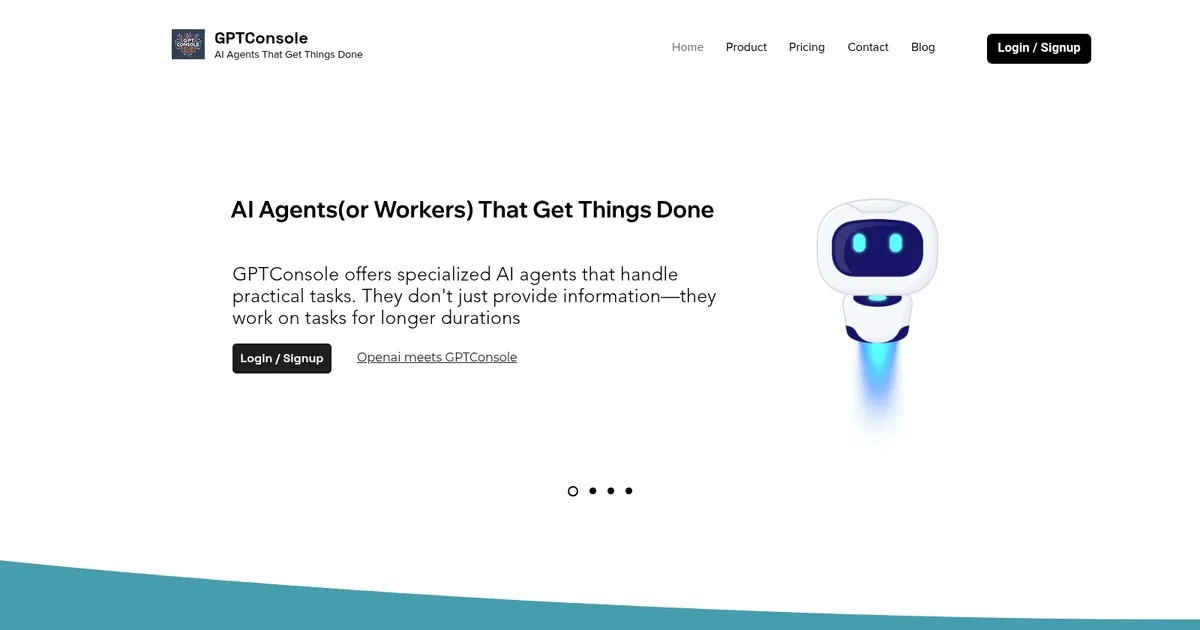
GPTConsole - screenshot

An AI platform that empowers developers to create, share, and monetize AI agents

GPTConsole

GPTConsole is an AI platform that empowers developers to create, share, and monetize AI agents. It makes developing AI agents with tools for event chaining, lifecycle management, and memory handling easy. This then allows developers to focus on setting agent objectives rather than technical details.

Notable in-house agents include Pixie, which builds comprehensive web applications; and Chip, which integrates with your codebase to answer questions and review pull requests.

Since GPTConsole is made for developers, it offers web access and a command-line interface — the latter of which will be appreciated by Linux fans.

GPTConsole’s agents can be built to handle practical tasks and generate production-ready applications, enhancing productivity and efficiency. For instance, Pixie can autonomously build dashboards, AI applications, and landing pages tailored to various business needs, while Chip facilitates seamless interaction with your GitHub repository.

GPTConsole offers flexible pricing plans, including a free initial credit package, allowing users to explore and utilize its capabilities without spending any money upfront.

With its features and user-friendly design, GPTConsole represents a valuable tool for developers who want to use AI in their projects.

GPTConsole Homepage
Categories Productivity

What are the key features? ⭐

  • Pixie: Generates and updates full-scale, production-ready web applications and dashboards from natural language prompts.
  • Chip: Analyzes entire GitHub codebases to generate code, review PRs, answer questions, and handle Jira ticket implementations.
  • Doodle: Creates animated doodles and visuals from text descriptions instead of static images.
  • CLI Integration: Installs via npm/yarn for terminal-based access to agents with seamless workflow.
  • Custom Agent Platform: SDK, API, and infrastructure for building, sharing, and monetizing your own AI agents (waitlist).

Who is it for? 🤔

GPTConsole.ai helps developers, solo founders, small dev teams, and technical product builders who want to accelerate app prototyping, codebase navigation, or quick visual creation without starting from scratch every time. Its especially useful if you work in web/mobile dev, use GitHub/Jira, and prefer terminal workflows over purely chat-based tools.

Examples of what you can use it for 💭

  • Startup founder: Quickly generates a functional landing page or MVP dashboard from a product idea description using Pixie to validate concepts fast.
  • Full-stack developer: Uses Chip to understand legacy codebases and generate accurate code additions or fixes tied to specific tickets.
  • Content creator or educator: Creates engaging animated doodles with Doodle to explain concepts visually in videos, blogs, or docs.
  • Dev team lead: Automates PR reviews and code suggestions via Chip integrated with GitHub and Jira for faster iteration cycles.
  • Indie hacker: Builds and iterates on side-project web apps with Pixie, updating features via follow-up prompts without full rewrites.

Pros & Cons ⚖️

  • Autonomous task completion
  • Production-ready outputs
  • Flexible credit pricing
  • Strong CLI experience
  • Niche agent focus
  • Limited custom agents access

FAQs 💬

What is GPTConsole.ai mainly used for?
It lets developers use AI agents to build full web apps, work with codebases, or generate animations from prompts instead of just getting text responses.
How do I get started with GPTConsole.ai?
Sign up on the site for free credits, install via npm or yarn with 'npm i gpt-console -g', run gpt-console, and log in to access agents like Pixie.
Does GPTConsole.ai have a free plan?
Yes, you receive 100 free credits on signup to test agents, with no credit card required initially.
What makes Pixie different from other code generators?
Pixie builds complete, structured applications (not just snippets) and can update them based on new prompts.
Can Chip access private GitHub repos?
Yes, after you connect and authorize, Chip can read and work with private repositories for context-aware code generation.
Is there a web interface or only CLI?
Primarily CLI for daily use, but demos like landing page generator and agent pages are web-based.
How does pricing work?
Credit-based with free starter credits and $1 for 10 more via flexi top-ups, no mandatory subscription.
Can I build my own agents on GPTConsole.ai?
Yes, but custom agent creation is currently available via a waitlist for SDK/API access.
What tech stacks does Pixie support?
Common modern ones like Next.js, React, Tailwind, and others based on prompt needs and updates.
Is GPTConsole.ai suitable for non-developers?
Its designed primarily for developers comfortable with terminals and code review, less ideal for complete beginners.
Visit GPTConsole

Related tools ↙️

  1. Pineify Pineify Generates error-free Pine Script indicators and strategies without coding
  2. Fina Money Fina Money Builds customizable AI-driven systems to track and optimize personal finances effortlessly
  3. ResuFit ResuFit Generates AI-tailored resumes, cover letters, and interview prep for job applications
  4. Upwork Uma Upwork Uma Streamlines freelance hiring with AI-powered skill assessments and job creation
  5. Oliv Oliv Automates sales workflows with AI agents for deal tracking and coaching
  6. Justt Justt Automates chargeback disputes using AI to customize evidence and boost recovery rates.
Last update: February 23, 2026
Share
Promote GPTConsole
light badge
Copy Embed Code
dark badge
Copy Embed Code
neutral badge
Copy Embed Code
About Us | Contact Us | Suggest an AI Tool | Privacy Policy | Terms of Service

Copyright © 2026 Best AI Tools
415 Mission Street, 37th Floor, San Francisco, CA 94105





