
Lucidspark by Lucid Software


Lucidspark is a virtual whiteboard platform made to facilitate team collaboration and brainstorming. Featuring an intuitive interface and a suite of powerful features, it allows users to capture, organize, and share ideas in real time — offering dynamic templates, interactive activities, and AI-driven suggestions.
The platform supports different collaborative activities such as mind mapping, agile development, project planning, and strategic visioning. It integrates with popular tools like Slack, Microsoft 365, and Google Workspace to enhance workflow efficiency.
Lucidspark’s infinite canvas is especially handy as it enables teams to brainstorm and develop ideas without spatial limitations. This further is complemented by facilitator controls, breakout boards, and presentation modes — which are ideal for managing workshops and meetings.
As for the mentioned AI recommendations, they are meant to help users streamline their ideation process and enhance creativity.
We should also mention that Lucidspark integrates with other Lucid products, like Lucidchart, offering a comprehensive visual collaboration suite. This combination allows teams to transition smoothly from ideation to detailed planning and execution.
In a nutshell, Lucidspark empowers teams to connect and collaborate more effectively. Its robust features, combined with seamless integrations and AI-driven capabilities, makes it more than useful for modern teams looking to enhance their brainstorming and planning processes.
Video Overview ▶️
What are the key features? ⭐
- Infinite canvas: Provides an endless virtual whiteboard space for users to brainstorm, organize, and visualize ideas.
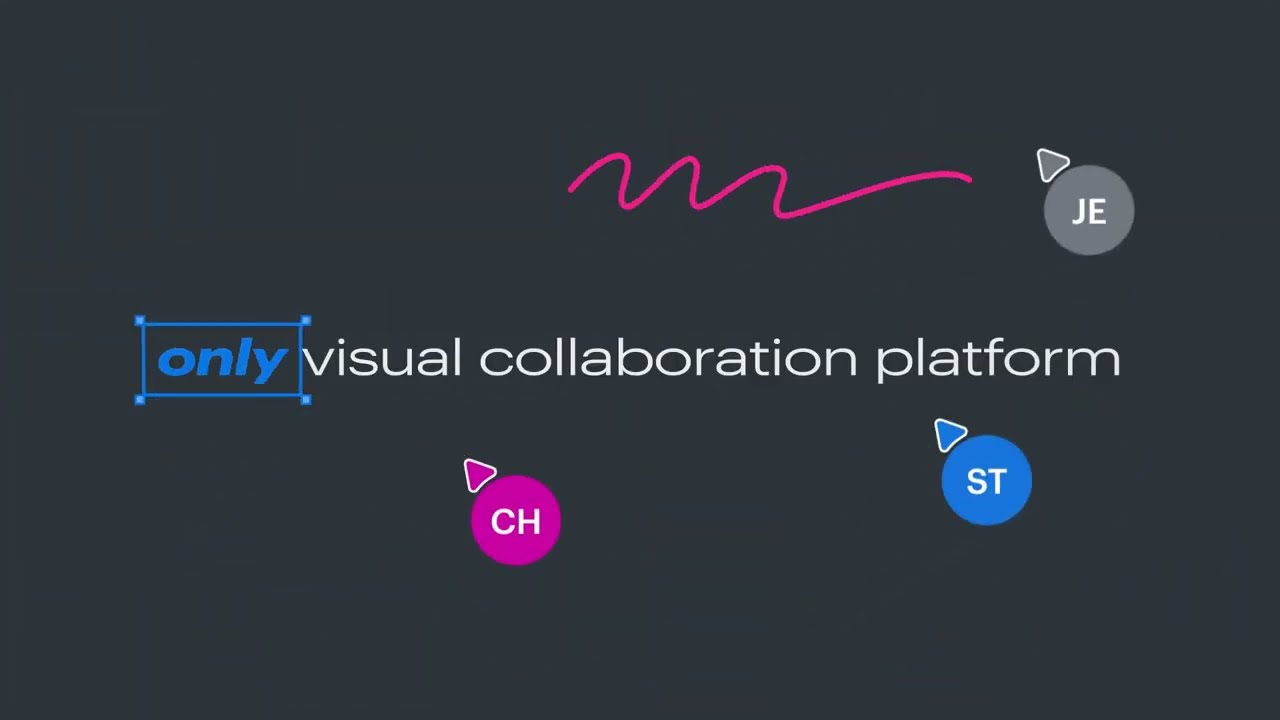
- Real-time collaboration: Enables teams to collaborate synchronously, with features like chat, comments, and live cursors to enhance interaction.
- Templates: Offers a variety of pre-built templates for common workflows, helping users get started quickly on projects like mind maps, project planning, and user journeys.
- Facilitation tools: These include features like breakout boards, voting sessions, and presentation mode to aid in effective meeting facilitation and decision-making.
- Integration with other tools: Seamlessly integrates with other apps like Slack, Microsoft 365, Jira, and Google Workspace.
Who is it for? 🤔
Examples of what you can use it for 💭
- Teams can use Lucidspark to collaboratively brainstorm ideas, capturing and organizing thoughts in real time
- They can also create timelines, assign tasks, and track progress on a shared virtual board
- Conduct more structured and productive meetings with features like facilitator controls and breakout boards
- Agile teams get tools for sprint planning, retrospectives, and daily stand-ups
- Collect and organize user research data, mapping customer journeys, and aligning stakeholders on insights and strategies
Pros & Cons ⚖️
- Visual project management
- Helps teams better organize
- AI can provide some handy recommendations
- Project management is a crowded market, not sure many users will switch boats








