MailMagic AI
Automatically drafts personalized email replies by learning your writing style from past messages
MailMagic AI is a fancy email assistant designed to enhance productivity by automating the drafting process of email responses. It does its magic by analyzing users’ past emails to learn their unique writing styles and preferences. And because of this, it can generate personalized and contextually relevant replies, making it beneficial for professionals seeking to streamline their communication workflows.
The platform offers a range of functionalities, including the ability to compose new emails, rephrase existing content, correct grammar, and translate messages into multiple languages. Users can also adjust the tone of their emails for different contexts, choosing from options like professional, casual, friendly, formal, or persuasive. Collectively, these features are meant to contribute to more effective and efficient communication.
MailMagic AI integrates with popular email clients such as Gmail and Outlook, providing users with a consistent experience across platforms. The tool is accessible via browser extensions and mobile apps, ensuring that users can manage their emails efficiently — whether at their desks or on the go.
MailMagic AI offers flexible pricing plans to accommodate various user needs. The affordable Personal plan includes features like email drafting, rephrasing, tone adjustment, and support for multiple languages. For larger teams, the Enterprise plan provides customized solutions, including unlimited monthly messages, team-wide email history learning, and enhanced security measures. Check it out.
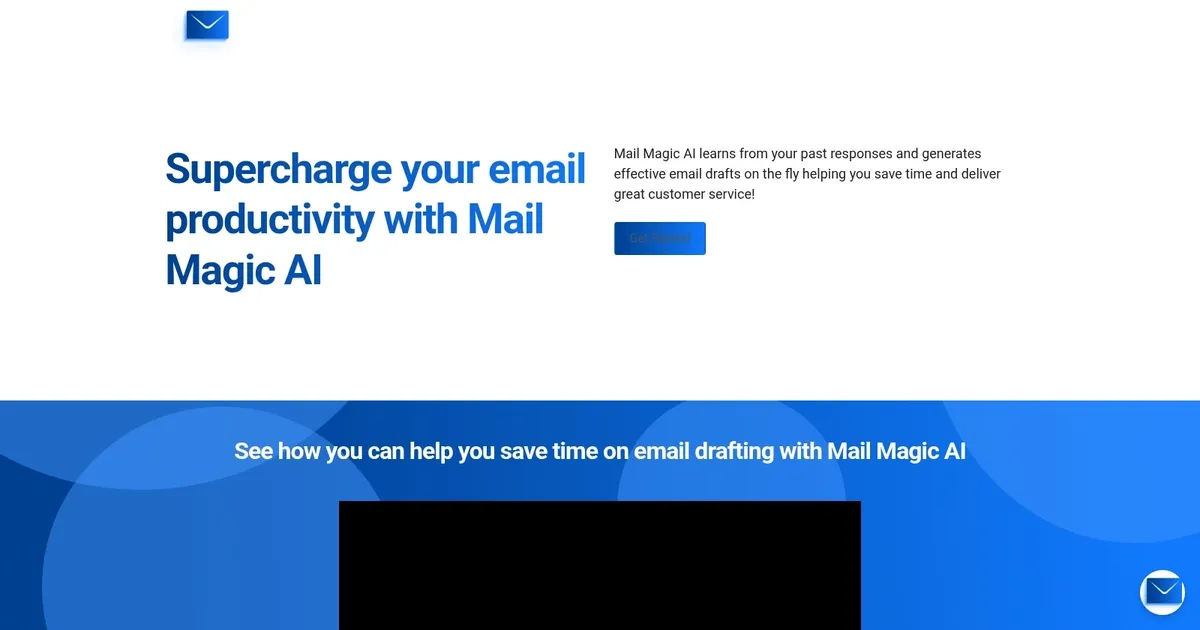
Homepage Screenshot 📸
Video Overview 🎬

What are the key features? ✨
- Auto Draft Tool: Automatically generates email reply drafts in your personal style as soon as new messages arrive.
- Style Learning: Uses machine learning to analyze past sent emails and match your unique tone, voice, and phrasing.
- Multi-Language Support: Handles drafting and responses effectively in any language, including translations.
- Gmail & Outlook Integration: Seamlessly works within Gmail and Outlook on desktop and mobile devices.
- Enterprise Customization: Offers team-wide learning, unlimited messages, and custom AI model options for businesses.
Who is it for? 🤔
Examples of what you can use it for 💡
- Busy professional: Quickly reviews and sends personalized drafts for dozens of daily emails while keeping their natural voice.
- Customer support agent: Generates context-aware replies fast, improving response times and service quality.
- Freelancer or solopreneur: Maintains professional yet personal tone in client communications without burnout.
- International team member: Handles multilingual threads with accurate style-matched drafts and translations.
- Enterprise team: Shares learned styles across group inboxes for uniform, efficient replies on business goals.
Pros & Cons ⚖️
- Saves significant time on replies
- Matches your unique writing style
- Strong privacy and security features
- Works across devices seamlessly
- Requires past emails to learn effectively
- Limited to Gmail and Outlook
FAQs 💬
Ready to try MailMagic AI?
Automatically drafts personalized email replies by learning your writing style from past messages
Visit MailMagic AIMailMagic AI alternatives 🔗