Mindgrasp by Apricot AI LLC


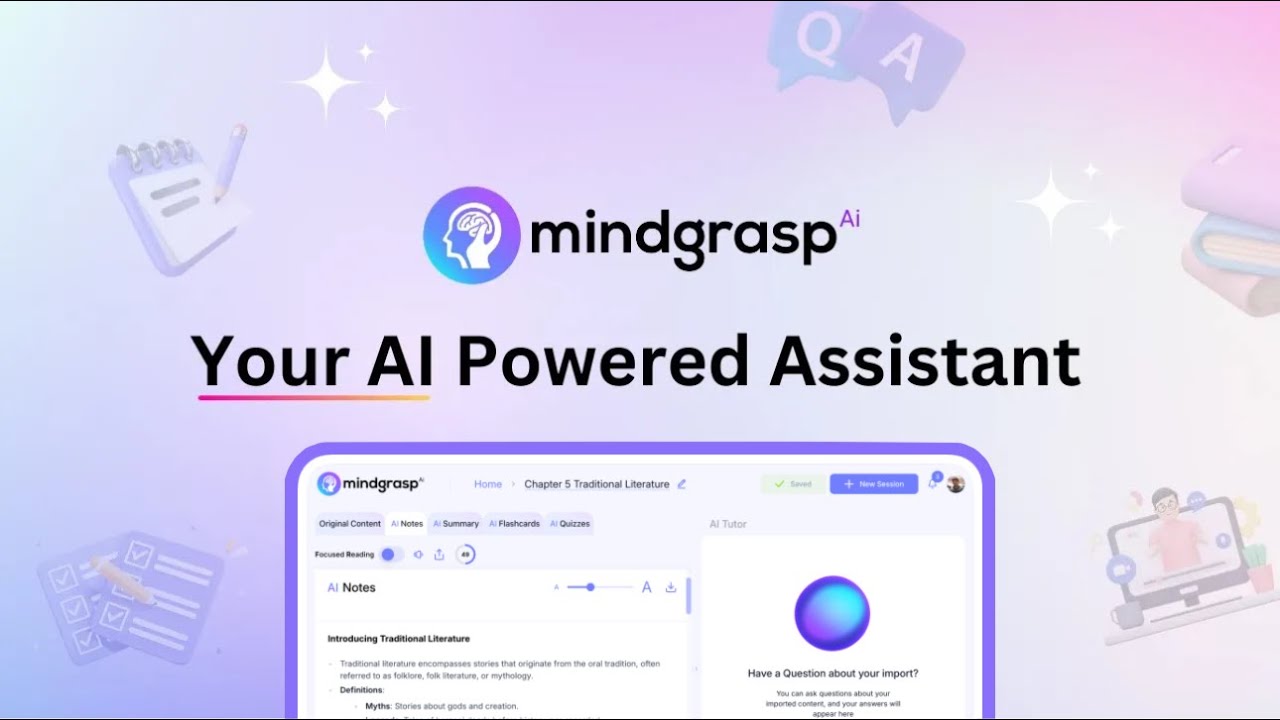
Dubbed the “world’s #1 AI learning assistant,” Mindgrasp instantly creates notes, summaries, flashcards, quizzes, and answers questions from any document, YouTube video, Zoom meeting, webinar recording, podcast, and more.
The tool can “read for you” and can “handle” all kinds of documents, including books, essays, resumes, research articles, legal case files, etc. It can just as easily “watch for you,” which can come in handy when you don’t have time to join a webinar or don’t want to watch an hour-long video to get the key findings.
Once it “digests” the content, Mindgrasp can help you clarify and understand the material. Simply ask the AI assistant for clarifications on all kinds of subjects. It’s like your “study buddy” that can keep up with every move you make online thanks to the provided Chrome extension.
Mindgrasp is available in more than 10 languages and is already being used by over 100,000 students, as well as researchers and professionals (numbers from September 2023). The students, in case you wonder, come from such universities as Stanford, Princeton, MIT, The Ohio State University, and the University of Maryland.
Want to join them?
Video Overview ▶️
What are the key features? ⭐
- Read for you: Mindgrasp lets you upload books, essays, resumes, research articles, legal case files, etc. It can handle PDFs, DOCX, and PowerPoint files, as well as links to web pages:
- Watch for you: Similarly, it can take your place when the assignment requires you to watch a webinar or a long video. Let Mindgrasp do the work for you and ask it for notes afterward. It can handle MP3 and MP4 files, as well as videos hosted on YouTube and Vimeo.
- AI assistant: Once Mindgrasp "digests" the content, you can ask it for notes or chat with the assistant to get answers to any questions you may have. It will help you understand and clarify key concepts. In a way, Mindgrasp is like your study buddy.
- Chrome extension: Mindgrasp provides a neat Chrome extension that lets you bring their AI assistant all around the web and get instant answers and information whenever you need them.
- Multi-language support: Mindgrasp is available in over 10 languages and is already being used by more than 100,000 students, professionals, and researchers (numbers from September 2023). Among those using it are students from such universities as Stanford, Princeton, MIT, The Ohio State University, and the University of Maryland.
Who is it for? 🤔
Examples of what you can use it for 💭
- Generate notes from study materials and videos
- Summarize long texts
- Get a grasp of key concepts behind every subject
- Chat with study material to clarify more complex topics
- Get instant answers from your AI-powered study buddy
Pros & Cons ⚖️
- Having an AI-powered study buddy is cool
- The Chrome extension could be especially useful for researchers
- Not just for English students, Mindgrasp supports 10+ languages
- It would be nice to see a lower-cost or even free plan for students on a budget