Musicfy

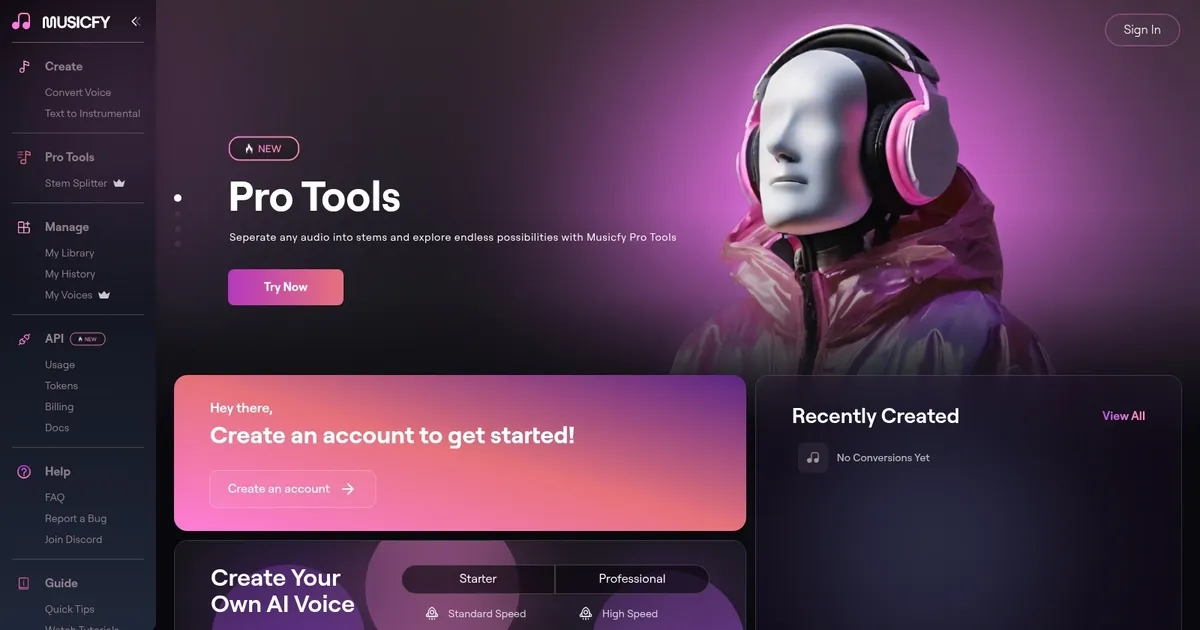

Musicfy is designed to revolutionize music production by serving as your AI music assistant with features like Text-to-Music and Voice-to-Instrument/Voice to make new songs.
The tool features AI voice artists, providing a collection of copyright-free vocals to give your songs a new sound. But you can also upload your vocals to create your own AI model that will sound just like you.
In other words, Musicfy lets everyone become a songwriter and compose their own original songs, regardless of their musical background.
It also has the “Create Your Own Royalty-Free Album” feature that allows you to curate a collection of high-quality, royalty-free music tracks for various creative projects. Whether you’re a filmmaker, content creator, or business owner — this feature will simplify the process of finding and using music in your work.
Ultimately, Musicfy saves your time, streamlines collaboration, and ensures a “seamless alignment of artistic vision.” Say goodbye to lengthy recording sessions and embrace a more efficient and inspired music-making journey.
What are the key features? ⭐
- Improve your music creation process: Musicfy saves your time, streamlines collaboration, and ensures a "seamless alignment of artistic vision." Say goodbye to lengthy recording sessions and embrace a more efficient and inspired music-making journey.
- Explore new sounds and ideas: Use Musicfy's copyright-free vocals in your own songs to easily add an AI feature that can be uploaded to any streaming platform. Or share your own AI voice with other artists and songwriters.
- AI Text to Music: Musicfy allows you to transform your words and emotions into songs. It's much more than another text-to-speech tool. You can also use it to remaster any song with funny and parody voices to make it fun.
- Own original songs: Become a songwriter and compose your own original songs effortlessly with Musicfy's "Create Your Own Original Songs" feature. This user-friendly tool empowers you to bring your musical ideas to life, regardless of your musical background.
- Royalty-free albums: You can also use Musicfy's "Create Your Own Royalty-Free Album" feature to curate a collection of high-quality, royalty-free music tracks for various creative projects. Whether you're a filmmaker, content creator, or business owner - this feature will simplify the process of finding and using music in your work.
Who is it for? 🤔
Examples of what you can use it for 💭
- Become a songwriter and compose your own original songs effortlessly
- Create new music with ease
- Curate a collection of royalty-free music tracks for various creative projects
- Explore new sounds and ideas
Pros & Cons ⚖️
- Turns everyone into a music maker
- Saves a ton of time along the way
- Makes music creation a digital and collaborative effort
- Some folks have reported issues with customer support