logo-darklogo-darklogo-darklogo-dark
  • Home
  • Browse
    • Assistant
    • Coding
    • Image
    • Productivity
    • Video
    • Voice
    • Writing
    • All Categories
    • AI Use Cases
  • My Favorites
  • Suggest a Tool
✕
Home › Website Building›
Published by Dusan Belic on July 10, 2023

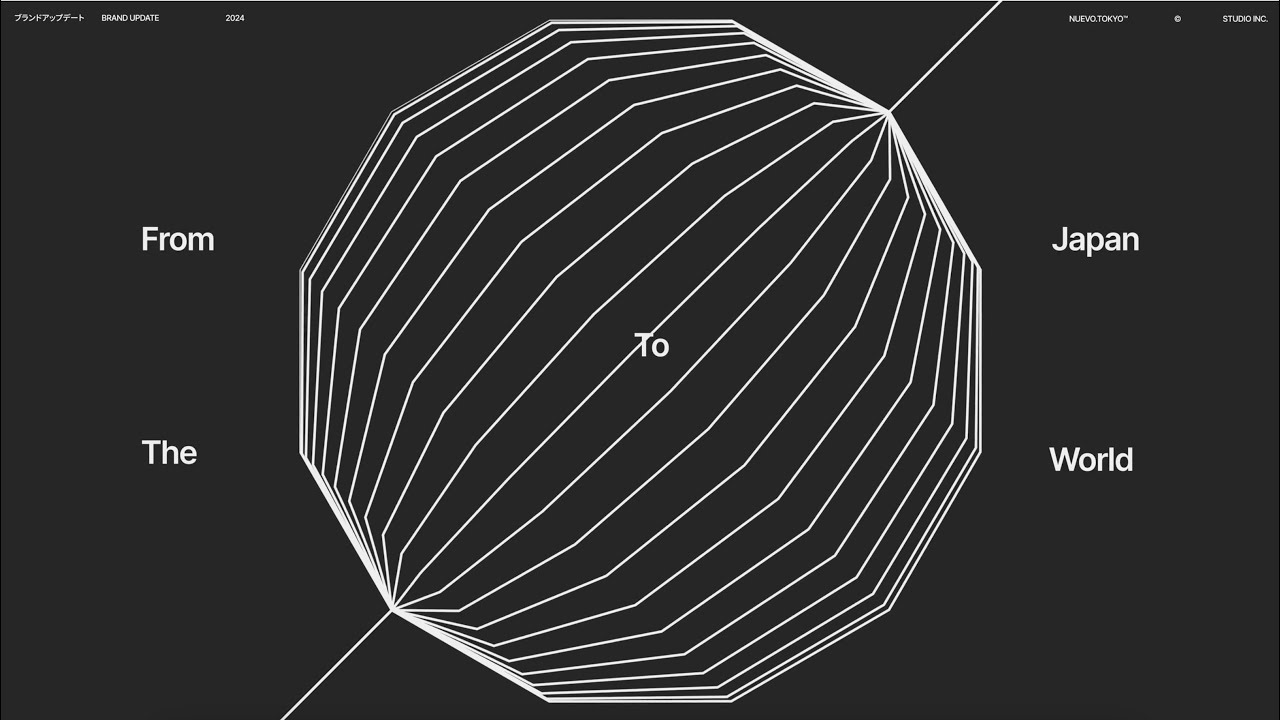
STUDIO AI

STUDIO AI
STUDIO AI Homepage
Categories Website Building
Turns design ideas into live responsive websites with intuitive editing and smart suggestions

STUDIO AI

STUDIO AI is a smart design tool made to assist web designers in creating modern, responsive websites with ease and flexibility. The tool leverages artificial intelligence to provide design suggestions and automations that adapt to different screen sizes, making the resulting web sites accessible across platforms and devices.

Easy to use, STUDIO AI allows even those without coding skills to quickly create visually appealing websites. It offers AI-assisted design suggestions along with the ability to automatically adapt designs to fit any device (as mentioned above).

As that tends to be the case with truly great tools, you can try STUDIO AI for free. Perhaps it will work for you, but perhaps you need some advanced capabilities a no-code solution can’t deliver.

Nothing stops you from trying it out, as you won’t be required to pay anything to get started. So check it out and browse through all the features available to determine whether STUDIO AI can “get the job done” for you. Again, you won’t have to pay a single dime to test it out.

STUDIO AI Homepage
Categories Website Building

Video Overview ▶️

STUDIO AI - Video Overview

What are the key features? ⭐

  • Powerful Design Editor: Intuitive UI for creating pixel-perfect layouts, dynamic animations, and responsive designs without code.
  • Figma Integration: Import Figma files with automatic breakpoint generation for instant responsive adaptation and further customization.
  • AI Assistance (WebDesignAI): Understands designs, provides contextual suggestions, autocompletes tasks via voice/text, and learns from user feedback.
  • One-Click Publishing: Instantly publish sites live with built-in hosting, no server or coding required.
  • Built-in CMS & Forms: Real-time collaborative content editing plus customizable, animated forms for visitor engagement.

Who is it for? 🤔

STUDIO.Design works best for graphic designers, UX/UI professionals, agencies, freelancers, and students who want to build polished portfolio sites, landing pages, or simple web experiences quickly. Its ideal for anyone who values creative freedom and hates wrestling with code or complicated hosting, especially those already using Figma who need a fast path from design to live site. The AI helpers make it approachable for beginners while still offering depth for pros who want speed without sacrificing control.

Examples of what you can use it for 💭

  • Freelance Designer: Quickly turns client mockups into live portfolio sites or landing pages with full branding and animations.
  • Agency Team: Collaborates in real-time on content and design, then publishes multiple client sites efficiently.
  • UX Student: Imports Figma school projects, adds responsiveness automatically, and publishes a personal showcase without setup hassle.
  • Small Business Owner: Builds a custom homepage or product page with forms and SEO, no developer needed.
  • Creative Professional: Experiments with Lottie animations and AI suggestions to create standout one-page sites or microsites.

Pros & Cons ⚖️

  • Intuitive editor with creative freedom
  • Fast one-click publishing
  • Helpful AI suggestions & commands
  • Seamless Figma import
  • Limited for complex apps
  • AI suggestions sometimes miss

FAQs 💬

Is STUDIO.Design completely no-code?
Yes, it requires no coding. You design visually and publish with one click.
Does it have AI features?
Yes, it includes AI that understands designs, offers suggestions, autocompletes tasks, and adapts responsiveness.
Can I import from Figma?
Absolutely. Import files and breakpoints generate automatically for responsive editing.
How does publishing work?
One click publishes your site live with hosting included, no server setup needed.
Is there collaboration support?
Yes, the built-in CMS allows real-time team editing of content.
What kinds of sites is it best for?
Portfolios, landing pages, personal sites, and simple business pages shine here.
Does it support animations?
Yes, dynamic animations and easy Lottie file imports are built in.
How does pricing compare to competitors?
It sits in the mid-range like Framer or Webflow, with tiers for more features and projects.
Can I use voice commands?
Yes, voice or text commands handle styling and multi-step tasks.
Is it suitable for beginners?
Yes, the intuitive interface and AI helpers make it accessible while powerful for pros.
Visit STUDIO AI

Related tools ↙️

  1. Snapps Snapps Generates AI-powered websites with drag-and-drop ease and built-in hosting
  2. Limecube Limecube Generates custom AI-powered websites in minutes for startups
  3. Marketsy Marketsy Builds AI-powered storefronts for selling digital products instantly
  4. PageGPT PageGPT Generates custom AI-powered landing pages tailored to your brand in minutes
  5. Vzy Vzy Builds fully-functional websites instantly using AI prompts, no coding needed
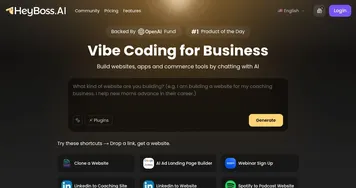
  6. HeyBoss.AI HeyBoss.AI Creates custom websites and apps from user prompts in minutes, no coding required
Last update: January 5, 2026
Share
Promote STUDIO AI
light badge
Copy Embed Code
dark badge
Copy Embed Code
neutral badge
Copy Embed Code
About Us | Contact Us | Suggest an AI Tool | Privacy Policy | Terms of Service

Copyright © 2026 Best AI Tools
415 Mission Street, 37th Floor, San Francisco, CA 94105