HeyBoss.AI
Creates custom websites and apps from user prompts in minutes, no coding required
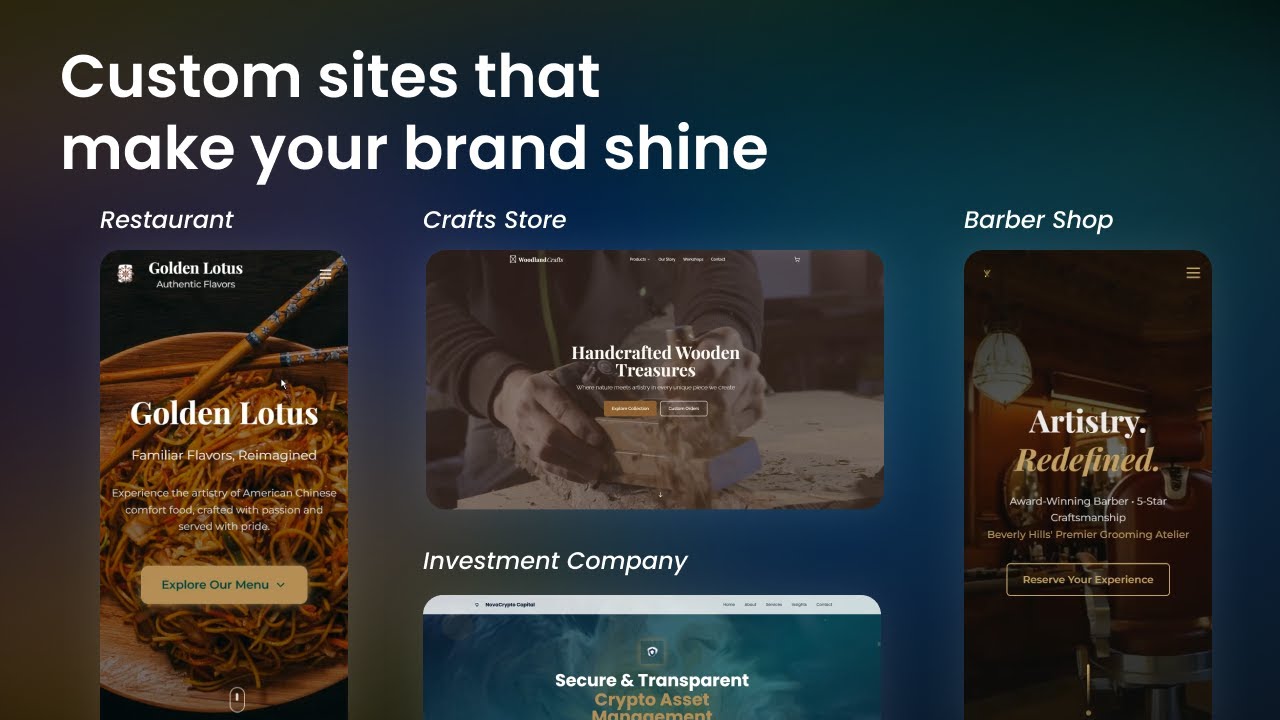
HeyBoss AI is a no-code platform that builds custom websites, apps, and games from user prompts in minutes, with built-in SEO, CRM, and payment processing. Users describe their idea, select a Starter Kit, and answer guided questions to create a functional project. The platform’s AI agents — Designer Nova, Copywriter Lyra, SEO Specialist Ethan, and others — handle tasks like design, content, and optimization. It offers over 50 Starter Kits, a built-in database, CMS, and an App Store with 100+ integrations. Projects can include e-commerce, portfolios, or AI-powered landing pages, all without coding.
The free plan includes 5 daily AI edits, 30 monthly credits, and 3 public projects, but limits advanced features and includes a watermark. The Basic plan, at a moderate cost, offers 200 credits, custom domains, and no watermark, while the Premium plan adds 500 credits and payment processing via Stripe. Compared to Wix, which emphasizes design flexibility, or Bubble, which focuses on complex app logic, HeyBoss AI prioritizes speed and AI automation. External reviews note its ease for beginners but mention the credit system as a limitation for heavy users.
A key strength is the SEO tools, which automatically generate metadata and internal links. The platform’s database and CMS simplify content management, and Stripe integration enables seamless e-commerce. However, the credit-based system for advanced features can restrict free plan users, and the wide range of Starter Kits may confuse newcomers. Paid plans offer better value for professionals needing unlimited revisions or private projects.
To use HeyBoss AI effectively, select a Starter Kit aligned with your project, such as the Marketing & Demand Funnels for ad campaigns. Answer prompts clearly to guide the AI, and consider the Basic plan for more credits and flexibility. Test on the free plan first, but expect to upgrade for professional use.
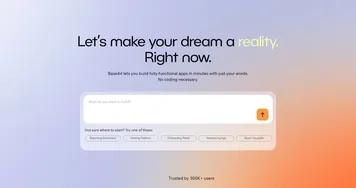
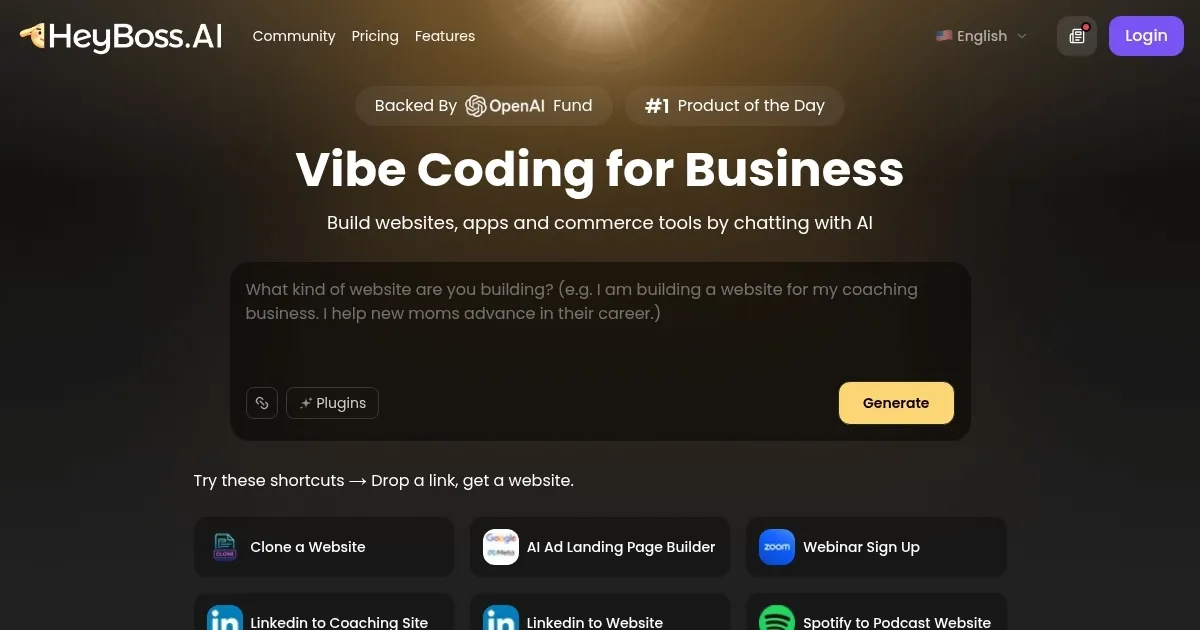
Homepage Screenshot 📸
Video Overview 🎬
What are the key features? ✨
- Starter Kits: Pre-built blueprints for websites, apps, and funnels, customizable via guided prompts.
- AI Agents: Specialized AIs like Nova (design) and Ethan (SEO) handle specific project tasks.
- Built-in Database: Manages content without external tools, simplifying site updates.
- SEO Tools: Automatically adds metadata, schema, and internal links for better search rankings.
- Payment Processing: Integrates Stripe for seamless e-commerce functionality on paid plans.
Who is it for? 🤔
Examples of what you can use it for 💡
- Entrepreneur: Builds a landing page for a startup with a demo video and sign-up form in minutes.
- Small Business Owner: Creates an e-commerce site with Stripe payments to sell products online.
- Content Creator: Designs a portfolio site to showcase projects with responsive layouts.
- Marketer: Develops a webinar funnel with SEO-optimized pages to drive ad conversions.
- Coach: Sets up a booking system with an AI chatbot for client scheduling and testimonials.
Pros & Cons ⚖️
- Fast site creation in minutes
- No coding skills needed
- Robust built-in SEO tools
- Free plan has watermark
- Limited AI credits on free tier
FAQs 💬
Ready to try HeyBoss.AI?
Creates custom websites and apps from user prompts in minutes, no coding required
Visit HeyBoss.AIHeyBoss.AI alternatives 🔗