Bubble AI
Builds full-stack web apps using AI prompts and visual no-code tools
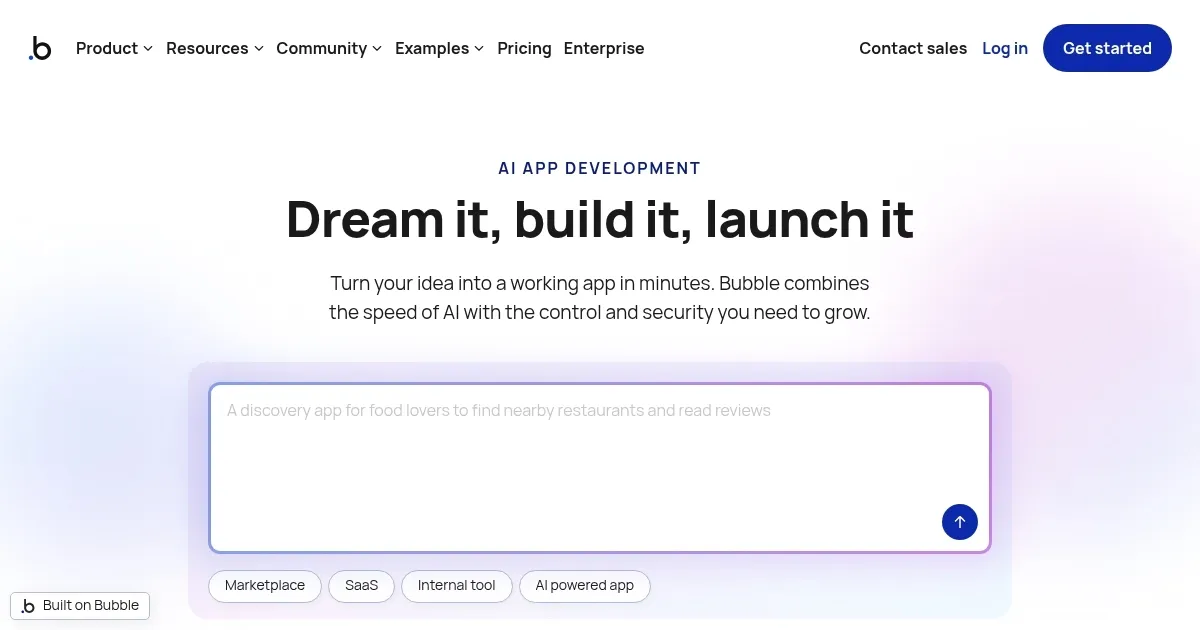
Bubble.io is a no-code platform that integrates AI tools to enable users to build, deploy, and scale web and mobile applications without coding. It combines a visual drag-and-drop editor with AI-driven generation for rapid prototyping and full-stack development.
The platform’s AI App Generator creates initial app structures from text prompts, including user stories, data models, and basic workflows. Users refine these via the visual editor, which supports responsive design, database management, and API integrations. Key features include the AI Copilot for real-time suggestions, a marketplace with over 6,000 plugins for extensions like payment processing, and the beta AI Agent for automating repetitive tasks such as layout creation. Backend capabilities handle user authentication, real-time updates, and scalable data queries through built-in privacy rules and workload units.
Bubble supports progressive web apps and native mobile wrappers in beta, allowing iOS and Android deployment. Performance optimizations in 2025 address previous rendering delays, though complex apps require careful element management to avoid bottlenecks. Security features include row-level permissions and API key management, but client-side conditions require server-side validation for robustness.
Competitors include FlutterFlow, which excels in cross-platform mobile with code export options, contrasting Bubble’s vendor-locked ecosystem; and Softr provides easier data-to-app conversions from Airtable, at lower scaling costs for lightweight portals. Bubble’s pricing starts free for development, with paid tiers based on capacity units that increase with usage, generally higher than Softr but competitive with FlutterFlow for full apps.
Users appreciate the speed of AI-assisted prototyping and community resources for troubleshooting. Drawbacks involve a steep learning curve for advanced logic and occasional platform instability noted in 2025 reviews. The plugin ecosystem enables custom AI features, such as integrating content-generation models.
For practical use, test with a minimal viable product on the free plan, focusing on core workflows before adding plugins. Monitor workload units during scaling and audit privacy rules early to ensure compliance.
Homepage Screenshot 📸
Video Overview 🎬

What are the key features? ✨
- AI App Generator: Creates initial app structures from natural language prompts, including pages and basic logic.
- Bubble AI Agent: Provides in-editor assistance for troubleshooting workflows and generating code snippets via chat.
- Figma to Bubble Converter: Imports designs from Figma directly into the visual editor for quick prototyping.
- Plugin Marketplace: Offers over 6,000 extensions for APIs, payments, and AI models like OpenAI.
- Visual Workflow Editor: Builds complex automations and database interactions through drag-and-drop interfaces.
Who is it for? 🤔
Examples of what you can use it for 💡
- Freelancer: Tracks gigs, invoices clients, and suggests rates using AI-powered prompts for personalized proposals.
- Startup Founder: Builds an MVP marketplace connecting buyers and sellers with integrated payments and user auth.
- Educator: Creates interactive course platforms with progress tracking and content recommendations via database queries.
- Small Business Owner: Develops a customer portal for order management and feedback collection through simple workflows.
- Designer: Imports Figma mocks to prototype responsive web apps with custom UI elements and animations.
Pros & Cons ⚖️
- Fast prototyping
- Rich integrations
- AI assistance
- Scalable hosting
- Steep learning
- Performance lags
FAQs 💬
Ready to try Bubble AI?
Builds full-stack web apps using AI prompts and visual no-code tools
Visit Bubble AI