B612 AI Photo&Video Editor
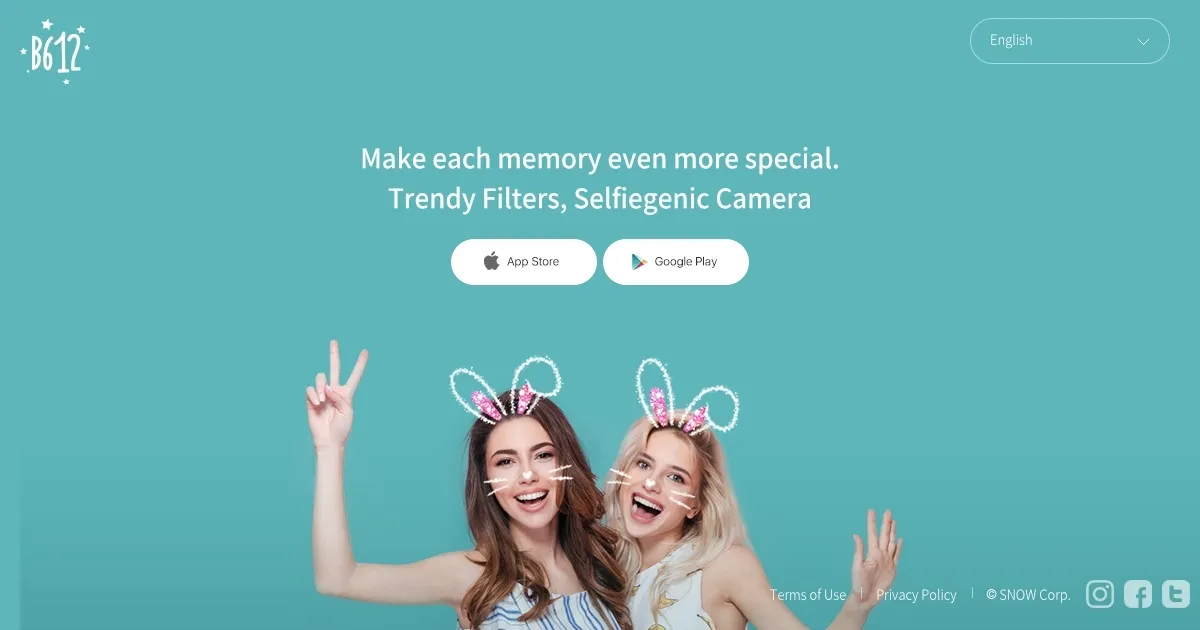

B612 AI Photo & Video Editor is a mobile app by SNOW Corporation that combines real-time camera filters, AI-driven beauty enhancements, and video editing tools for creating social media-ready content. It offers a robust set of features for casual users, with a focus on selfies and short videos. The app’s Smart Beauty feature uses AI to analyze facial features and apply tailored enhancements, while AR filters add playful or dramatic effects in real time. Users can create custom filters, access over 500 music tracks for videos, and use tools like Video Mosaic for background blurring. The app supports high-resolution and night modes for better image quality.
Key features include the ability to shoot 3- or 6-second video clips with sound, ideal for social media stories, and a GIF Bounce feature for creating shareable loops. The app’s editing suite offers precise color adjustments, like HSL and split tone, alongside basic cropping and sticker tools. Compared to Canva and Adobe Express, B612 prioritizes real-time effects over graphic design, making it less suited for professional projects but ideal for quick, fun edits. Canva excels in templates, while Adobe Express offers broader editing capabilities.
The app is free with optional B612 VIP subscriptions for premium filters and tools, which is competitive with similar apps. However, it lacks integration with device camera rolls, limiting editing to in-app captures. Some users report occasional glitches, like filter lag or crashes, which can disrupt workflows. The interface, while intuitive, may overwhelm beginners due to its extensive options.
B612’s strength lies in its accessibility and creative freedom. The custom filter creator is straightforward, requiring just a few taps to design and share. Video editing tools, including music integration, make it easy to craft engaging clips. The app’s focus on AR and beauty effects sets it apart for selfie enthusiasts, though it may not appeal to users seeking advanced editing.
For best results, experiment with the Smart Beauty settings to personalize your look, and use the music library to enhance videos. If you need to edit existing media, consider pairing B612 with a secondary app like Adobe Express for flexibility.
What are the key features? ⭐
- Smart Beauty: AI analyzes face shape for custom beauty enhancements.
- AR Filters: Real-time augmented reality effects for photos and videos.
- Custom Filter Creator: Design and share unique filters with friends.
- Video Mosaic: Blurs backgrounds in videos for a polished look.
- GIF Bounce: Creates short, looping GIFs from video clips.
Who is it for? 🤔
Examples of what you can use it for 💭
- Social Media Influencer: Applies AR filters to create engaging Instagram stories.
- Teen Photographer: Uses Smart Beauty to enhance selfies for TikTok posts.
- Casual User: Records a 6-second video with music for a fun Snapchat share.
- Content Creator: Designs custom filters to brand their social media content.
- Event Planner: Captures vibrant event photos with night mode for posting.
Pros & Cons ⚖️
- Broad range of AR filters
- Free with robust features
- High-resolution mode
- Occasional app glitches
- Overwhelming interface