logo-darklogo-darklogo-darklogo-dark
  • Tool Categories
    • 🎨Art & Creative Design505
    • 🏢Business Management644
    • 💻Coding & Development515
    • 👮Detection83
    • 🧠General Use727
    • 🏥Health & Wellness55
    • 📷Image & Photo Analysis100
    • 🖼️Image Generation & Editing618
    • 📐Interior & Architectural Design37
    • 🎓Learning & Education483
    • ⚖️Legal & Finance90
    • 🎭Lifestyle & Entertainment236
    • 📢Marketing & Advertising627
    • 🎧Music & Audio138
    • 👔Office & Workplace1,014
    • 🔬Research & Data Analysis372
    • 👥Social Media245
    • 🎥Video Generation & Editing426
    • 👧🏻Virtual Companion135
    • 🎤Voice Generation & Editing381
    • ✍️Writing & Editing808
    • All Categories
    • AI Use Cases
  • News
  • Events
    • Academic Conferences
    • Developer Conferences
    • Expos / Trade Shows
    • Industry Summits
    • Workshops / Training
    • All Events
    • Past Events
  • Saved Tools
  • Suggest a Tool
✕
Home › Image Generation & Editing › Image Generation› Raphael AI
Raphael AI

Raphael AI

A free AI image generator based on the powerful FLUX.1‑Dev model

Raphael AI is a free AI image generator based on the powerful FLUX.1‑Dev model. As that’s usually the case, it lets you write a prompt and returns beautiful images fast. That first sentence might sound easy. But there’s a twist. There are a few things you absolutely need to know before diving in. What looks like a free toy is actually a creative powerhouse — with some hidden limits and surprising features that set it apart.

Think of it as an artist’s magic paintbrush that never runs dry. You type a sentence like “sunset over purple mountains,” and boom — an image appears in seconds. No login needed and no payments required. Millions of users already use it every month — about 3 million active users and 1,530 images generated per minute.

When you compare that to paid tools like Midjourney, Stable Diffusion or DALL·E – it’s a huge deal to get this level of access totally free — but it’s not quite the same in polish or commercial licensing.

Inside, Raphael AI offers more than pretty pictures and can produce images in multiple styles — including photorealism, anime, fantasy, comic, pixel art, cinematic and even tattoo designs. There’s also the enhanced mode so even one word like “dragon” can give fine detail.

There is one issue though — resolutions top out around 1024×1024 pixels. Also, busy users might hit a slow-down or timeout and, as a result, turn to other services for their image generation “needs.” Still, for anyone from hobby artists to small businesses, it could be a useful tool. And the best part is that you get clean downloads without watermarks. We kinda love it for that and advise you to check it out.

Visit Raphael AI ↗
Categories
🖼️ Image
🖼️ Image Generation 🪄 Text to Image
🎨 Art
🎨 Art Generation 🌅 Illustration Generation

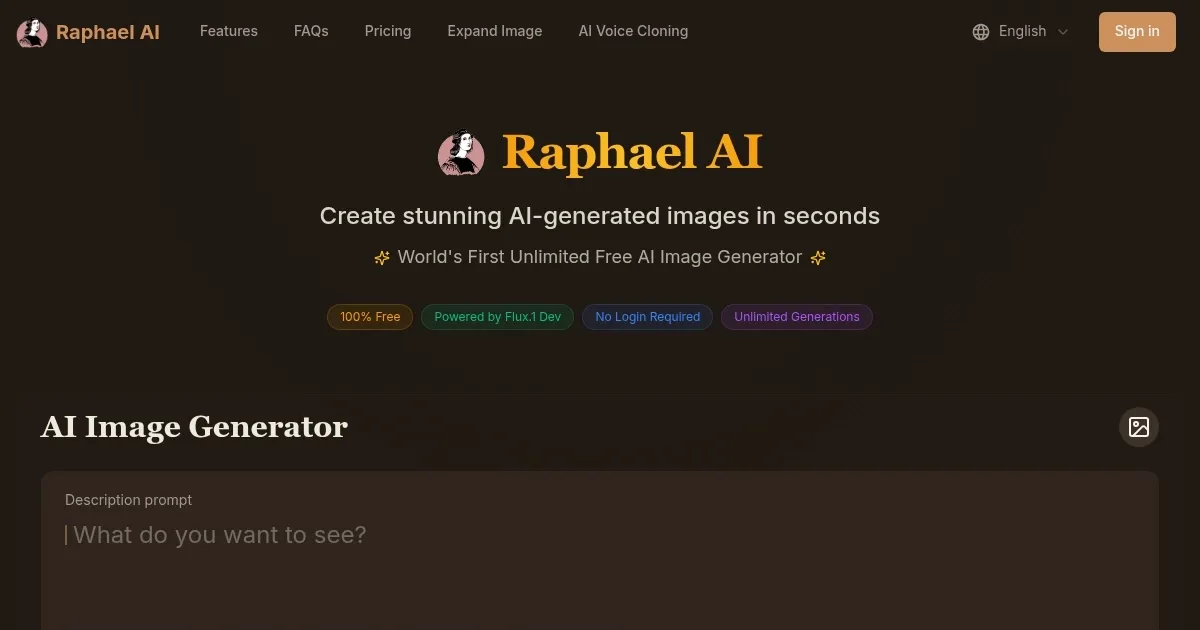
Homepage Screenshot 📸

Raphael AI screenshot

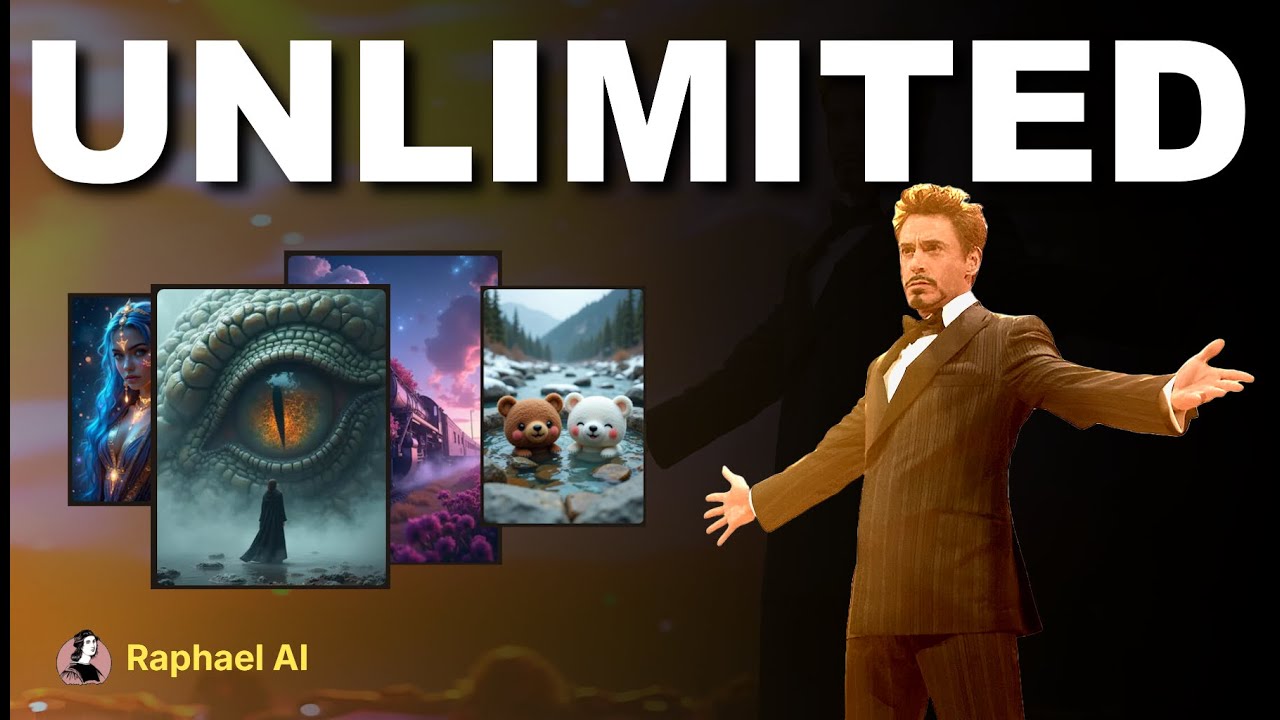
Video Overview 🎬

Raphael AI - Video Overview

What are the key features? ✨

  • No usage cap: Anyone can generate as many images as they want. There are no trial limits and no paywall.
  • Zero registration required: Start making art immediately. You don't even have to provide your email address.
  • Multiple styles: Choose from anime, photorealistic, comic, tattoo, fantasy, pixel‑art and more. You can even mix styles for unique effects.
  • Fast generation times: Most images appear in under 20 seconds.
  • Privacy-first & watermark-free: The app doesn't store your prompts or images. Furthermore, outputs are clean and there are no logos attached.

Who is it for? 🤔

Raphael AI is great for people who want quick, quality art without fuss or cost. It fits hobbyists, small business owners, teachers, or marketers who need visuals on demand. The tool invites anyone curious about AI art to experiment freely, without worrying about bills or prompt storage. For professional artists, it's a handy sketching tool or mood‑board generator, even if final production goes elsewhere.

Examples of what you can use it for 💡

  • Create fancy social media visuals that grab attention and spark comments
  • Generate book covers, illustrations, or concept art for writers and indie creators
  • Design ads or banner graphics quickly on a budget
  • Make visual aids for students or teachers without paying for design tools
  • Test product ideas or packaging concepts with fast photo‑style mockups

Pros & Cons ⚖️

  • No signup makes it easy to start
  • Wide range of artistic styles
  • Totally free with no usage limits!
  • Max resolution caps at around 1024×1024px

FAQs 💬

What exactly does Raphael AI do?
Raphael AI turns text descriptions into high-quality images instantly using multiple advanced models routed intelligently for the best match to your prompt.
Do I have to sign up or log in to use it?
No, you don't need an account at all. Just go to raphael.app and start generating right away.
Is there really no limit on how many images I can create?
Yes, generations are completely unlimited with no daily or hourly caps.
What kinds of styles can it handle?
It supports photorealistic, anime, oil painting, digital art, cyberpunk, fantasy, 3D renders, and many other aesthetics effectively.
How private is my usage on Raphael AI?
The service follows a zero-retention policy—your prompts and images aren't saved on servers once the session ends.
Can I edit existing photos with this tool?
Yes, the built-in AI Image Editor lets you upload a picture and describe precise changes via text.
Is the quality good enough for professional work?
Many users and reviews say yes, especially for concept art, social media visuals, product mockups, and creative brainstorming.
Does it work well on mobile devices?
The website runs smoothly in mobile browsers, and a dedicated iOS app is available (Android support is expanding).
What happens if I want to use the images commercially?
Generated images can generally be used for commercial purposes, as stated in the platform's messaging and echoed by creators.
Are there any advanced features like aspect ratio control?
Yes, you can choose common ratios (1:1, 16:9, 9:16, etc.) and sometimes fine-tune style or mood before generating.

Ready to try Raphael AI?

A free AI image generator based on the powerful FLUX.1‑Dev model

Visit Raphael AI ↗

Raphael AI alternatives 🔗

  1. ChatGPT ChatGPT All-round AI assistant generating human-like responses to user queries and tasks
  2. Grok Grok Delivers witty, real-time AI responses with advanced reasoning and image generation
  3. Imagen Imagen Generates photorealistic images from detailed text prompts
  4. Black Forest Labs Black Forest Labs Generates high-quality images from text prompts with precision and speed
  5. Kling AI Kling AI Generates cinematic videos from text or images with realistic motion
  6. Runway Runway Generates and edits AI-powered videos from text prompts
Share
Raphael AI screenshot enlarged
Promote Raphael AI
light badge
Copy Embed Code
dark badge
Copy Embed Code
neutral badge
Copy Embed Code
Best AI Tools

Discover the best AI tools for any use case

Explore
  • Tool Categories
  • AI Use Cases
  • AI Events
  • AI News
  • Saved Tools
Company
  • About Us
  • Contact Us
  • Media & Partnerships
  • Suggest a Tool
Legal
  • Privacy Policy
  • Terms of Service
Copyright © 2026 Best AI Tools 415 Mission Street, 37th Floor, San Francisco, CA 94105