logo-darklogo-darklogo-darklogo-dark
  • Home
  • Browse
    • Assistant
    • Coding
    • Image
    • Productivity
    • Video
    • Voice
    • Writing
    • All Categories
    • AI Use Cases
  • My Favorites
  • Suggest a Tool
✕
Home › Writing & Editing›
Published by Dusan Belic on August 30, 2023

Castmagic

Castmagic
Castmagic Homepage
Categories Writing & Editing

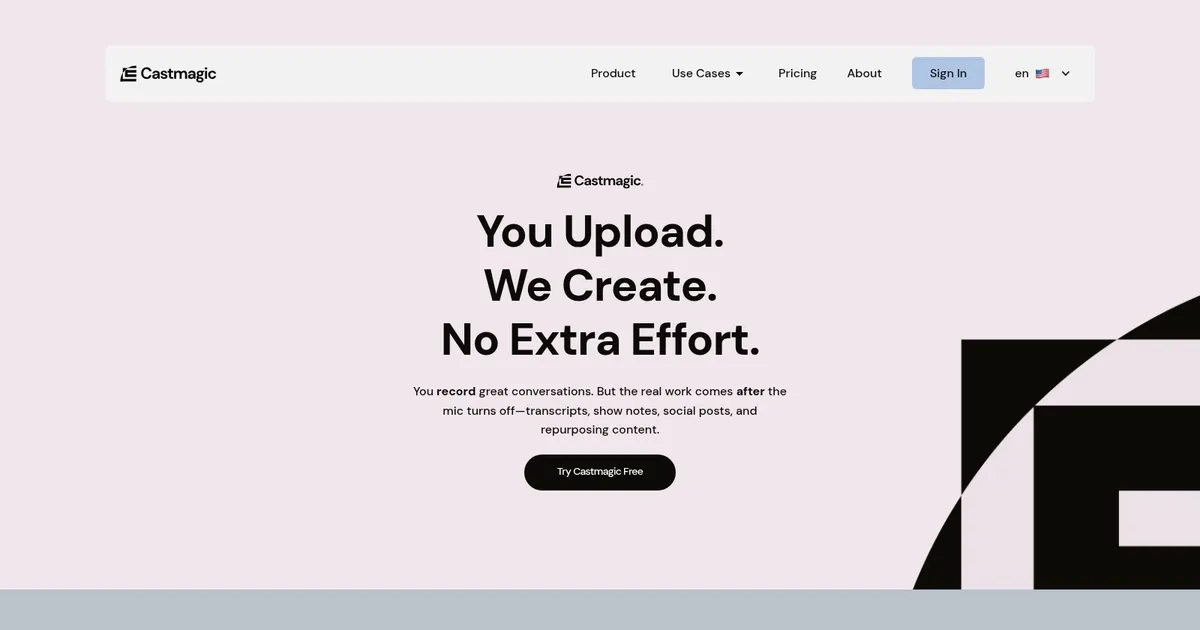
Castmagic - screenshot

An AI tool that lets you upload your MP3 and download all your ready-to-post content

Castmagic

Castmagic presents itself as a dynamic solution to enhance content creation workflows through advanced artificial intelligence. Its primary function is to automate the transformation of audio and video materials into a diverse array of content assets.

Users can upload their audio and video files, or import links from platforms like YouTube and Vimeo, allowing Castmagic to rapidly transcribe these materials. Leveraging some fancy AI tech, the tool then generates high-quality, context-sensitive draft content — such as blog posts, email newsletters, transcripts, social media posts, and more.

Furthermore, Castmagic further streamlines content production by enabling the conversion of a single media file into multiple content assets, thereby significantly reducing the manual workload associated with editing and copywriting processes. This feature positions the tool as an invaluable resource for professionals and creators who prioritize efficiency and the scalability of content generation.

With its promise to manage less and create more, Castmagic assures users of its capability to facilitate business growth through an enhanced content strategy.

Castmagic Homepage
Categories Writing & Editing

What are the key features? ⭐

  • Accurate Transcription: Delivers reliable transcripts with speaker separation and editable text.
  • Multi-Asset Repurposing: Generates show notes, articles, social posts, newsletters, and more from one file.
  • Semantic Search & Tagging: Auto-tags content by topic/speaker and enables searchable clips across library.
  • Brand Voice Training: Customizes output tone to match your style using editable templates.
  • Team Collaboration Tools: Includes permissions, folders, commenting, tasks, and approval flows for agencies.

Who is it for? 🤔

Castmagic helps podcasters, content creators, marketing agencies, coaches, consultants, and internal media teams who produce regular audio or video content and want to maximize reach without spending hours on post-production.

Examples of what you can use it for 💭

  • Podcaster: Uploads episodes to generate show notes, timestamps, social posts, newsletters, and blog articles automatically.
  • Marketing Agency: Processes client Zoom calls or videos to create LinkedIn carousels, email sequences, and lead magnets quickly.
  • Coach/Consultant: Turns coaching sessions into quotes, highlights, tweet threads, and follow-up emails for client nurturing.
  • YouTube Creator: Inputs videos to produce descriptions, chapters, social clips, and repurposed long-form blog content.
  • Content Team: Uses semantic search and campaign builder to organize and plan multi-platform assets from existing library.

Pros & Cons ⚖️

  • Saves significant time on repurposing
  • High variety of ready-to-use assets
  • Strong transcription accuracy
  • Team-friendly collaboration features
  • Requires some template tweaking initially
  • May need edits for niche topics

FAQs 💬

What types of files can I upload to Castmagic?
You can upload audio files, video files, Zoom cloud recordings, YouTube links, or RSS feeds from podcasts.
Does Castmagic support speaker identification in transcripts?
Yes, it automatically separates speakers in most cases and allows manual edits if needed.
Can I customize the tone of the generated content?
Yes, use brand voice training and editable templates to match your style across outputs.
Is there team collaboration support?
Yes, features include user permissions, folders, commenting, tasks, and approval workflows.
How does pricing generally work?
It uses tiered subscriptions based on minutes processed and features, scaling from starter to enterprise levels.
What are the main competitors to Castmagic?
Tools like Descript focus more on editing while Otter.ai emphasizes real-time transcription; Castmagic stands out for broad repurposing.
Can I search old content easily?
Yes, semantic search and auto-tagging make topics, speakers, or clips discoverable across your library.
Does it generate social media content?
Yes, including LinkedIn posts, carousels, tweet threads, and quotes tailored for platforms.
Visit Castmagic

Related tools ↙️

  1. CopyMonkey CopyMonkey Generates keyword-optimized Amazon listings in seconds
  2. Kua.ai Kua.ai Generates SEO-optimized listings, blogs, and posts for multiple e-commerce channels
  3. Just Think Just Think Generates AI content including chat responses, speech audio, artistic images, and animated videos
  4. Typeset Typeset Automates design and writing for ebooks, presentations, and social graphics quickly
  5. Copyrocket Copyrocket Generates AI-driven content, images, voices, code, and more for creative and marketing tasks
  6. BlogSEO AI BlogSEO AI Generates SEO-optimized blog content automatically in multiple languages
Last update: March 9, 2026
Share
Promote Castmagic
light badge
Copy Embed Code
dark badge
Copy Embed Code
neutral badge
Copy Embed Code
About Us | Contact Us | Suggest an AI Tool | Privacy Policy | Terms of Service

Copyright © 2026 Best AI Tools
415 Mission Street, 37th Floor, San Francisco, CA 94105