logo-darklogo-darklogo-darklogo-dark
  • Tool Categories
    • 🎨Art & Creative Design505
    • 🏢Business Management644
    • 💻Coding & Development515
    • 👮Detection83
    • 🧠General Use727
    • 🏥Health & Wellness55
    • 📷Image & Photo Analysis100
    • 🖼️Image Generation & Editing618
    • 📐Interior & Architectural Design37
    • 🎓Learning & Education483
    • ⚖️Legal & Finance90
    • 🎭Lifestyle & Entertainment236
    • 📢Marketing & Advertising627
    • 🎧Music & Audio138
    • 👔Office & Workplace1,014
    • 🔬Research & Data Analysis372
    • 👥Social Media245
    • 🎥Video Generation & Editing426
    • 👧🏻Virtual Companion135
    • 🎤Voice Generation & Editing381
    • ✍️Writing & Editing808
    • All Categories
    • AI Use Cases
  • News
  • Events
    • Academic Conferences
    • Developer Conferences
    • Expos / Trade Shows
    • Industry Summits
    • Workshops / Training
    • All Events
    • Past Events
  • Saved Tools
  • Suggest a Tool
✕
Home › Office & Workplace › Excel› Ajelix
Ajelix

Ajelix

Transforms data inputs into ready-to-use spreadsheets, scripts, dashboards, and apps

Ajelix is an agentic AI chat platform that turns data uploads into complete, ready-to-use business outputs through simple conversation.

It handles spreadsheets, PDFs, CSVs, and more, generating formulas, VBA or Google Apps Scripts, cleaned tables, interactive dashboards, branded presentations, and even no-code web apps. The system maintains context across chats so users avoid repeating uploads or instructions.

Key strengths include the Excel-focused tools: formula generation and explanation, code debugging and optimization, template creation, and data cleansing from messy sources. Beyond spreadsheets, it produces leadership-ready reports and shareable prototypes without manual setup.

Compared to similar tools, Ajelix emphasizes execution over advice. Numerous.ai and GPTExcel focus mainly on formulas inside Excel, while Ajelix delivers full assets like dashboards or apps. It offers broader workflow coverage than basic add-ins, though it lacks the deep native integration of Microsoft Copilot in Excel.

Pricing follows a freemium approach. A free plan allows limited daily use, with paid tiers providing access to stronger models, larger files, and advanced execution like CPU/RAM for complex tasks. Many reviews note it delivers strong value for the scope, especially against more expensive BI alternatives.

Feedback from users highlights practical wins: quick project completion, reliable outputs for non-coders, and noticeable time savings on repetitive data work. Some mention an initial learning curve due to feature density, but satisfaction remains high overall.

The platform suits anyone who deals with data but lacks time or coding skills to process it fully. Start with a free account, upload a typical file, and request a specific output like a cleaned report or formula fix to gauge fit. Adjust prompts based on results, save useful assets, and build from there for consistent gains.

Visit Ajelix ↗
Categories
👔 Work
📗 Excel 📋 Spreadsheet ⚡ Work Productivity 📈 Charting
🔬 Research
📊 Data Analytics
💻 Coding
⌨️ Code Generation

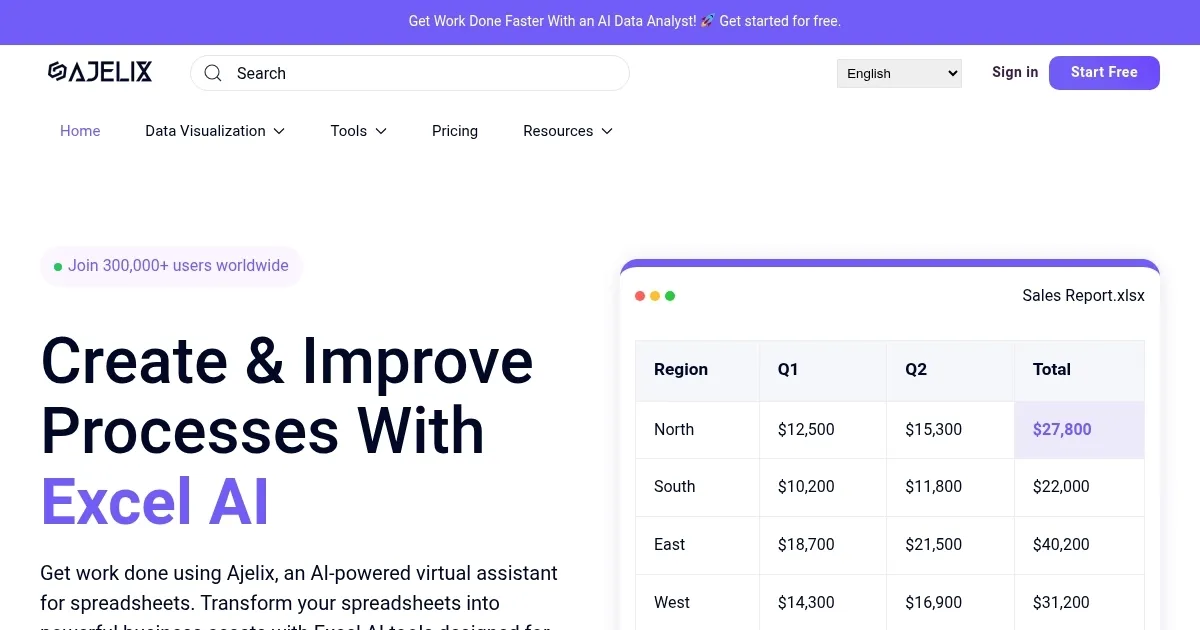
Homepage Screenshot 📸

Ajelix screenshot

Video Overview 🎬

Ajelix - Video Overview

What are the key features? ✨

  • Agentic AI Chat: Conversational interface that autonomously executes tasks and delivers complete assets like files, scripts, or dashboards from data inputs.
  • Persistent Workspace: Upload files once (up to 1GB) for reuse across sessions without re-uploading, maintaining full context.
  • Excel & Sheets AI Tools: Generate, explain, optimize, and debug formulas, VBA, and Google Apps Scripts with accurate, ready-to-use code.
  • AI Dashboards & Presentations: Automatically create interactive reports and branded slide decks from uploaded data, no manual formatting required.
  • AI Apps Builder: Describe a needed web tool to generate shareable, no-code prototypes instantly.

Who is it for? 🤔

Ajelix helps business managers, founders, finance teams, marketers, and operations professionals who regularly handle data in spreadsheets but lack time, coding skills, or analyst support to turn raw numbers into polished reports, automated scripts, or actionable insights. Its especially useful for non-technical users needing fast, reliable outputs without debugging or reformatting.

Examples of what you can use it for 💡

  • Finance manager: Upload monthly reports and request cleaned KPIs, automated forecasts, or ready VBA scripts to streamline closing processes.
  • Marketing lead: Feed campaign data from multiple sources into the chat to generate performance dashboards or branded presentations for stakeholder meetings.
  • Startup founder: Describe a simple internal tool like a KPI tracker to receive a shareable web app without hiring developers.
  • Operations coordinator: Clean messy PDF invoices or CSVs automatically, then ask for summarized tables and trend charts.
  • Sales director: Reuse saved prompts and assets monthly with fresh data to produce updated revenue reports or commission calculators quickly.

Pros & Cons ⚖️

  • Saves hours on manual tasks
  • Delivers ready-to-use assets
  • Persistent file memory
  • Strong Excel/script support
  • Feature-rich interface overwhelming
  • Occasional follow-up tweaks needed

FAQs 💬

What does Ajelix actually do?
Ajelix is an AI chat that takes your data files and requests, then builds complete outputs like formulas, scripts, dashboards, presentations, or apps you can use right away.
Is there a free version of Ajelix?
Yes, a free plan exists with limited daily messages and basic features so you can test core tools without paying.
Does Ajelix work directly inside Excel?
It offers an Excel add-in for formula generation and explanation, plus web-based tools that produce files or code you copy into Excel or Google Sheets.
Can Ajelix handle Google Sheets too?
Yes, it supports Google Sheets formulas, Google Apps Script generation, explanation, optimization, and debugging.
What file types can I upload?
You can upload spreadsheets, CSVs, PDFs, images, and more, with up to 1GB per file in paid plans for persistent use.
How does Ajelix compare to Microsoft Copilot in Excel?
Ajelix focuses on broader deliverables like full dashboards or apps and works across tools, while Copilot integrates natively but stays more within Excel conversations.
Is my data secure with Ajelix?
Data isnt used to train models, the platform follows GDPR, and it maintains enterprise-grade security standards.
Who typically uses Ajelix?
Managers, founders, finance/marketing/ops teams, and professionals who need data results fast without coding or deep analytics skills.

Ready to try Ajelix?

Transforms data inputs into ready-to-use spreadsheets, scripts, dashboards, and apps

Visit Ajelix ↗

Ajelix alternatives 🔗

  1. Julius Julius An advanced AI tool designed to simplify data analysis and visualization
  2. Bricks Bricks An AI-powered spreadsheet platform for data analysis, reporting, and visualization tasks
  3. Rows Rows Build better spreadsheets faster with your personal data analyst
  4. Coefficient AI Coefficient AI Supercharge your spreadsheets with GPT-powered AI tools for connecting data
  5. GPTExcel GPTExcel AI spreadsheet tool that generates and explains Excel formulas
  6. formula bot formula bot Revolutionize your analytics workflow, from data prep to analysis with AI
Share
Ajelix screenshot enlarged
Promote Ajelix
light badge
Copy Embed Code
dark badge
Copy Embed Code
neutral badge
Copy Embed Code
Best AI Tools

Discover the best AI tools for any use case

Explore
  • Tool Categories
  • AI Use Cases
  • AI Events
  • AI News
  • Saved Tools
Company
  • About Us
  • Contact Us
  • Media & Partnerships
  • Suggest a Tool
Legal
  • Privacy Policy
  • Terms of Service
Copyright © 2026 Best AI Tools 415 Mission Street, 37th Floor, San Francisco, CA 94105