Skip to content
logo-darklogo-darklogo-darklogo-dark
  • Tool Categories
    • 🎨Art & Creative Design505
    • 🏢Business Management644
    • 💻Coding & Development514
    • 👮Detection83
    • 🧠General Use728
    • 🏥Health & Wellness55
    • 📷Image & Photo Analysis100
    • 🖼️Image Generation & Editing618
    • 📐Interior & Architectural Design37
    • 🎓Learning & Education483
    • ⚖️Legal & Finance90
    • 🎭Lifestyle & Entertainment236
    • 📢Marketing & Advertising627
    • 🎧Music & Audio138
    • 👔Office & Workplace1,014
    • 🔬Research & Data Analysis373
    • 👥Social Media245
    • 🎥Video Generation & Editing426
    • 👧🏻Virtual Companion135
    • 🎤Voice Generation & Editing381
    • ✍️Writing & Editing808
    • All Categories
    • AI Use Cases
  • News
  • Events
    • Academic Conferences
    • Developer Conferences
    • Expos / Trade Shows
    • Industry Summits
    • Workshops / Training
    • All Events
    • Past Events
  • Saved Tools
  • Suggest a Tool
    ✕
    Home › Office & Workplace › Excel› formula bot
    formula bot

    formula bot

    Revolutionize your analytics workflow, from data prep to analysis with AI

    formula bot is designed to transform plain text into various code formats and perform data analysis automatically, providing a wide array of functionalities catered to both novice and expert users. It includes an Excel Formula Generator that interprets plain English (or Spanish) instructions into ready-to-use Excel formulas, alongside utilities for generating SQL queries, VBA scripts, Google Apps Scripts, and regex expressions.

    Furthermore, it offers a Spreadsheet Generator that can convert PDFs and images into spreadsheet formats, enhancing productivity and efficiency in data management tasks.

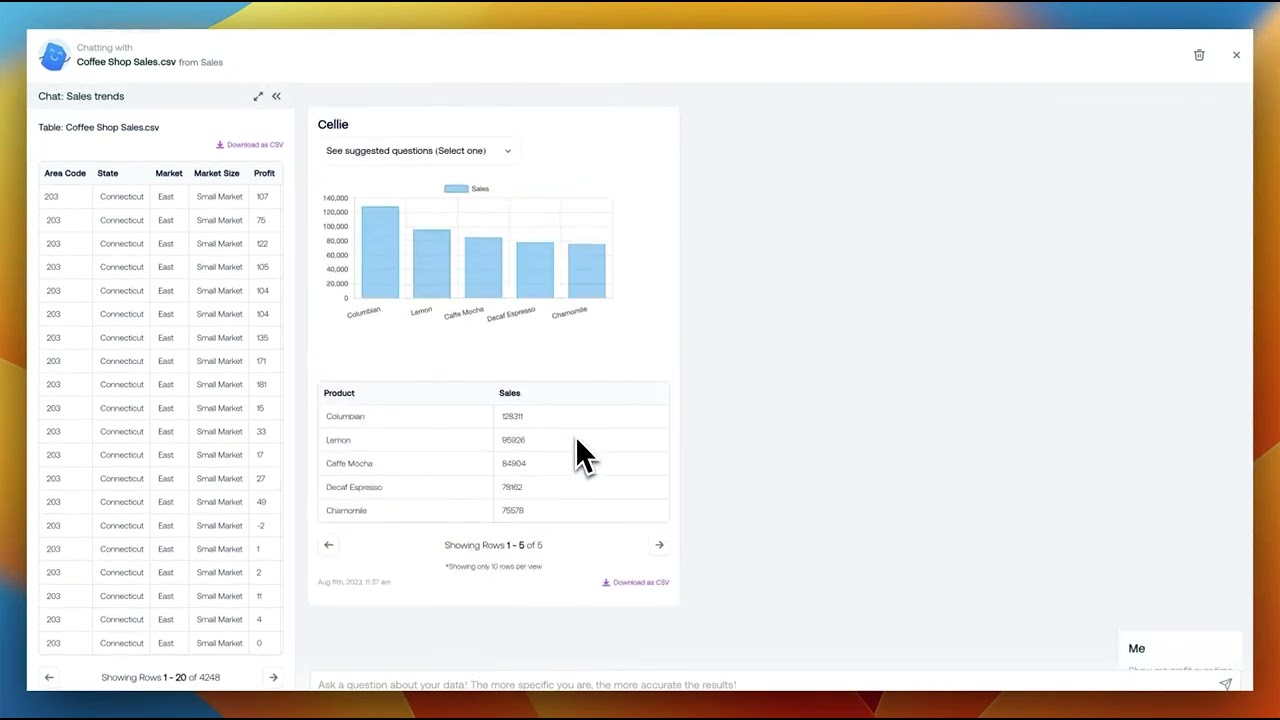
    In addition, formula bot offers advanced data analysis capabilities through conversational AI. Users can upload their data and ask questions to receive AI-powered insights, charts, tables, and more — making it easier to understand complex datasets without needing to write any code.

    It supports sentiment analysis, text classification, and the ability to generate a wide range of content, from blog posts to custom code. Promoted as a game-changer in Excel and data analysis work, formula bot makes complex tasks simpler and more accessible for a diverse range of users — including those without technical backgrounds.

    Visit formula bot ↗
    Categories
    👔 Work
    📗 Excel 📋 Spreadsheet ⚡ Work Productivity 💼 Workplace Assistant 📈 Charting
    💻 Coding
    🗃️ SQL ⌨️ Code Generation
    🔬 Research
    📊 Data Analytics

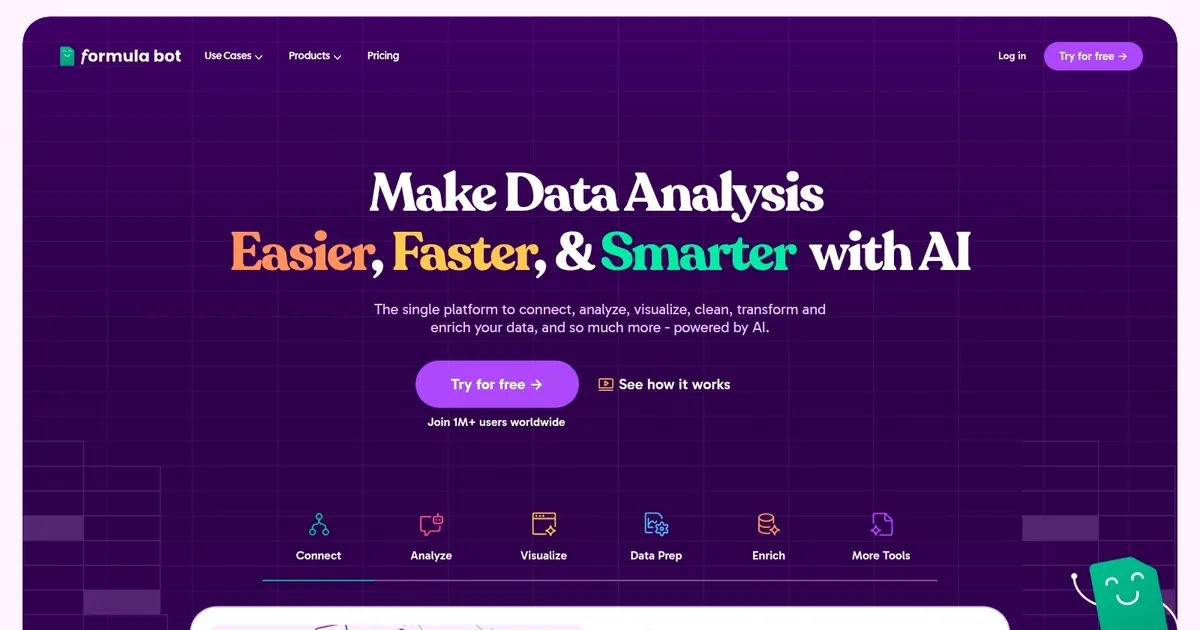
    Homepage Screenshot 📸

    formula bot screenshot

    Video Overview 🎬

    formula bot - Video Overview

    What are the key features? ✨

    • Data Visualization: creates clear charts and graphs from uploaded or connected data to highlight insights quickly
    • Data Manipulation: cleans, reshapes, filters, merges, and reformats datasets using natural language commands
    • Text Analysis: performs sentiment detection, keyword extraction, translation, and information extraction on text data
    • Correlation & Exploratory Analysis: identifies relationships, patterns, trends, and anomalies in datasets
    • Automated Reports: schedules recurring analysis and email delivery of insights with real-time data syncing

    Who is it for? 🤔

    Formula Bot helps data analysts, marketers, business owners, founders, and anyone who works regularly with spreadsheets or data sources but doesn't want to spend hours on formulas, cleaning, or charting. It's especially useful for people who need quick insights without advanced technical skills, teams tracking KPIs or sales metrics, and professionals handling customer feedback or web trends who want fast summaries and visuals.

    Examples of what you can use it for 💡

    • Marketing Analyst: asks for campaign performance breakdowns and gets instant charts showing ROI by channel
    • Small Business Owner: uploads sales data and receives monthly profit summaries plus trend visualizations
    • Data Analyst: connects Google Analytics and queries user behavior patterns with automatic correlation insights
    • Content Manager: runs sentiment analysis on customer reviews to spot positive and negative themes quickly
    • Operations Manager: cleans messy inventory files and generates filtered reports for stock decisions

    Pros & Cons ⚖️

    • Saves hours on formulas and cleaning
    • Handles text and numbers well
    • Strong natural language understanding
    • Secure data handling practices
    • Occasional prompt rephrasing needed
    • Limits hit fast on lower plans

    FAQs 💬

    What kinds of data can Formula Bot analyze?
    It works with Excel files, Google Sheets, Google Analytics, Google Trends, Google Search Console, MySQL, Postgres, MSSQL, and more through uploads or connections.
    Does Formula Bot offer a free plan?
    It focuses on paid plans with credits and messages, but free add-ons exist for basic formula generation in Excel and Google Sheets.
    Is my data safe with Formula Bot?
    Yes, data is encrypted, processed in isolated sandboxes, never used to train AI, and stays private in your workspace.
    Can it create charts and visualizations?
    Absolutely, it generates bar charts, line graphs, pie charts, and other visuals based on your questions.
    How accurate are the formulas and analysis?
    Accuracy is high with clear data and prompts, though complex cases might need slight adjustments or rephrasing.
    Does it support scheduled reports?
    Yes, higher plans allow scheduled Playbooks that run analysis automatically and email results.
    What happens if I reach my message or credit limit?
    You'll need to upgrade to a higher plan for more messages, credits, faster processing, and larger file support.
    Can Formula Bot explain existing formulas?
    Yes, it can break down complex formulas or code into plain English explanations.
    Is there an add-on for Excel or Google Sheets?
    Yes, free and paid add-ons integrate formula generation and analysis directly inside your spreadsheets.
    Who is Formula Bot best suited for?
    It's ideal for analysts, marketers, founders, and business users who want faster data insights without heavy coding.

    Ready to try formula bot?

    Revolutionize your analytics workflow, from data prep to analysis with AI

    Visit formula bot ↗

    formula bot alternatives 🔗

    1. AI Excel Bot AI Excel Bot A fancy tool designed to significantly streamline various spreadsheet tasks
    2. SheetGod SheetGod An AI-powered tool designed to simplify the creation of complex Excel and Google Sheets formulas
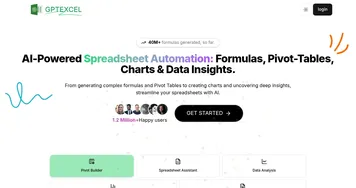
    3. GPTExcel GPTExcel AI spreadsheet tool that generates and explains Excel formulas
    4. Formulas HQ Formulas HQ Write Google Sheets and Excel formulas 10x faster with AI
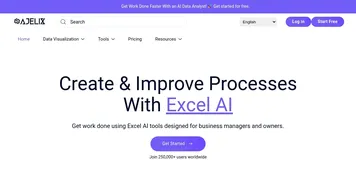
    5. Ajelix Ajelix Transforms data inputs into ready-to-use spreadsheets, scripts, dashboards, and apps
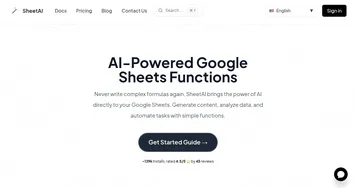
    6. SheetAI SheetAI Automates tasks and generates insights in Google Sheets using AI
    Share
    formula bot screenshot enlarged
    Best AI Tools

    Discover the best AI tools for any use case

    Explore
    • Tool Categories
    • AI Use Cases
    • AI Events
    • AI News
    • Saved Tools
    Company
    • About Us
    • Contact Us
    • Media & Partnerships
    • Suggest a Tool
    Legal
    • Privacy Policy
    • Terms of Service
    Copyright © 2026 Best AI Tools 415 Mission Street, 37th Floor, San Francisco, CA 94105